duf Alternatives
duf is described as 'A disk usage free utility for Linux' and is a disk usage analyzer in the system & hardware category. There are more than 50 alternatives to duf for a variety of platforms, including Windows, Mac, Linux, BSD and Flathub apps. The best duf alternative is WinDirStat, which is both free and Open Source. Other great apps like duf are WizTree, Baobab Disk Usage Analyzer, TreeSize and Filelight.
Alternatives list
Disk Space Finder helps visualize your data to find wasted space. It shows you a graphical diagram of what is takeing up your space.

Help you to view at a glance all the folders, files inside them and the space occupied by them on your system

Disk Space Visualizer digs for a free disk space. This freeware program was created to simplify "garbage collection" procedures. In a typical usage the hard drive space is slowly filled up by the useless data. This may include temporary files, rarely used software, and.


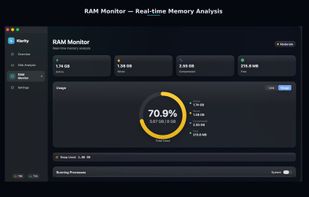
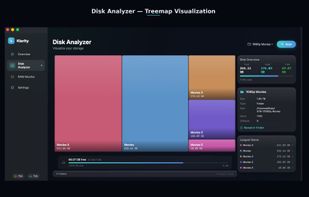
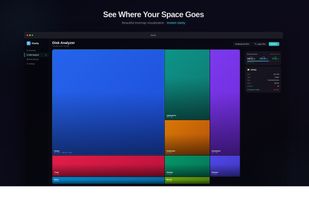
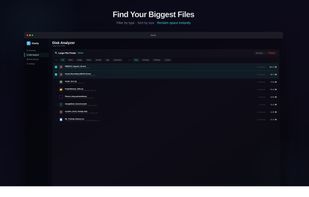
DissectMac is a native, privacy-first macOS utility that uses an interactive treemap to visualize storage, allowing users to reclaim gigabytes in seconds through deep app uninstallation and real-time system monitoring.


+1
- 63 Disk Usage Analyzer alternatives
Disk Usage Analyzer - a free program to analyze disk space of the computer. It helps you to quickly and easily determine the size of folders on your computer, as well as the number of files they contain.

The most powerful disk space sizing and analysis utility there is! Answering the Who/What/Where/When of your Disk Space.


Total Directory Report - is a professional application designed to allow you viewing your folders, disks or FTP servers as a set of analytical reports or detailed ordered lists in HTML, CSV or PDF formats.
Cost / License
- Paid
- Proprietary
Application types
Platforms
- Windows

Disk Recon is a disk space utility that reveals all the crucial information that you need to find out where all your disk space has gone and how you can recover it.


+2
O&O DiskStat is a high-power tool for analyzing the used disk space on your storage volumes. With an easy-to-use interface based on the design of the Windows Explorer, you can take a closer look at the file and folder structure of your internal and external drives.