
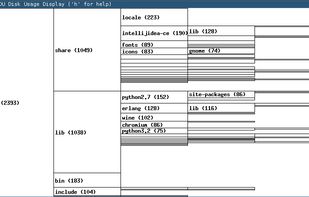
Disk usage or other tree data display program. Typical usage: du -xm / | xdu -n
Cost / License
- Free
- Open Source
Application type
Platforms
- Linux
- BSD

X


Apps similar to Duc include WinDirStat, which is free and open source. Other options are WizTree, SD Maid SE, Baobab Disk Usage Analyzer and Filelight. Disk Usage Analyzers like Duc are a crowded field, with more than 50 alternatives for Windows, Mac, Linux, Android and the web.
Disk usage or other tree data display program. Typical usage: du -xm / | xdu -n

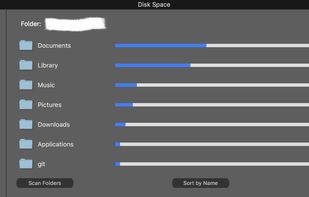



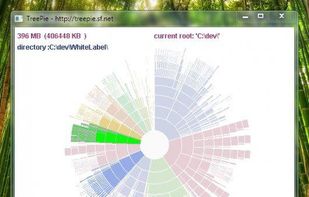
TreePie : a simple way to display disk usage. It shows the distribution of size in a tree of directories by using an interactive multilevel pie (sunburst diagram). Really small and simple.


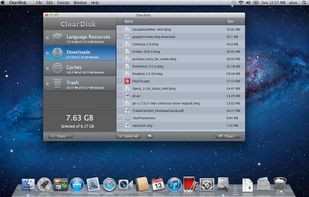
ClearDisk is a Mac OS X utility designed to clean the hard disk of unnecessary files which clog up the disk space. The goal of ClearDisk is just to find unused files on your computer and remove them. ClearDisk saves your time by cleaning your disk in a fast and intuitive manner.
 Ukraine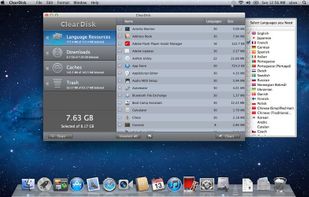


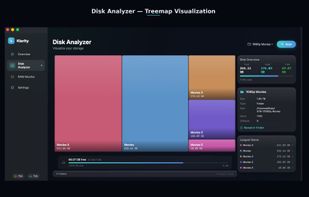
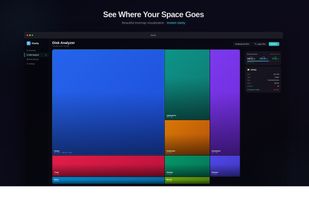
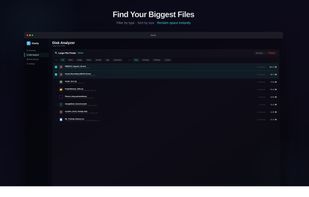
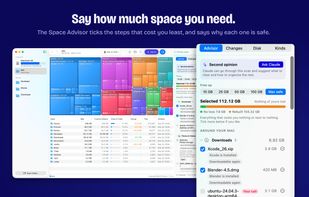
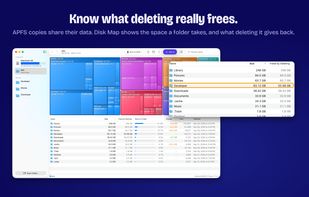
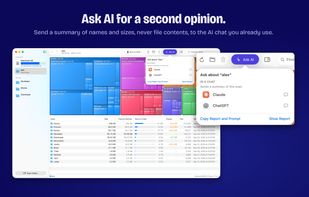
Klarity is a disk space analyzer for macOS that shows where your storage went as a treemap: every file and folder is a rectangle sized to scale, so the biggest items are visible at a glance instead of being found one folder at a time.
 India
India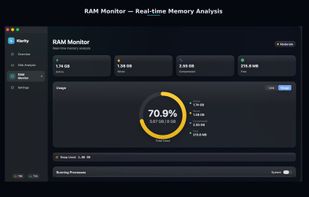

 Canada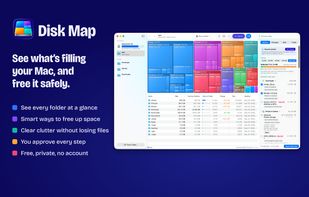


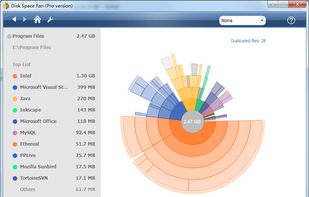
Disk Space Fan Pro is a is not only a duplicate file finder, but also a powerful disk space analysis tool for Windows. It helps you to free up disk space by quickly finding and deleting big, useless files.


"DiskMapper is a remarkable utility that frees up megabytes and megabytes of hard disk space - quickly and easily by showing you a useful, graphical, color-coded map of your hard disk. DiskMapper lets you quickly delete or compress programs and files you dont need or rarely...
 United States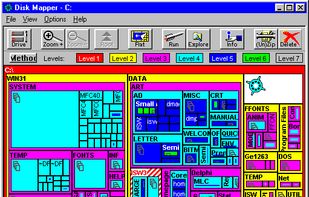


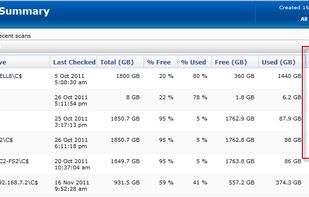
PA Storage Monitor shows what you are storing and supports your storage manager tasks. Many rich file reports, including file owner information available.
United States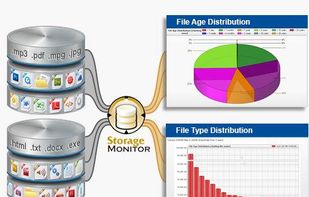


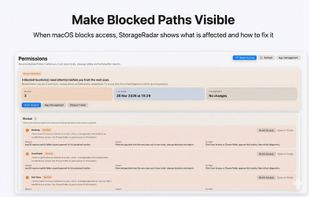
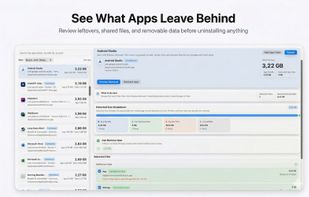
StorageRadar maps your disk, shows blocked paths instead of hiding them, lets you dry-run cleanup, and compares what changed over time. Scan data stays local, while analytics and diagnostics remain separately controllable in settings.
 Thailand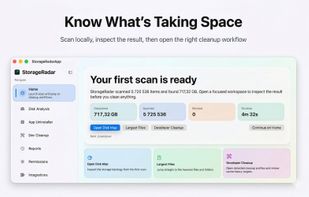
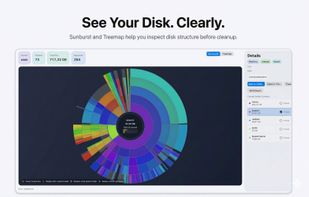


Help you to view at a glance all the folders, files inside them and the space occupied by them on your system
 China
China


