Dropshelf is a place to put things. Drag anything to the edge of the screen, and a shelf slides out. Drop files, text clippings and links — whatever you want to keep handy.
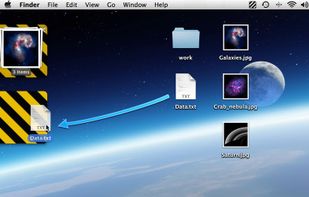

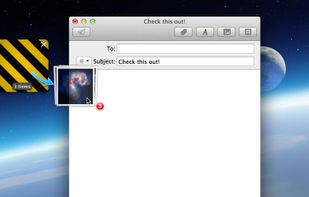

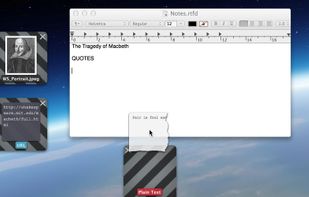


Dropshelf is a place to put things. Drag anything to the edge of the screen, and a shelf slides out. Drop files, text clippings and links — whatever you want to keep handy.
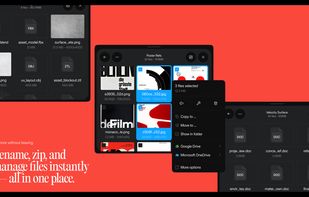
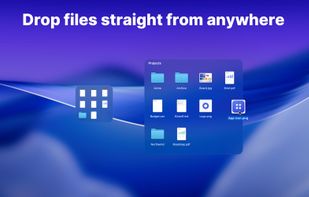
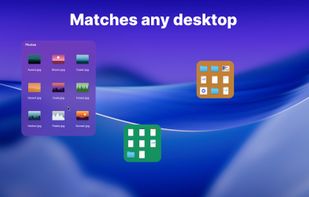
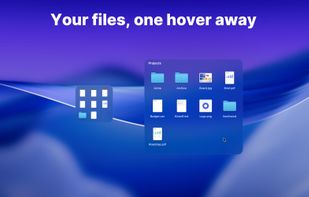
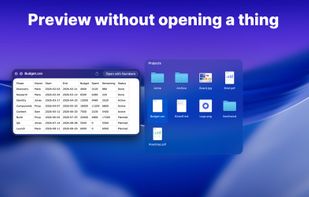
Keeps real Finder folders on your Mac desktop as compact tiles that expand on hover into a full file grid. Drag and drop, Quick Look and multi-display support, with Finder still the source of truth. One-time purchase, 14-day trial, no account.
 Ukraine

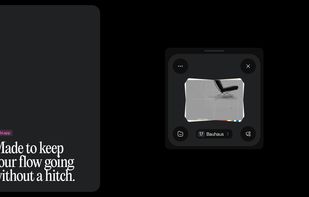
FlowShelf a free Mac app that turns your notch into a Dynamic Island and gives everything you copy, drop, or screenshot a temporary home.
 Australia
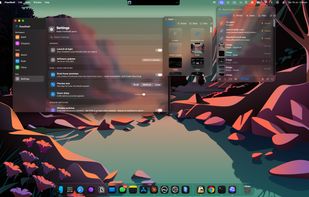
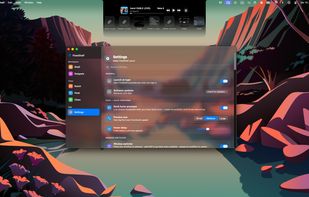
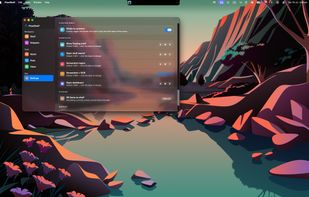

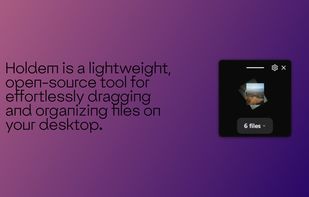
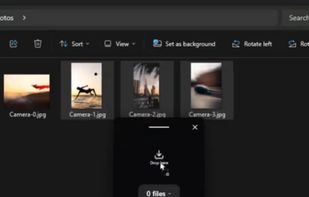
Holdem is a lightweight, open-source tool for effortlessly dragging and organizing files on your desktop. Inspired by Dropover and built with Tauri, Holdem lets you collect and drop files in a temporary holding area — no clutter, no hassle.

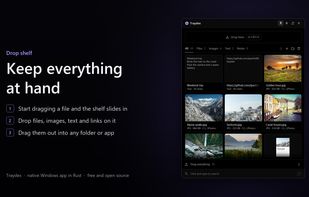
Traydex is a drop shelf for Windows that opens as soon as you start dragging something. Drop files, folders, images, text or links on it to keep them for later, then drag them out into any folder or app, one by one or all at once.
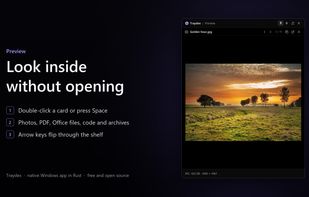
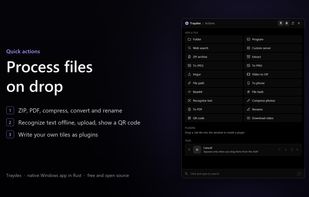



An edge-docked workspace keeps copied text, links, images, colors, code and files ready to drag into other apps. It organizes items with groups, tags, pins and search, and also captures screenshots, screen recordings and voice memos with on-device transcripts.
Australia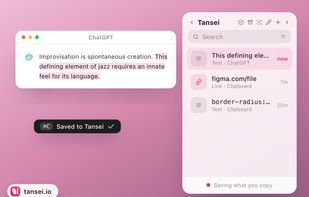
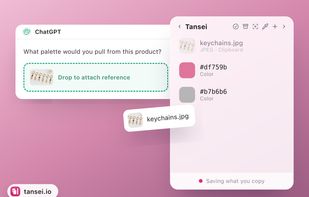
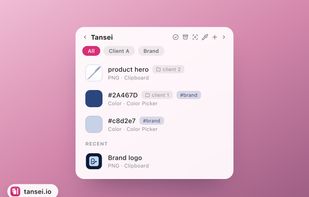
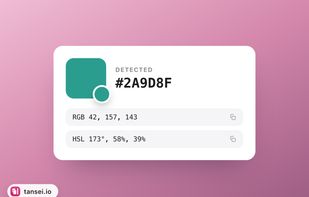


Windows workspace for temporarily holding reference images, exports, client assets, and screenshots. Organize them in named, color-coded folders, then drag them into creative apps, upload forms, messages, email, or cloud storage; pin it anywhere when needed.
 Spain
 EU