Electronic Signature Service for Your Business. Sign and send documents for signing online.
Cost / License
- Freemium
- Proprietary
Application typeApplication types
 Russia
Platforms
- Online


Sites and apps similar to Docs.Zone include PDF-XChange Editor, which has a free version. Other options are PDF24 Creator, Adobe Acrobat DC, Master PDF Editor and PDF24 Tools. There's no shortage of PDF Editors like Docs.Zone, with more than 100 alternatives for Windows, Mac, iPhone, iPad and Android.
Electronic Signature Service for Your Business. Sign and send documents for signing online.

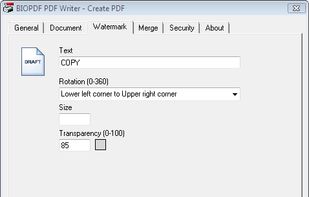
[The demo version adds a watermark to every page when you save the file.]
Edit PDF files now! How do you change existing PDF files? You dont know how? It is easy to edit existing PDF files with PDF Editor! You can add text in any font you want or change existing text to correct.
 Germany
 EU
EU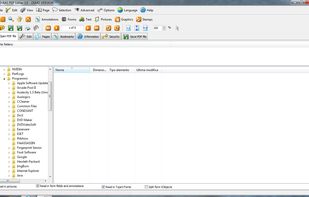


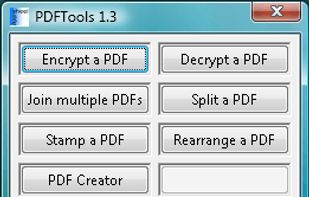
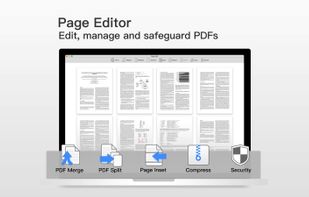
PDFTools is a PDF management application. It can encrypt, decrypt, join, split, stamp, create and rearrange a PDF file.


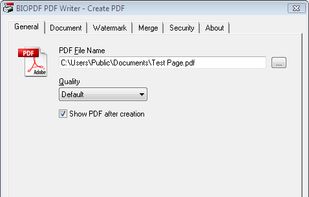
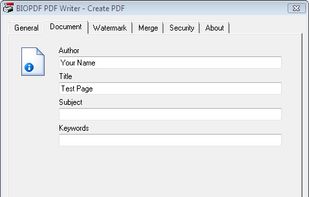
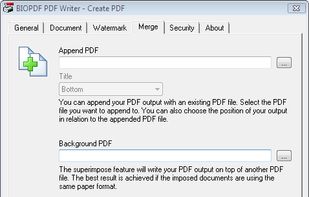
For admins, bioPDF is simple and flexible to adapt and deploy, with support for unattended setup scripts, Citrix Metaframe, and more. End-users find the PDF writer fast and intuitive to use, emboldened by the fact that the interface is localized into multiple languages.


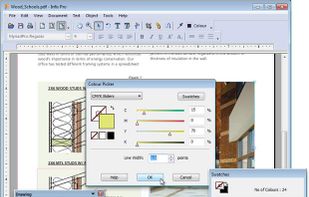
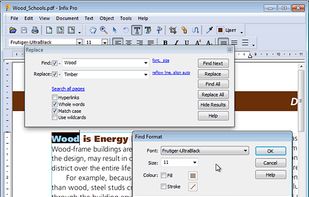
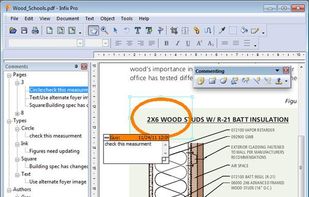
Infix PDF editor lets you open, edit and save PDF files. It’s easy and quick – you can change text, fonts, images and more. And, unlike other PDF editors, it works like normal word processing software, so it’s really easy to use.


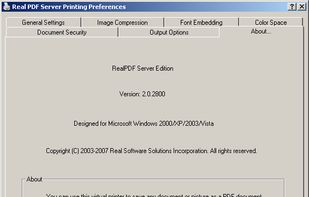
Create professional quality PDF files from virtually any printable document.


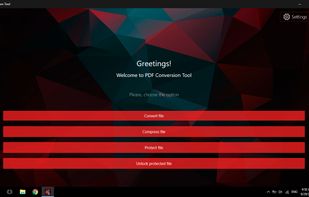
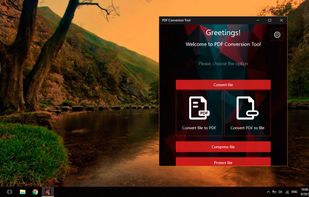
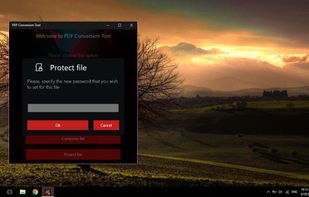
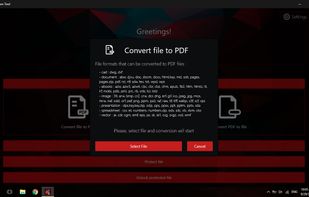
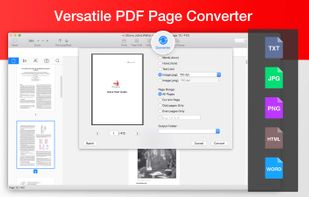
PDF Conversion Tool allows you to easily and quickly convert almost any file into PDF format and back. Easily converts PDF file to Microsoft Word format (doc, docx) and to almost any images format (png, jpg, gif, etc.).


PDF Converter Elite is a software package for Windows that lets users convert their PDF documents into Word, Excel, PowerPoint and also create, manage and edit PDFs anytime.
 Canada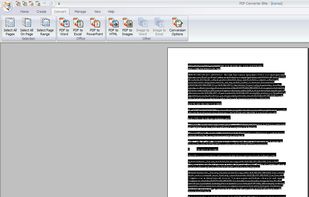


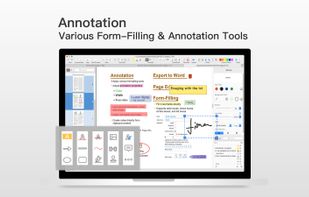
PDF Professional is a feature-rich PDF solution for reading, annotating, form-filling, editing, signing, converting PDFs on your Mac, iPhone and iPad.
 United States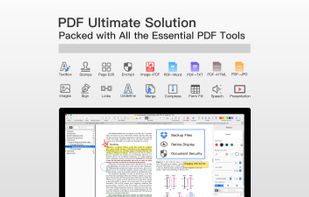


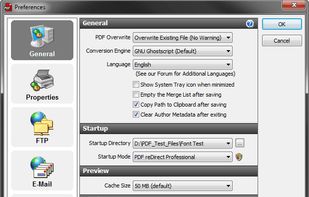
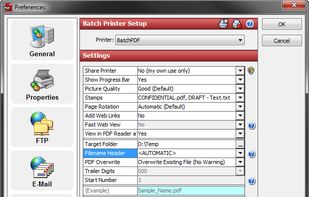
PDF reDirect is the full-featured alternative to PDF995 and CutePDF.
Features
Create Standard PDF Files
Create universal, standard, reliable and secure PDF files, recognized by industries and governments around the world. Perfect for sharing information with others.
Easy t.
United States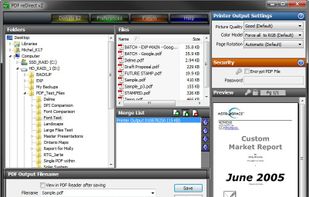


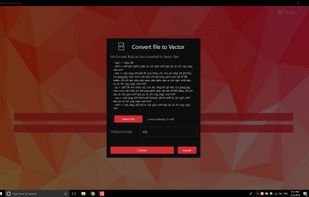
💥 Easily converts SVG, AI, CDR, PS, WMF, and other vector files to PNG, PDF, PS, EPS, and back.


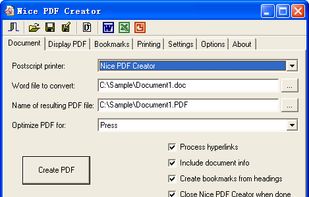
Nice PDF Creator allows you to create PDF documents just by clicking a button from within Microsoft Word, Excel, and PowerPoint on all versions of Microsoft Windows.