Cost / License
- Free
- Open Source
Application type
Platforms
- Linux
- KDE



+1


Divvy has been discontinued. Similar apps include Rectangle, which is open source with a free version. Other options are DisplayFusion, AquaSnap, Loop - Window Management and SnapZones. Window Managers like Divvy are a crowded field, with more than 100 alternatives for Mac, Windows, Linux and Android.

 Bulgaria
 EU
EU
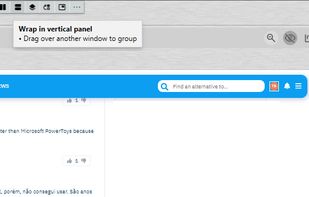


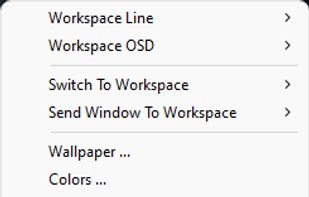
Every window where it belongs. AI analyzes your open windows and organizes them into project-focused stages automatically. Then switch your entire multi-monitor setup between them instantly — no animations, no lag.
 United States


GridMove - A window management tool that can quickly arrange your windows into desktop grids.
 Brazil


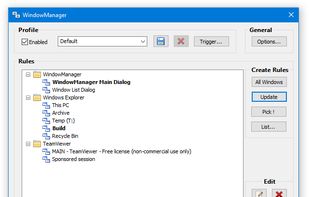
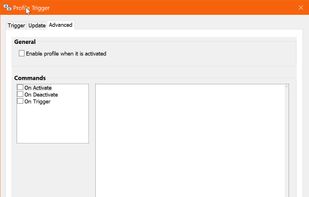
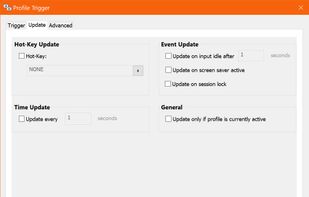
WindowManager helps you to improve your work flow by remembering and restoring the position and size of your programs and windows.
 AustriaEU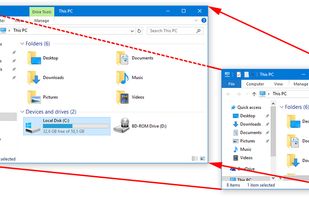


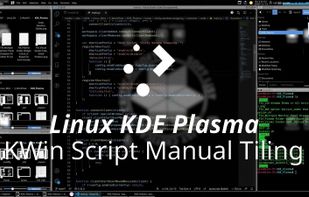
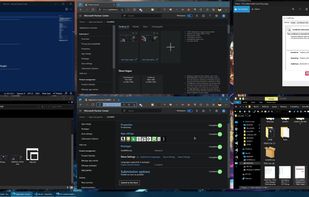
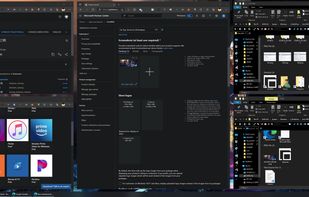
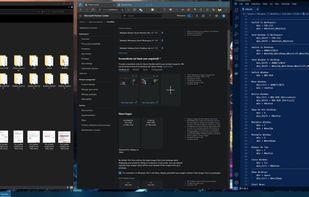
Stack Window Manager With Manual Grid Tiling Layout Extended Desktop Area Left Hand Keyboard + Right Hand Mouse.


 Ukraine


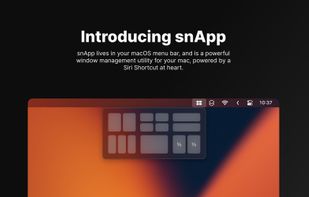
snApp is a powerful window management utility, built for the Mac. At its core, it is powered by the award-winning Siri Shortcut, Snap.
 United Kingdom


Access all native macOS window tiling commands in one place — the Tiling Panel. Customize keyboard shortcuts and use them on any keyboard, even third-party ones.
 PolandEU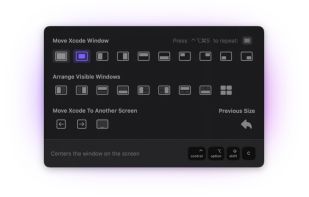


A native macOS menu bar app that provides quick window tiling with keyboard shortcuts and visual grid overlay. Just press QWE, ASD to tile your windows instantly. DRM-free, one-time purchase for all your Macs.
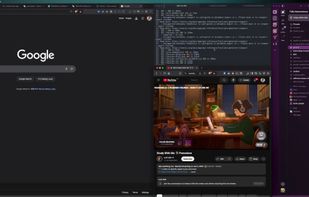
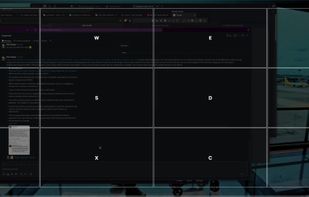

Handle windows, from the comfort of your home row.
Using AppGrid is dead simple. Just use the global hot keys to move and resize your windows. The windows will automatically fit themselves to a simple but flexible grid.
The default global hot keys are designed to be comfortable.
United Kingdom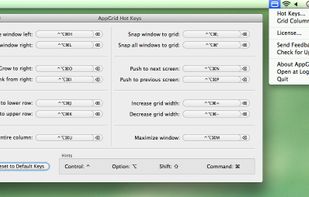

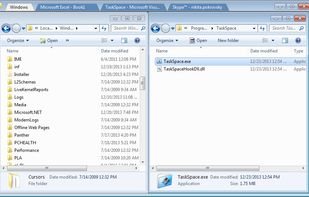
TaskSpace is a simple Windows application intended to group ANY applications in a single window(task space) to provide fast and easy access to multiple applications simultaneously(no Alt+Tab switching and/or searching for a program in the taskbar is required).
United States