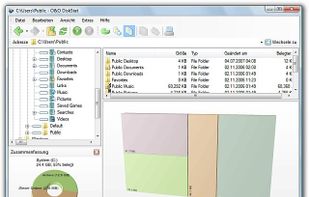
The most powerful disk space sizing and analysis utility there is! Answering the Who/What/Where/When of your Disk Space.


Disk Usage Analyzer is described as '- a free program to analyze disk space of the computer. It helps you to quickly and easily determine the size of folders on your computer, as well as the number of files they contain' and is a disk usage analyzer in the system & hardware category. There are more than 50 alternatives to Disk Usage Analyzer for a variety of platforms, including Windows, Mac, Linux, BSD and KDE Plasma apps. The best Disk Usage Analyzer alternative is WinDirStat, which is both free and Open Source. Other great apps like Disk Usage Analyzer are WizTree, Baobab Disk Usage Analyzer, Filelight and TreeSize.
The most powerful disk space sizing and analysis utility there is! Answering the Who/What/Where/When of your Disk Space.


Helps you figure out where all that hard drive space has gone on your computer. Visually displays the size of each folder in the form of a bar graph.

Disk Space Finder helps visualize your data to find wasted space. It shows you a graphical diagram of what is takeing up your space.

Disk Space Visualizer digs for a free disk space. This freeware program was created to simplify "garbage collection" procedures. In a typical usage the hard drive space is slowly filled up by the useless data. This may include temporary files, rarely used software, and.

StorageRadar maps your disk, shows blocked paths instead of hiding them, lets you dry-run cleanup, and compares what changed over time. Scan data stays local, while analytics and diagnostics remain separately controllable in settings.