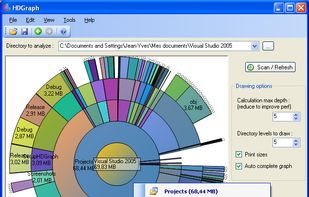
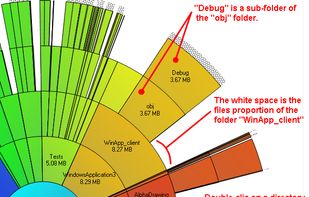
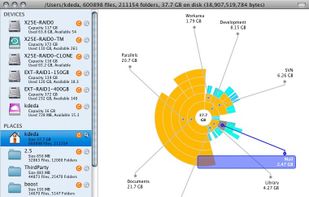
HDGraph helps you to free disk space : it finds for you the largest folders on your drive.
Platforms
- Windows



Apps similar to Disk Space Analyzer include WinDirStat, which is free and open source. Other options are WizTree, Baobab Disk Usage Analyzer, Filelight and TreeSize. Disk Usage Analyzers like Disk Space Analyzer are a crowded field, with more than 50 alternatives for Windows, Mac, Linux, the web and Android.
HDGraph helps you to free disk space : it finds for you the largest folders on your drive.

Visual disk usage analyzer for Mac featuring byte-level duplicate file detection, detailed storage statistics, customizable folder scans, temporary file removal, undo safeguards, selective cleanup, support for large files, and dedicated modules for managing storage.
 Thailand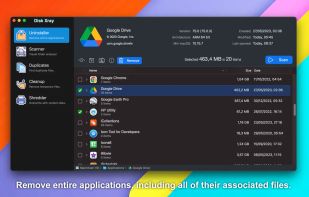
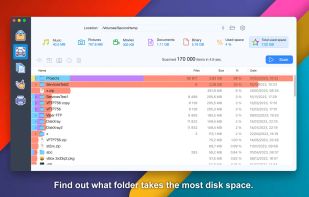
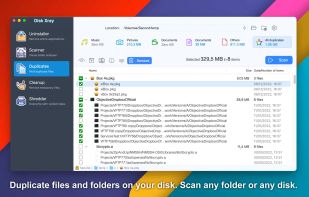
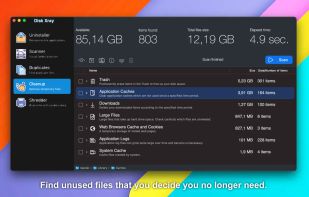


WhatSize is a simple tool that allows the user to quickly measure the size in bytes of a given folder and all subfolders and files within it. You would be surprised at how many useless files might be laying around on your hard disks.
 United States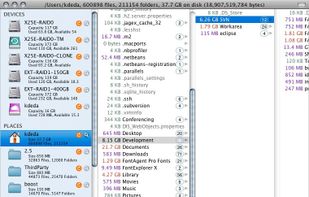
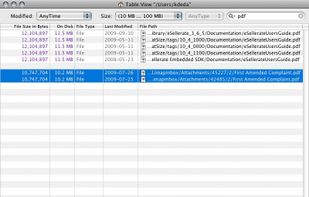


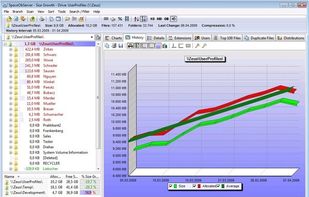
SpaceObServer is a powerful and flexible hard disk space manager for Windows. It scans local and network drives using a background service and stores their structure, sizes and properties in an SQL database. Linux and Unix filesystems can be scanned via SSH (Secure Shell).
 Germany
 EU
EU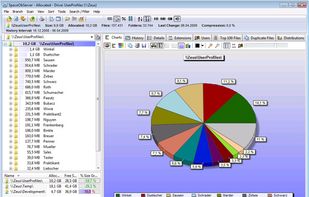



GetFoldersize allows you to determine the size of folders and sub-folders on your hard drive. Determine which programs are taking up your hard disk space. For each folder, you can display the total file size and the number of files and subfolders in the folder.
GermanyEU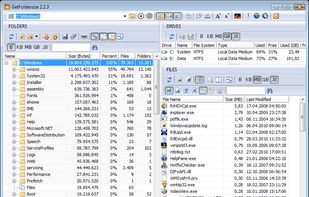


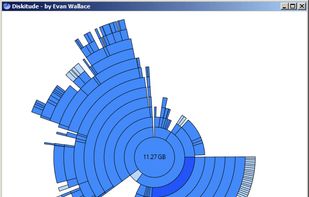
Diskitude helps you figure out what is taking up space on your hard drive using a ring chart. Its intuitive and animated interface allows you to easily explore your file system and prune your files. Plus its super small (only 10 KB) so it loads really fast and wont take up any...



UtilStudio Disk Space Finder is a simple tool that you can use to find the files that occupy the most space on your computer. The application can scan any folder and display the file size, while also enabling you to preview the selected files.
 SlovakiaEU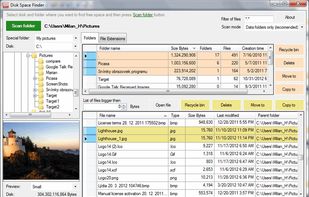


"TDP x-Ray is a visual tool intended for disk space administration. Displaying a clear graph showing the disk occupation, in which it is apparent immediately which files and folders occupy the most space.
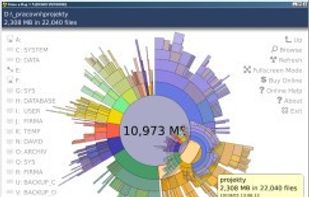


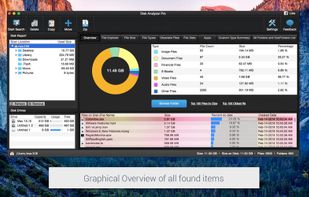
Disk analyzer pro is the best disk space management software and storage analyzer which helps in managing and handling hard disk space and running your PC with the highest speed.


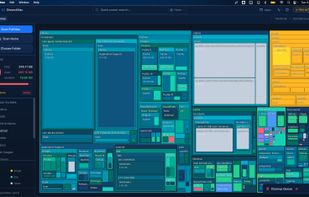
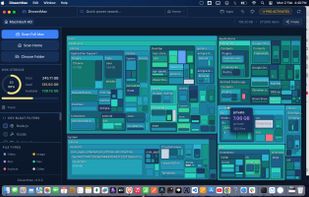
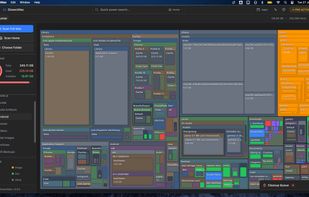
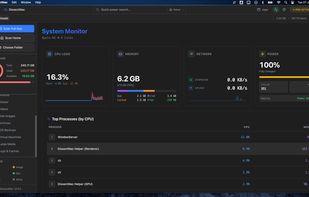
DissectMac is a native, privacy-first macOS utility that uses an interactive treemap to visualize storage, allowing users to reclaim gigabytes in seconds through deep app uninstallation and real-time system monitoring.


xdiskusage is a user-friendly program to show you what is using up all your disk space. It is based on the design of xhttp://alternativeto.net/software/xdu/ written by Phillip C. Dykstra <dykstra at ieee dot org & gt.
United States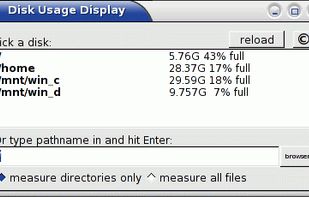
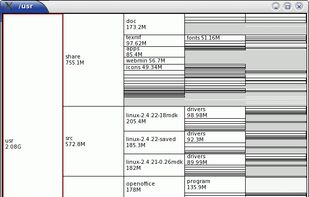


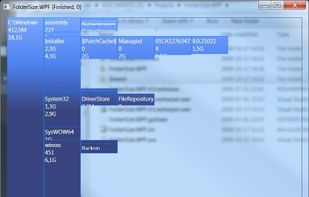
FolderSize is intended to be a simple application to determine what folders takes up place on your machine and to present it to you graphically.