


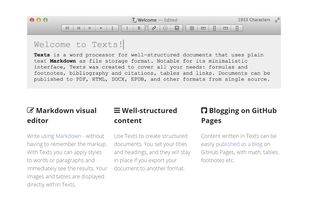
Advanced text editor tailored for creating structured documents. Leverages Markdown to differentiate content and formatting, ensuring streamlined editing and publishing to a multitude of formats.
Platforms
- Mac
- Windows
- Global



+4


Sites and apps similar to Dillinger include Zettlr, which is free and open source. Other options are Typora, ghostwriter, Clearly Markdown and MarkText. Text Editors like Dillinger are a crowded field, with more than 50 alternatives for Mac, Windows, Linux, iPhone and iPad.
Advanced text editor tailored for creating structured documents. Leverages Markdown to differentiate content and formatting, ensuring streamlined editing and publishing to a multitude of formats.

A remarkable online markdown editor. - Auto Save and Resume, Live Preview, Upload Local File, HTML to Markdown, File Sharing, One Click Download, Evernote Intergration, Save to Dropbox, Post to Tumblr.
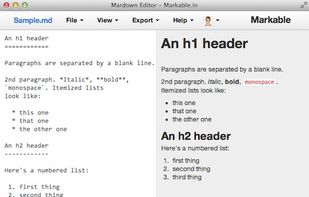


TextNut will convert your edits into markdown on-the-fly. If you are familiar with Markdown, it is add-on, with a powerful markdown editing mode.
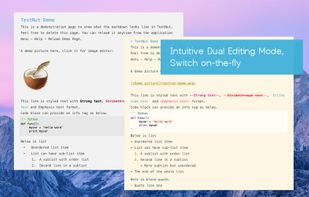
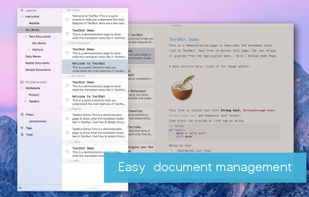
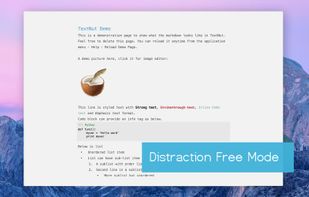
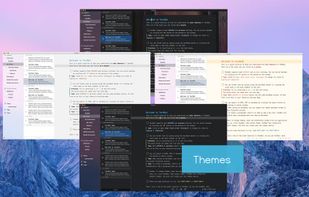


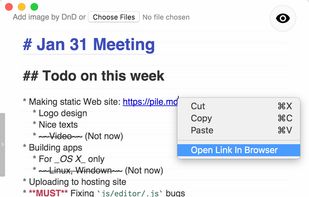
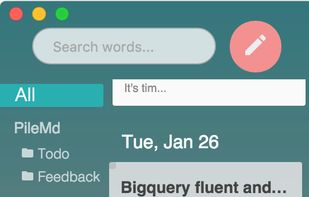
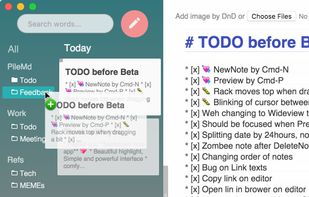
PileMd has a really beautiful Markdown Editor, looks like Preview. It's like a RichText Editor but it's actually Markdown, and it works like a word processor, complete with Undo/Redo histories, list completion and clickable urls.
 Japan
Japan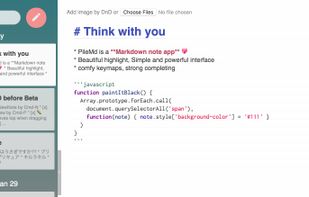


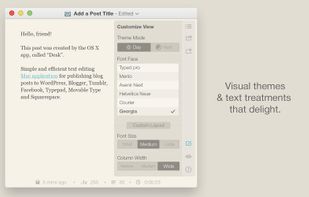
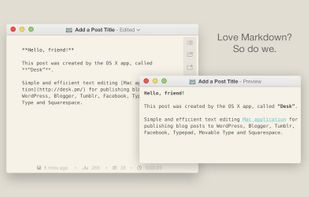
An award-winning & beloved desktop publishing client, exclusively for OS X.
You are a storyteller, passionate about crafting narratives that capture, express, and delight in what it means to be human.
 United States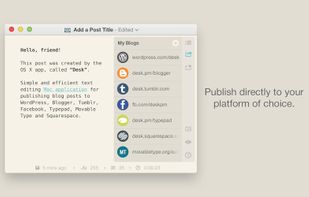


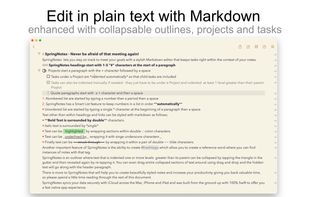
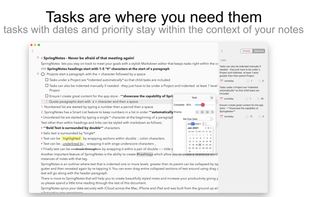
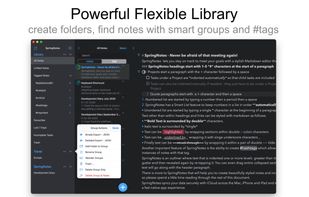
Write styled Markdown notes, sync across Mac, iPhone and iPad add to-dos and tags, export to a variety of formats and choose your favourite style from a variety of colourful themes.
 United Kingdom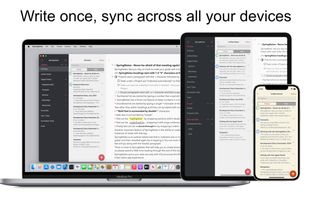


 Canada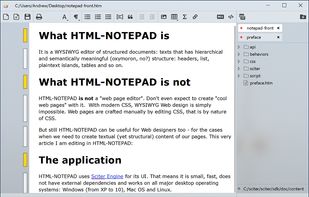
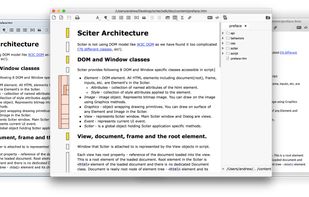
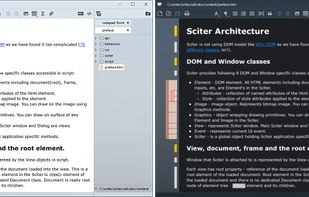


Write markdown documents with quickly accessible code snippets, mathematical equations and images and store them in the cloud to be accessed anywhere.
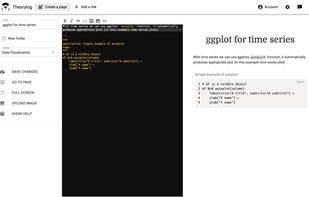
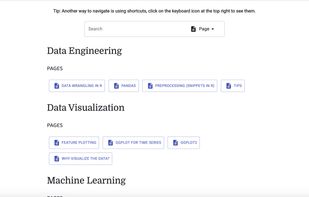


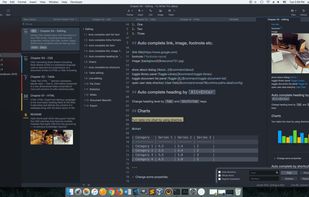


Markdown Monster is a responsive Markdown editor that lets you edit Markdown with syntax highlighting and super fast text entry. A collapsable synced, live preview lets you preview your output as you type.
United States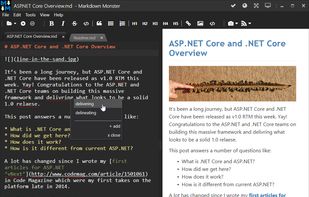


Monod was a secure and offline-first, React-based Markdown editor. Development has STOPPED and the app has been taken down.
 France
 EU
EU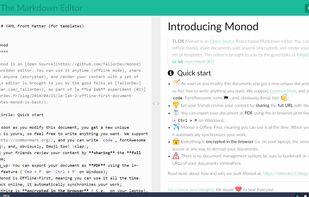


A clean & intuitive design focused on things that matter most - your notes! Write offers a well designed writing experience with beautiful inline markdown rendering and some gorgeous fonts. Add Folders from Anywhere.


