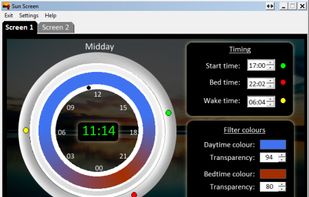
Form 1 Hour Software by skrommel, it can dim the screen by applying a transparent gray layer on top of your opened applications
Cost / License
- Free
- Proprietary
Application type
Platforms
- Windows
 United States
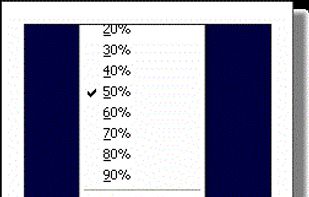


Form 1 Hour Software by skrommel, it can dim the screen by applying a transparent gray layer on top of your opened applications
United States
Free software for eye protection and more! It protects your eyes while you are working on the computer. Eye Saver has three main functions: blue light filter; eliminates the invisible flickering of the display backlight; reminds you to take breaks;
 United Kingdom


NightTone makes your screen more comfortable, enjoyable and healthier by shifting the colors of your display to a warmer, eye-friendly palette. It makes you sleep and feel better.
 Romania
 EU
EU


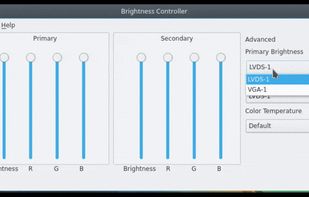
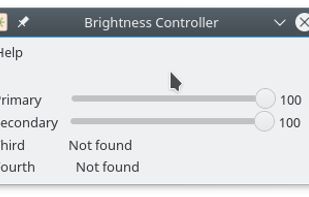
Brightness Controller allows you to software control Brightness, R, G and B of your Primary and Secondary Display in Linux.

Inspired by Redshift, Blueshift adjusts the colour temperature of your monitor according to brightness outside to reduce eye strain and make it easier to fall asleep when going to bed.

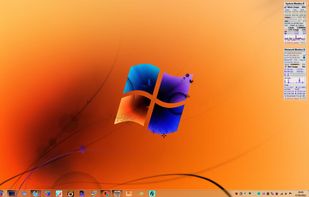


iBrightness Tray is a little bit of a swiss army knife display tool as adjusting the brightness of your screen is just one of three main functions it has. The other two are turning on your screensaver at the click of a button and also the ability to turn off the display...


Nocturne is simple app for switching a computer to night vision mode. It has a few tricks up its sleeve: color correction, window shadow toggling, and background removal.
United States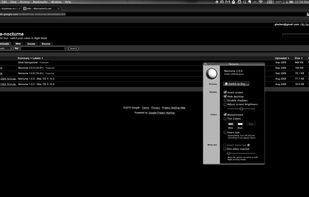


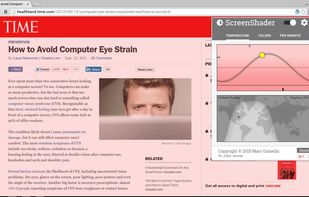
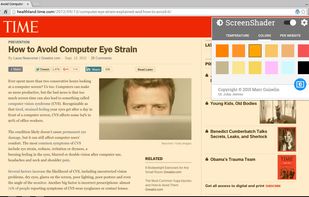
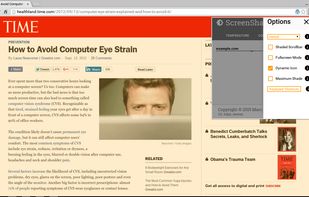
Screen Shader is a chrome extension designed to tint the screen a “cozy” orange color to reduce eye strain, eye fatigue, and restore day/night balance, while also providing a wide variety of settings for everyone's different tastes!.
 GermanyEU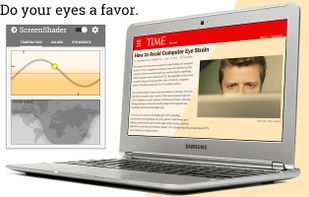


Trouble Sleeping? Device screen too bright even on the lowest brightness setting? Want to give your phone a warm look instead of that eye straining blue gaze you see at night? EasyEyes is the solution. By changing your device's color temperature, EasyEyes reduces eye strain...

This advanced Windows app allows you to alter the screen shading according to the time of day, which is great if you work outside the normal hours, or if you need a lift in the afternoon. You can set the colour tints and your awake and sleep times.
 India
India