





DeskBlur
1 like
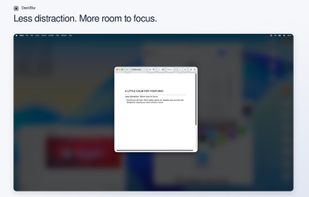
DeskBlur automatically blurs and dims background windows on your Mac to reduce visual distractions and help you focus on your work.

Cost / License
- Pay once
- Proprietary
Application type
 EU
EUPlatforms
- Mac


Features
Highlights All activities
DeskBlur News & Activities
Recent activities
- TheProductivist liked DeskBlur
- TheProductivist added DeskBlur
 TheProductivist added DeskBlur as alternative to HazeOver, OwlFocus, Hush: Screen Share Focus, Focus Window Highlighter and 5 more

Developed by
 Eric Serpi
 Licensing
Proprietary and Commercial product.Pricing
One time purchase (perpetual license) ranging between $2 and $3.Alternatives
9 alternatives listedBadge
Get an embeddable badge for DeskBlurSupported Languages


No comments or reviews, maybe you want to be first?