

Forget about the mess in your Downloads folder! This extension allows you to set custom download locations with a flexible and strong RegExp-based rules.
Cost / License
- Free
- Open Source (MIT)
Platforms
- Mac
- Windows
- Linux
- Online
- Google Chrome


Apps similar to DeClutter: File Tagger and Organizer include TagStudio, which is free and open source. Other options are Mouzi, FilePipe, DropIt and Floxtop. You're spoiled for choice with File Managers like DeClutter: File Tagger and Organizer : we list more than 25 alternatives for Windows, Mac, Linux, Android and the web.
Forget about the mess in your Downloads folder! This extension allows you to set custom download locations with a flexible and strong RegExp-based rules.

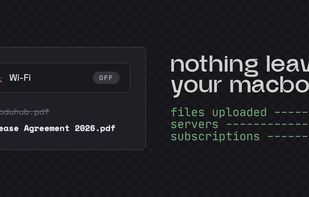
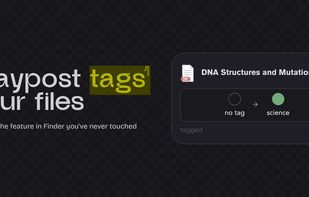
Your Downloads folder is where files go to die. IMG_3427.png, Untitled_document_final_v2.pdf, a hundred things you'll never find again. Waypost fixes that. Waypost reads folders of your choice, then renames, sorts, and tags dropped files based on what's actually inside.
 United States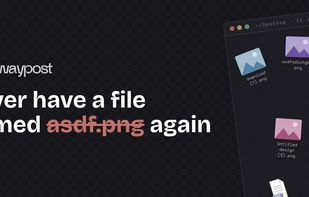



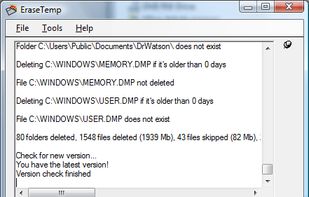
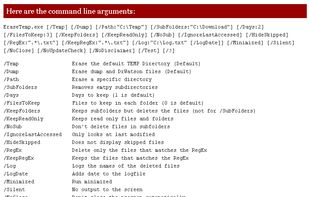
EraseTemp will delete all those temporary files, that take up so much space on your PC. EraseTemp is also very useful, if you use a backup application, which makes only backups, never deletes older backup files until your hard disk is full.

Be lazy. Let Maid clean up after you, based on rules you define. Think of it as "Hazel for hackers".

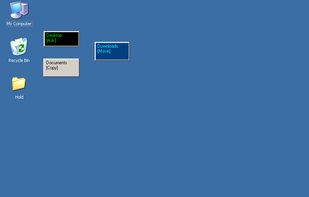
Create simple drag-n-drop windows to quickly copy or move files. After dropping files or folders onto a Drop Zone window, a menu of paths you've configured will pop up, allowing you to quickly copy or move files to those destinations.


DelAge32 is a very easy to use command line tool that deletes or moves files by age (number of days). This is very useful, if You use a backup application, which makes only backups, never deletes older backup files until your hard disk is full.
 Germany
 EU
EU


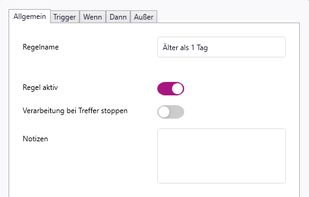
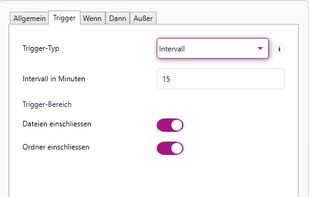
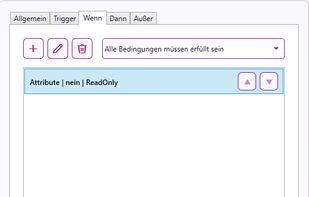
rsk.guardian monitors folders and automates file workflows on Windows. Create rules to copy, move, rename, sort, archive or extract files locally. With triggers, conditions, dry-run preview and history, it keeps your files organized without cloud dependency.
GermanyEU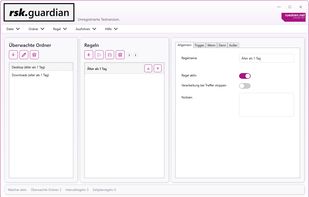


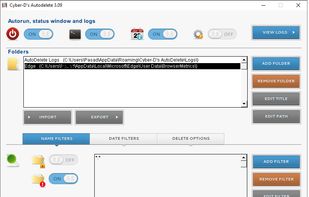
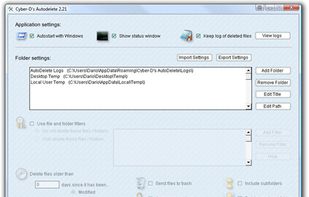
Cyber-D's Autodelete can delete old files in a folder (and subfolders) you selected. Simply select the folder you wish to clean (downloads for example), set the rules (older than 30 days since created) and how to delete (move, recycle, secure delete).


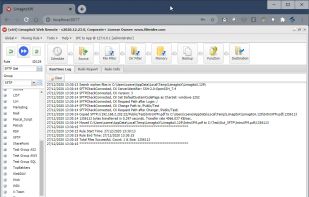
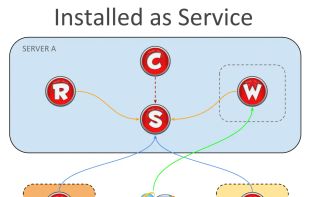
Automates file transfers using rules and filters for moving, copying, deleting, or renaming; supports numerous cloud storage and protocols; handles multiple file transfer jobs with scheduling, admin monitoring tools, email notifications, and advanced error handling.
 BelgiumEU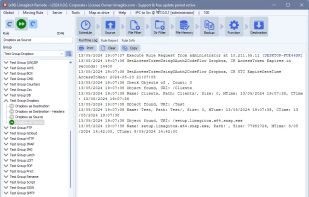


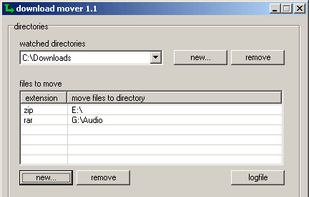
Tool to check directories in regular intervals for new files and move specific files to another folder.


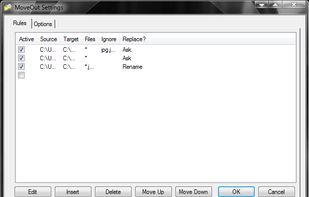
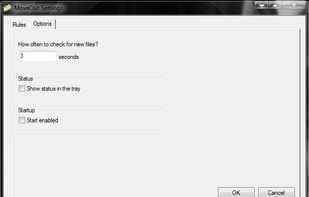
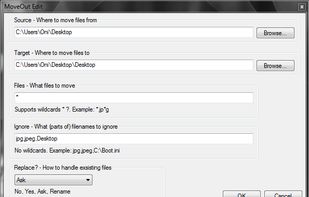
MoveOut will help you make rules to move files automatically. Use it to make a rule that moves files from the desktop to a subfolder, based on file type, part of a filename, or whatever.


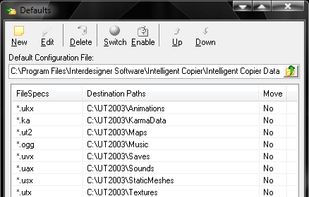
Intelligent Copier is an automatic file mover and copier. It offers a window that you can drag files onto, and will then copy or move them based on your settings. For example, you could choose to move all .mp3 files into the C:Music folder or copy any .