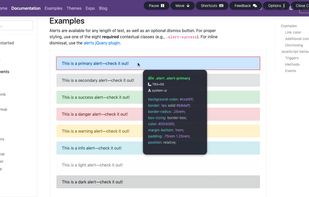
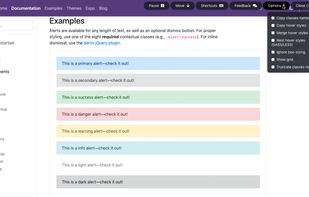
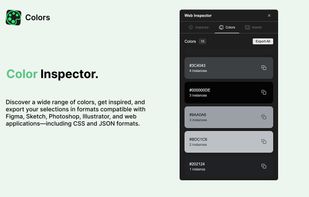
Web Inspector is a powerful Chrome extension that lets you inspect elements, debug CSS, extract color palettes, and download all images from any website—right from your browser.
Cost / License
- Free
- Proprietary
Platforms
- Google Chrome
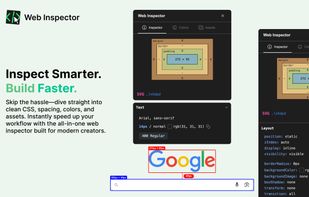



Apps similar to CSS Scan Pro include DivMagic. It's paid, but Pesticide and CSS Peeper are free. Other options are VisBug, SuperDev Pro, SnipCSS and Web Editor. You can choose from more than 10 Color Picker Tools like CSS Scan Pro for the web, Mac, Windows, Linux and Android.
Web Inspector is a powerful Chrome extension that lets you inspect elements, debug CSS, extract color palettes, and download all images from any website—right from your browser.

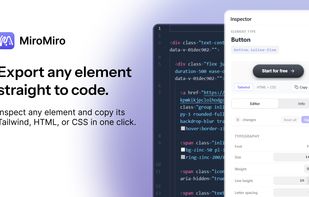
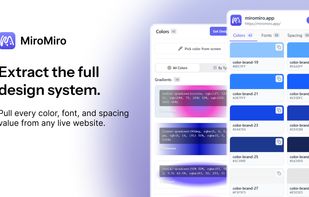
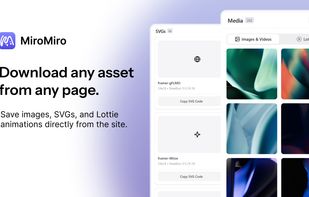
A browser extension that inspects any website and exports what you find straight to code: CSS, Tailwind, SVGs, Lottie animations, fonts and design tokens.



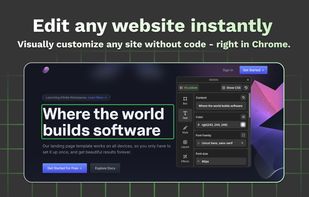
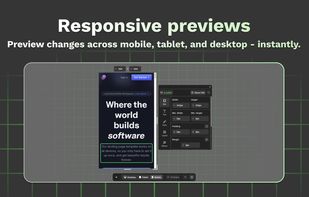
Effortlessly adjust styles, update text, swap visuals, and explore design ideas — right inside your browser. No setup needed.


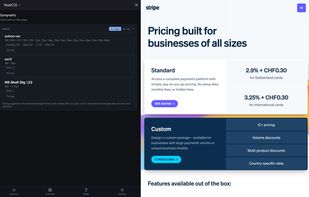
Quickly inspect grouped CSS details by hovering over elements, extract full color palettes with usage, analyze fonts and styles, browse and bulk download site images, automate contrast checks, and export palettes or font data in various formats with no sign-up required.
 Switzerland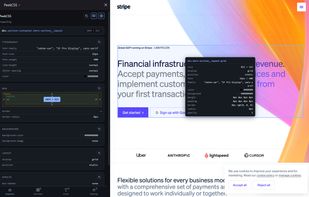



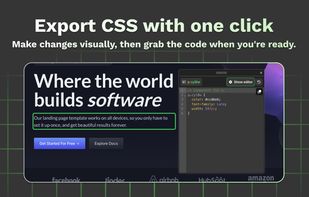
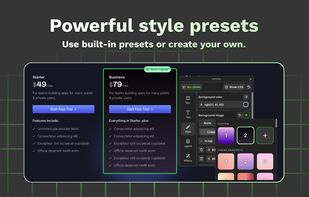
Easily make changes to any website's design and try your ideas in seconds with a visual editor that generates code for you. Say goodbye to coding and hello to speed, joy, and stunning designs in just a few clicks.
 United States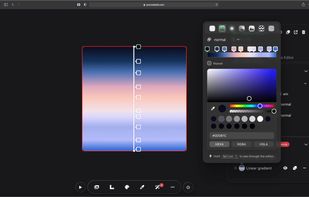
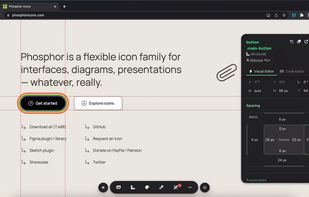


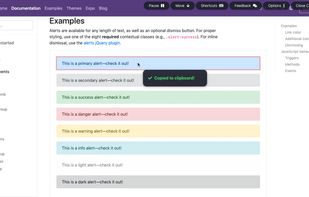
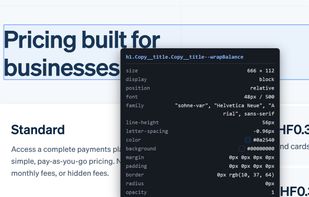
Inspect on steroids — Visualize the CSS of any element you hover over, instantly, and copy its entire rules with a single click.
United States