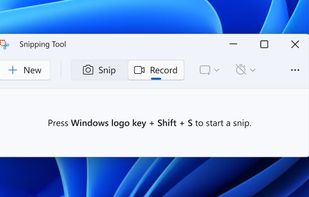
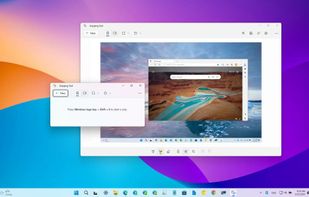
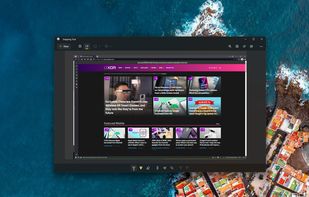
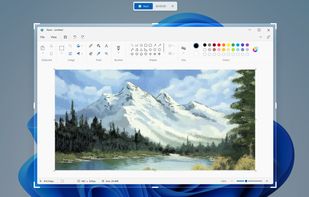
Snipping Tool is a screen capture utility that allows users to take screenshots of specific objects or full screens, annotate them, and save or share the captured images or videos.


CreamShot X is described as 'Native screen-capture and annotation tool for macOS. Snip any area, mark it up, pin a capture on top of other windows, or extract text from an image with built-in OCR. CreamShot X is included in every getapps.cafe subscription' and is a screenshot capture tool in the photos & graphics category. There are four alternatives to CreamShot X for Mac and Windows. The best CreamShot X alternative is Snipping Tool, which is free. Other great apps like CreamShot X are Snagit, Shottr and CleanShot X.
Snipping Tool is a screen capture utility that allows users to take screenshots of specific objects or full screens, annotate them, and save or share the captured images or videos.


Advanced screen capture and recording tool enabling image or video captures directly from your screen. Includes editing features like callouts, transparency, and effects to enhance visuals. Organize and easily share creations through documents, presentations, or favorite applications.


Shottr is a compact screenshot app designed for pixel precision and optimized for macOS Silicon devices.


Capture and record screens on Mac with CleanShot X, featuring seamless recording, custom keyboard shortcuts, customizable wallpapers, Quick Access Overlay, and Desktop icon toggle for a tidy user interface.