


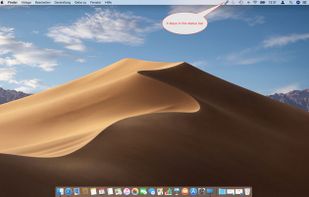
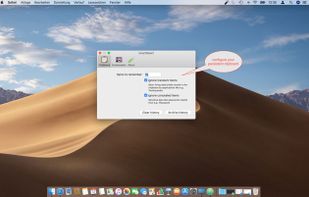
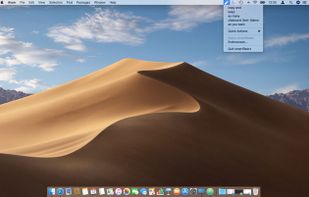
SmartReact is an awesome little utility combining functionality in one tool, you usually need multiple utilities for! For a start:
Cost / License
- Paid
- Proprietary
Application type
Platforms
- Mac



+2
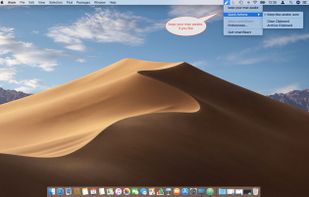


SmartReact is an awesome little utility combining functionality in one tool, you usually need multiple utilities for! For a start:

Say goodbye to losing important snippets of text and images! Clip Log is the ultimate clipboard manager, combining intelligent organization, real-time saving, and privacy-first design. Designed to simplify your workflow, Clip Log ensures that everything you copy is instantly...
 United States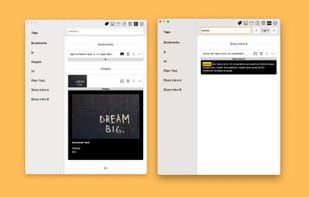
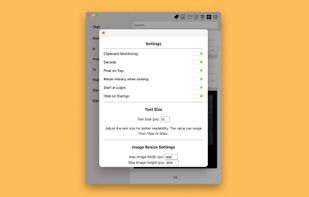
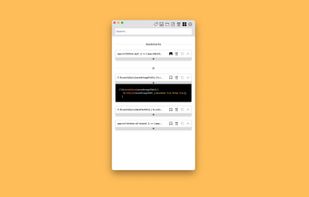
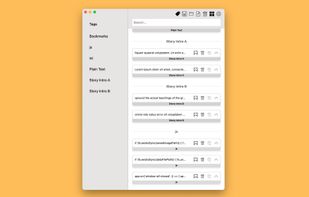


An open-source clipboard manager for macOS featuring ultra-lightweight local storage, searchable history, instant hotkey access, OCR for extracting text from images, developer-friendly large snippet support, bookmarks for favorites, and no cloud syncing.
 India
India
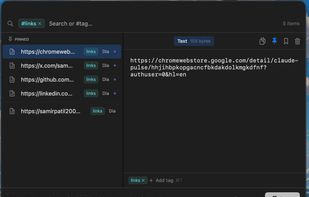
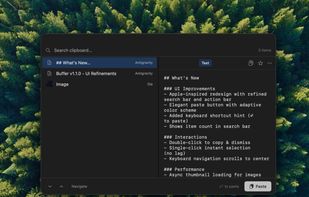


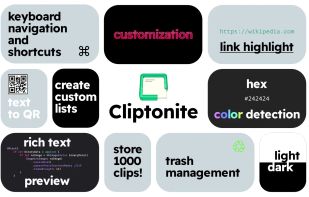
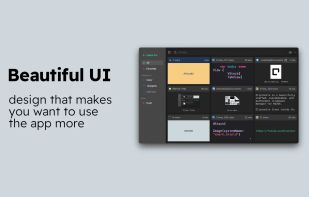
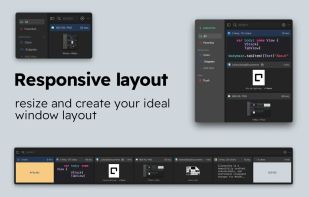
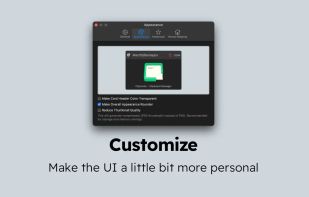
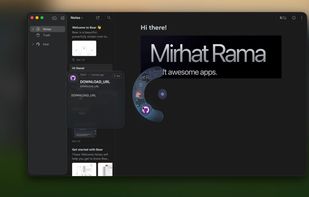
Cliptonite is a beautifully crafted, customizable, and performant clipboard manager for MacOS.


 Netherlands
 EU
EU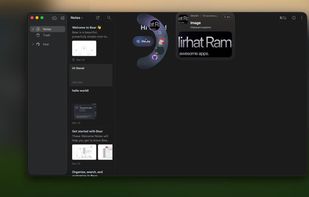
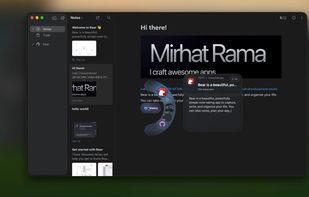
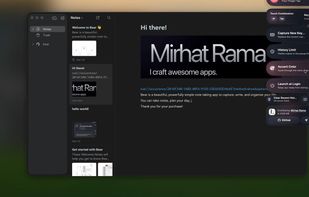


ClipCapsule is a minimalist clipboard manager for Linux. It supercharges your productivity by allowing you to manage and switch clipboard entries using only keyboard shortcuts—no mouse or GUI required.


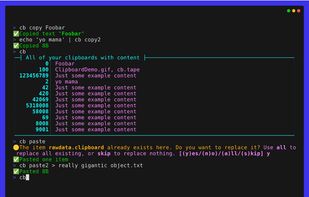
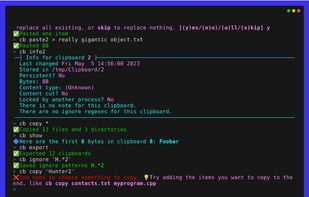
The Clipboard Project (CB for short) is the full-featured yet oh-so-easy-to-use clipboard manager for everyone.


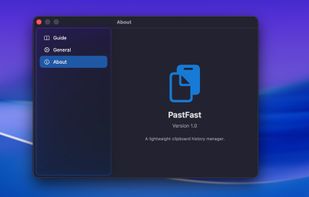
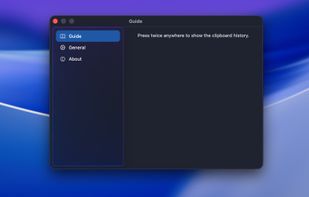
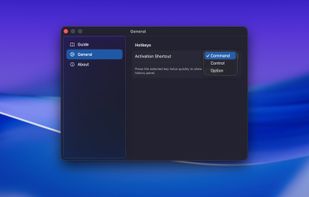
PasteFast is a lightweight, fast clipboard history manager for macOS. Double-press your hotkey to instantly access your clipboard history featuring both text and images. Customizable shortcuts, automatic panel hiding, source app identification, and minimal resource usage.
 China
China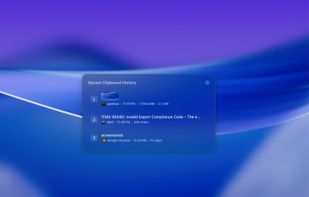


Copy Log is a powerful app that makes your every day copy/paste operations much easier. It keeps every text youve copied and lets you access and use your saved text anywhere. More than this, Copy Log records date and hour of your copies and enumerates them.
 RomaniaEU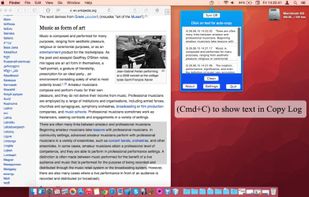


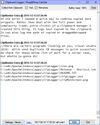
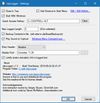
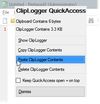
clipLogger logs text copied to the clipboard, putting everything in one textbox for easy access. Clipboard captures can be separated & labeled with a timestamp, or just appended by themselves. It can also log the paths of copied or dragged&dropped files.

 United States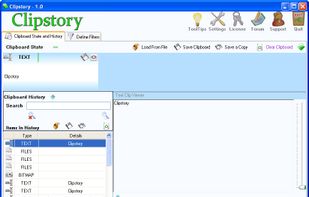


Auto-copies any text the moment you select it — no Ctrl+C needed. Provides deep click paste and a searchable local clipboard history. Works on Mac and Windows.


 Nigeria


