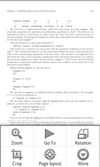
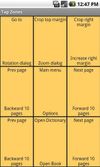
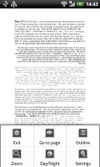
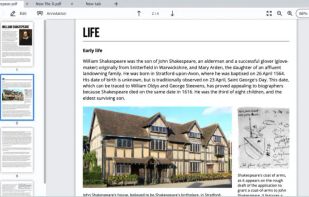
Orion is a pdf, djvu, xps and cbz file viewer for Android devices, based on mupdf and DjVuLibre libraries.
Cost / License
- Free
- Open Source
Application typeApplication types
Platforms
- Android
- Android Tablet
- F-Droid
- OpenAPK




Sites and apps similar to Convert PDFs include Foxit PDF Reader, which is free for personal use. Other options are Evince, Adobe Acrobat Reader, Qoppa PDF Studio and Xodo. PDF Readers like Convert PDFs are a crowded field, with more than 25 alternatives for Windows, Android, Mac, iPhone and iPad.
Orion is a pdf, djvu, xps and cbz file viewer for Android devices, based on mupdf and DjVuLibre libraries.

EBookDroid is an open source (GPL'ed) document viewer for Android based on the VuDroid code base.
 Russia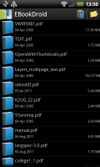


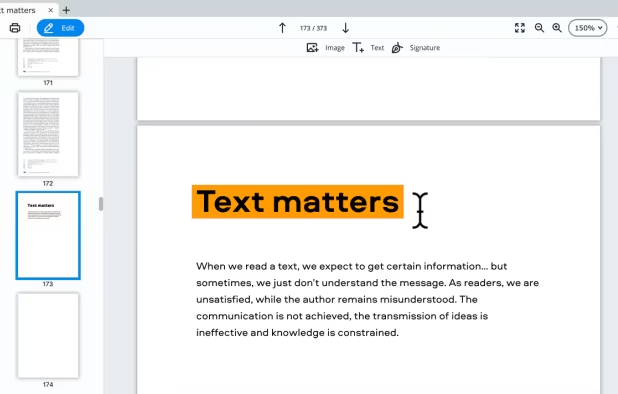
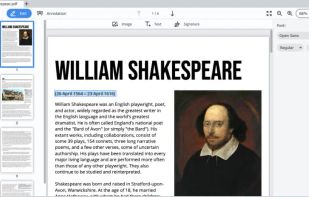
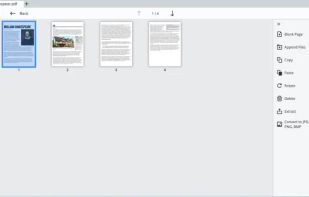
PDFChef enhances document management with cross-platform support on PC, Mac, iOS, and browsers. It offers text-editing, page rearranging, conversion tools, and cloud-based sharing. Supporting various file formats, it also enables users to add signatures directly to PDFs for swift document finalization.
 Cyprus
 EU
EU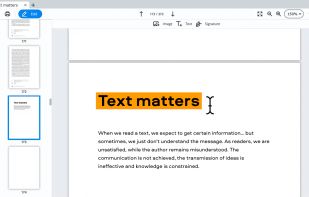


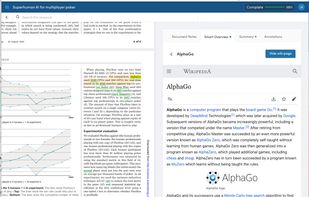
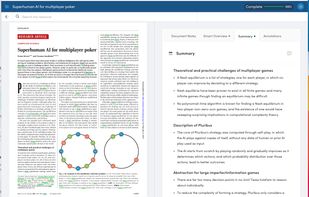
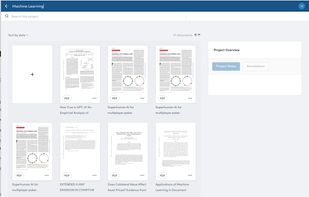
AI powered productivity tool for reading, understanding and taking notes on PDFs and long websites. Users can search, summarise, extract and define keywords, ask google-search type questions and be taken straight to the answers.
 United Kingdom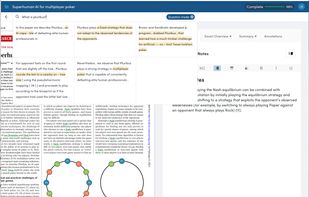


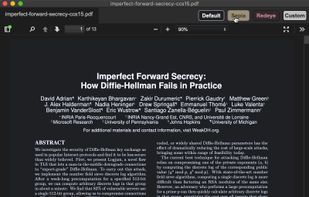
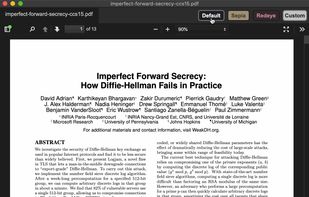


Take control of the way your ePubs display. Hyphen comes packed with a ton of options for custom colors, fonts, font sizes, line heights, paragraph indentations, margins - ...well, you get the idea. You can even use styling on a per-book basis.

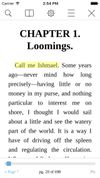



SlimPDF Reader is a high quality PDF viewer that is only 1.5MB in size. Features and benefits:
 United States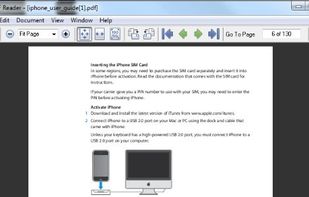


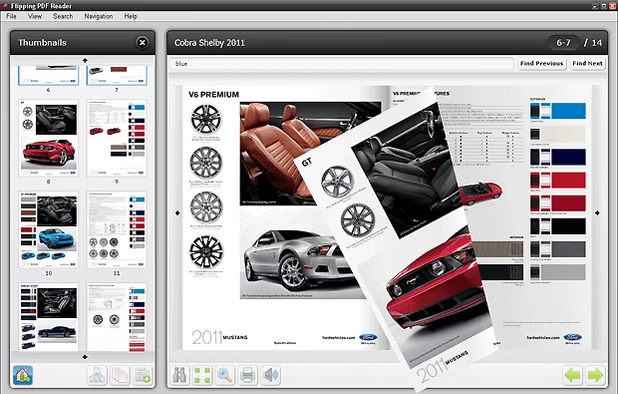
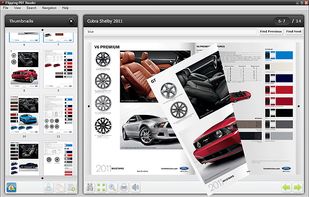
The Flipping PDF Reader allows to read PDF documents in user friendly interface with flipping book effect. Good looking and convenient alternative for Adobe PDF Reader.


DjVu & PDF reader for Symbian OS 9.1, 9.2, 9.3, 9.4 The program is based on Poppler, DjvuLibre.

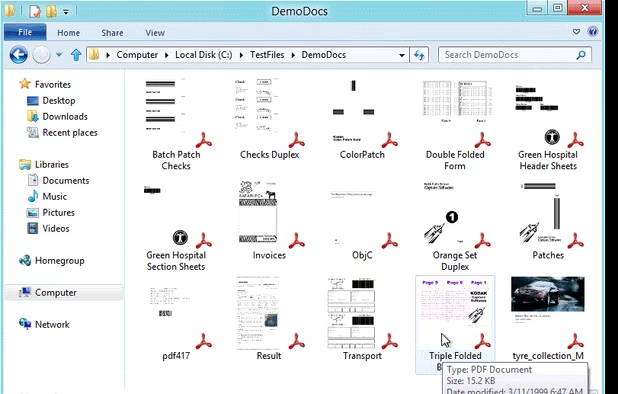
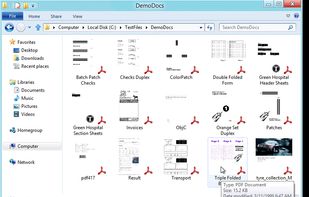
An attorney who deals with a lot of PDFs set himself with the task of finding a way to preview the PDFs in Windows Explorer (much like Cover Flow view already does in Mac OS X) without actually opening them.

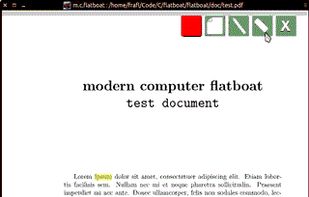
modern computer flatboat is a mobile pdf viewer written in Qt and using MuPDF's libfitz.


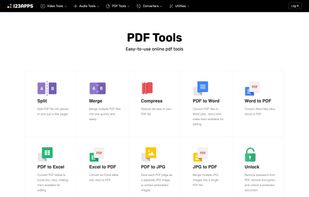
Free set of online tools for handling PDF files. Convert and edit your PDF files with incredible ease and speed!
United States