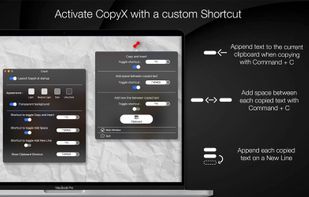
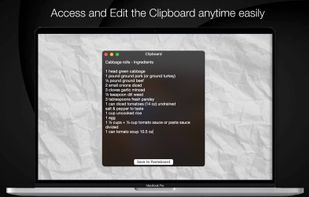
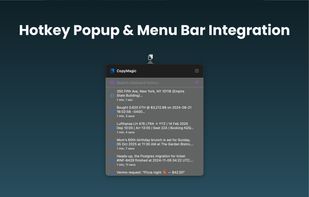
Access your last copied items near the cursor, organize your clipboard with text, images and files — all with a native and elegant UI.
Cost / License
- Paid
- Proprietary
Application type
Platforms
- Mac
 Brazil





ClipX has been discontinued. Similar apps include CopyQ, which is free and open source. Other options are Ditto, Planck, CopyCat Clipboard and Maccy. You're spoiled for choice with Clipboard Managers like ClipX: we list more than 100 alternatives for Mac, Windows, Linux, iPhone and iPad.
Access your last copied items near the cursor, organize your clipboard with text, images and files — all with a native and elegant UI.
Brazil
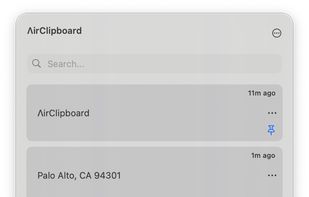
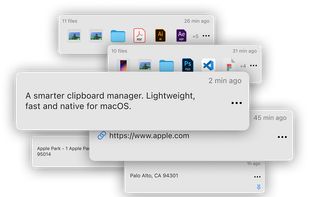
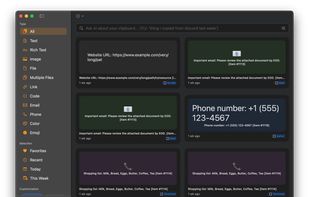
Search your clipboard like it's Google. A smart, local-first clipboard manager for macOS. Completely offline. Your data never leaves your device.
 India
India



Ethervane Echo is a clipboard extender for Microsoft Windows XP or later. It automatically captures any piece of text copied to clipboard from any Windows application, stores it in its database and lets you retrieve it easily whenever you need it.
 Poland
 EU
EU


A full-featured desktop clipboard manager for your operating system to track what you copy & paste
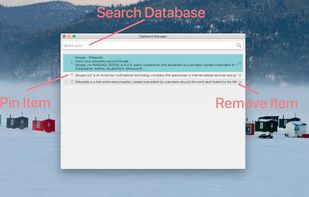


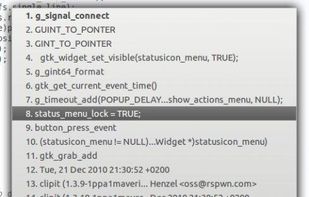
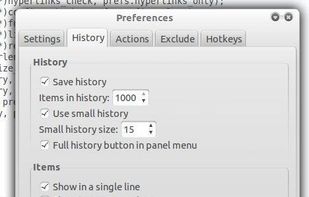
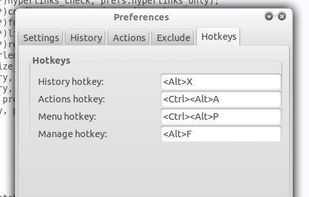
ClipIt is a lightweight, fully featured GTK+ clipboard manager. It was forked from Parcellite, adding additional features and bugfixes to the project.
 GermanyEU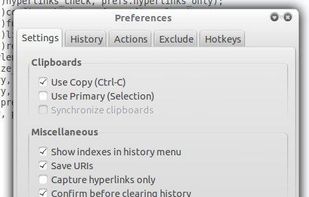


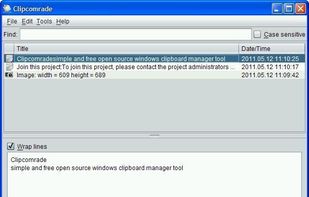
Clipcomrade is Windows clipboard manager. Remembers everything that you put to the clipboard, easy paste/drag anything from clipboard history, access …


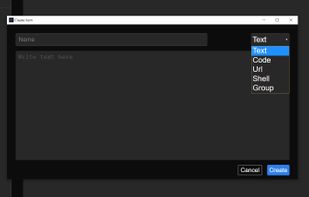
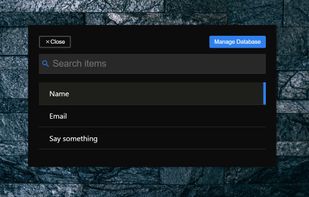
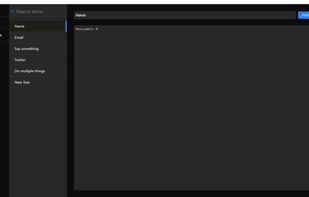


ClipboardZanager is a modern, quick and smart clipboard manager for Windows 10. It creates a historic of what you copy and let you paste the data at any time on any device.
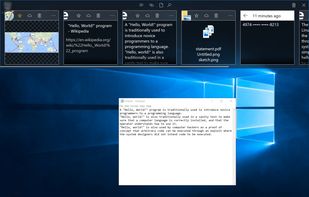


PasteBox preserves data from clipboard and allows easy access to those data through shortcut. You can record various clipboard types, from plain text to images.
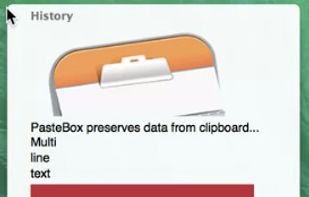
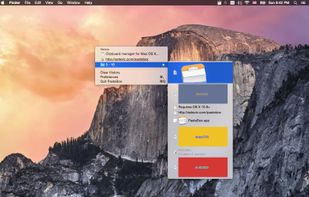
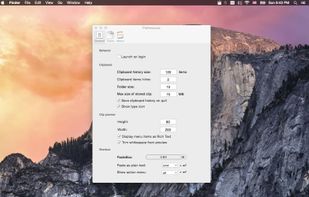


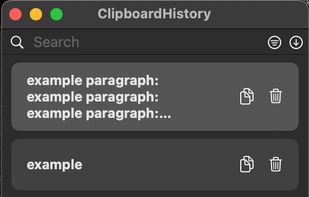
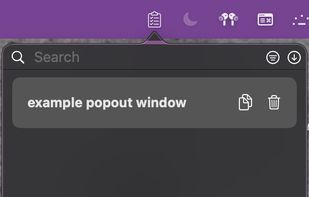
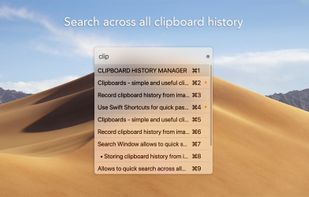
Mac clipboard history manager inspired by Windows, holding text, images, files, folders, and groups. Customize up to 50 items. Access via shortcuts and command keys. Opens at the bottom right, with a status menu bar icon. Provides comprehensive usage tips.



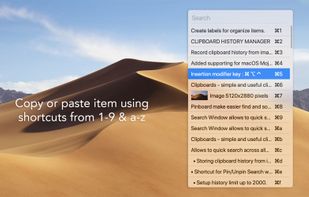


Copy text with Command + C and append it to the last copied text instead of replacing it! Activate inserting with a custom shortcut.