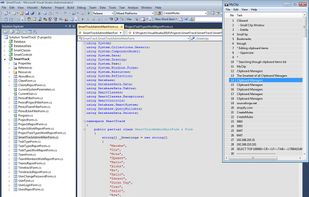
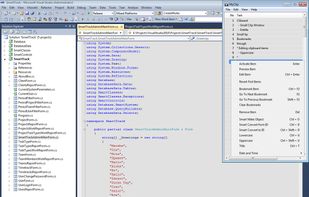
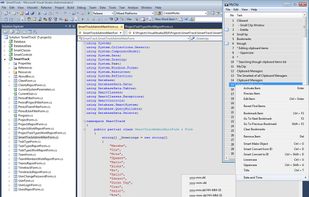
Clip Cat is a powerful clipboard manager for Windows, it reinvents the way you copy, extend the clipboard by making it your go-to tool for storing and organizing.

Clippo is described as 'The ultimate time saver for your daily work. Share and manage clipboards between your devices with no drawbacks. Save text, links and images that you have copied to your clipboard from any app' and is a clipboard manager in the office & productivity category. There are more than 50 alternatives to Clippo for a variety of platforms, including Mac, Windows, iPhone, Linux and iPad apps. The best Clippo alternative is CopyQ, which is both free and Open Source. Other great apps like Clippo are Ditto, Alfred, Maccy and Fluent Search.
Clip Cat is a powerful clipboard manager for Windows, it reinvents the way you copy, extend the clipboard by making it your go-to tool for storing and organizing.

Clipple provides extended clipboard system to Firefox. All text you copied will be stored and you can paste text in it later.


Cliptonite is a beautifully crafted, customizable, and performant clipboard manager for MacOS.


Oka Paste is a very useful clipboard manager. Intelligent management and Simple operation. It records the content you copied into the system clipboard and makes the content grouped by types for easy management and orderly.


Copy text with Command + C and append it to the last copied text instead of replacing it! Activate inserting with a custom shortcut.


ClipMax is a next-generation clipboard manager that enhances productivity by automating, organizing, and integrating copied content with AI.


Pasteboard history for macOS done right. Using the proven UI style of Alfred, Spotlight etc. Use fuzzy searching to find what you want to paste.


SmartReact is an awesome little utility combining functionality in one tool, you usually need multiple utilities for! For a start:


Clipcomrade is Windows clipboard manager. Remembers everything that you put to the clipboard, easy paste/drag anything from clipboard history, access …

Save Terminal commands in the Mac menu bar. Run and copy them with keyboard shortcuts.

Copy-paste nicely styled text to apps like GMail and Google Docs without learning new shortcuts.