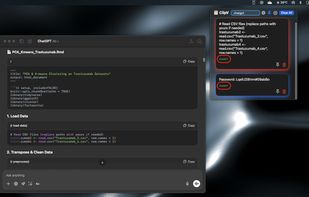
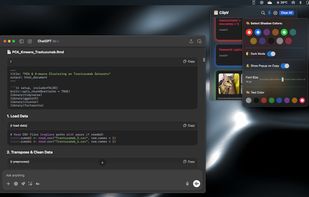
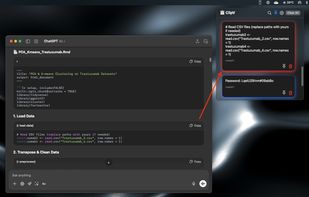
Clip Cat is a powerful clipboard manager for Windows, it reinvents the way you copy, extend the clipboard by making it your go-to tool for storing and organizing.
Cost / License
- Free
- Proprietary
Application type
Platforms
- Windows


Apps similar to Clipboard Master include CopyQ, which is free and open source. Other options are Ditto, Wox Launcher, Planck and CopyCat Clipboard. You're spoiled for choice with Clipboard Managers like Clipboard Master: we list more than 100 alternatives for Mac, Windows, Linux, Android and iPhone.
Clip Cat is a powerful clipboard manager for Windows, it reinvents the way you copy, extend the clipboard by making it your go-to tool for storing and organizing.

The Smartest of all Clipboard Managers. And best of all - it's FREE! MyClip is not yet another Clipboard Manager, but one of the handiest tools for any IT specialist (Software Developers, DB Administrators, Web Masters, Business Analysts). Just read some (not close to all) of.
 Mexico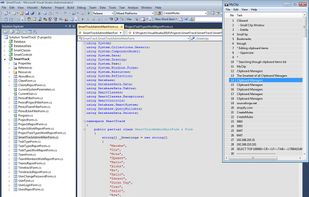
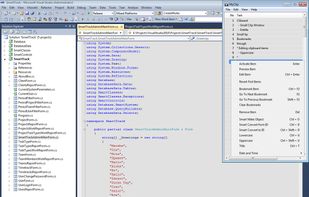

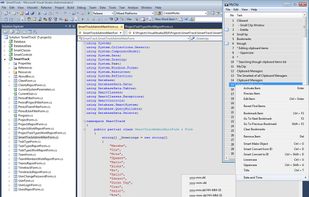


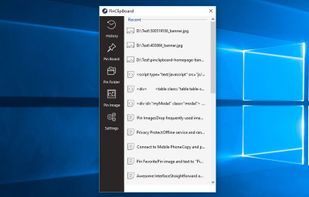
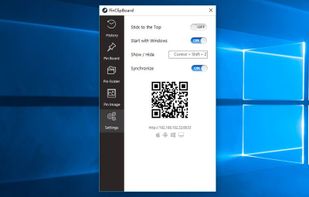
PinClipBoard is one of the best clipboard manager software that enables you to track and record clipboard data for future use. As a universal clipboard manager, you can copy and paste images/text across Android/ios/Mac/Windows/Tablet.



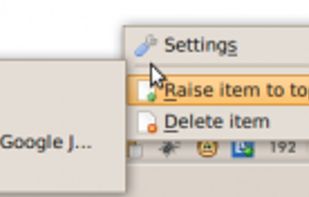
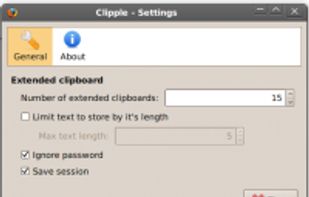
Clipple provides extended clipboard system to Firefox. All text you copied will be stored and you can paste text in it later.

ClipMagic is the Windows clipboard software for Windows XP, Vista and Windows 7 that speeds up your copy and paste. Fed up with copying and pasting one piece of text at a time? Fed up with repetition? If you use CTRL-C or Edit/Copy then you need ClipMagic!

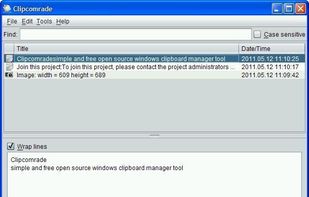
Clipcomrade is Windows clipboard manager. Remembers everything that you put to the clipboard, easy paste/drag anything from clipboard history, access …


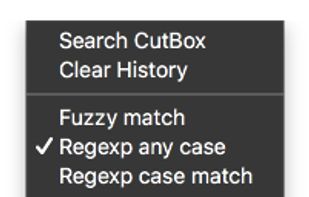
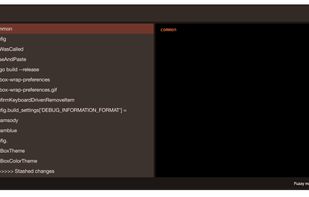
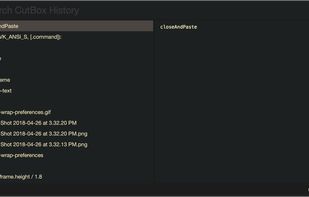
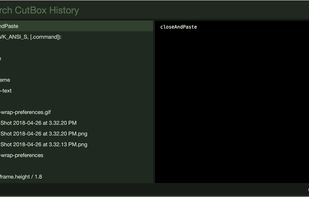
Pasteboard history for macOS done right. Using the proven UI style of Alfred, Spotlight etc. Use fuzzy searching to find what you want to paste.


 United States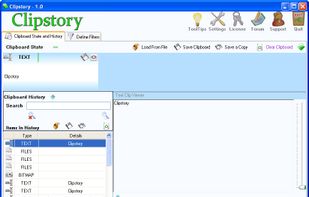


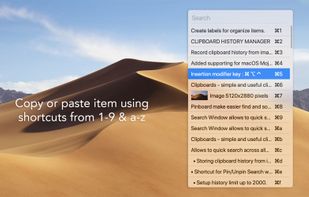
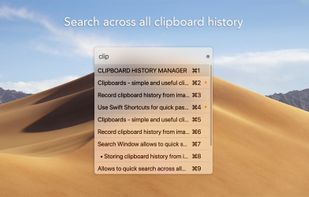


Save Terminal commands in the Mac menu bar. Run and copy them with keyboard shortcuts.
United States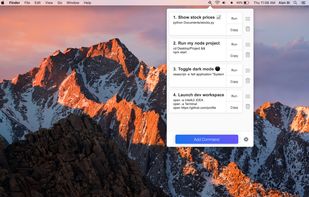


SmartReact is an awesome little utility combining functionality in one tool, you usually need multiple utilities for! For a start:
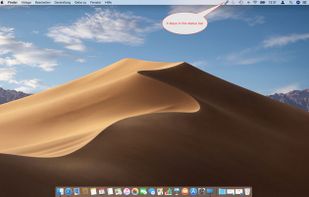
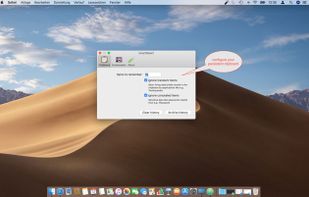
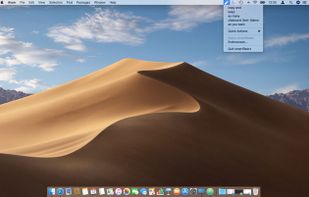
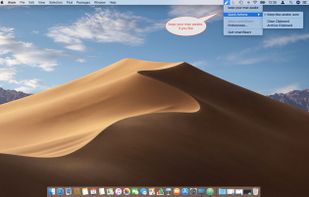


Minimal, native clipboard manager for macOS — one-time purchase, cross-type history (text, code, images, files), and instant search.