


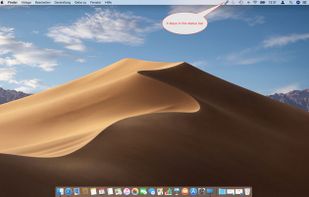
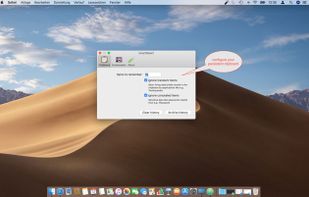
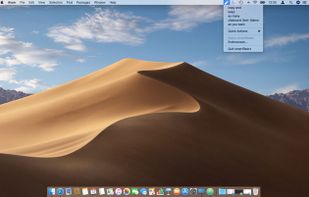
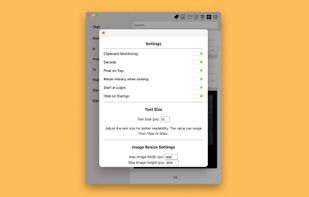
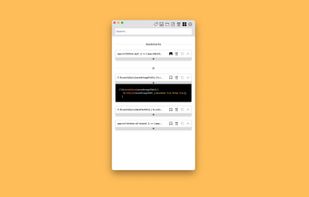
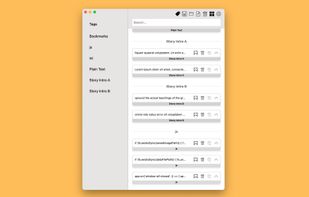
SmartReact is an awesome little utility combining functionality in one tool, you usually need multiple utilities for! For a start:
Cost / License
- Paid
- Proprietary
Application type
Platforms
- Mac



+2
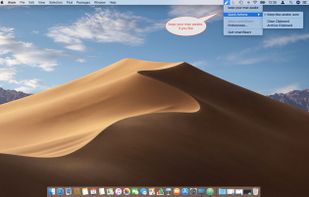


Apps similar to Clipboard Manager (for Android) include CopyQ, which is free and open source. Other options are Ditto, Planck, CopyCat Clipboard and Maccy. Clipboard Managers like Clipboard Manager (for Android) are a crowded field, with more than 50 alternatives for Windows, Mac, Linux, Android and iPhone.
SmartReact is an awesome little utility combining functionality in one tool, you usually need multiple utilities for! For a start:
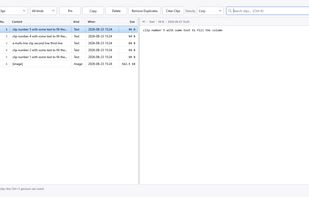
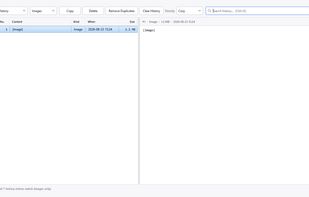
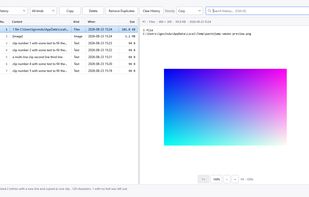
Keyboard-driven multiple-clipboard manager for Windows: hold Ctrl, tap V to walk back through everything you have copied, release to paste - no window, no mouse. A .NET 10 + WPF reimplementation of Clipjump, shipped as one self-contained portable exe.
 India
India

Pasteboard history for macOS done right. Using the proven UI style of Alfred, Spotlight etc. Use fuzzy searching to find what you want to paste.
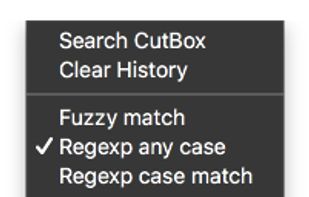
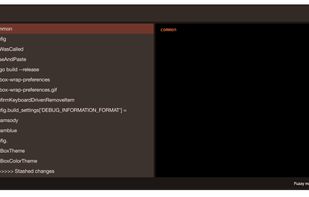
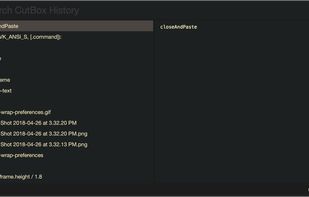
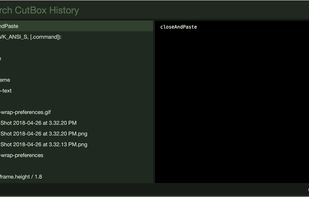


Copy Log is a powerful app that makes your every day copy/paste operations much easier. It keeps every text youve copied and lets you access and use your saved text anywhere. More than this, Copy Log records date and hour of your copies and enumerates them.
 Romania
 EU
EU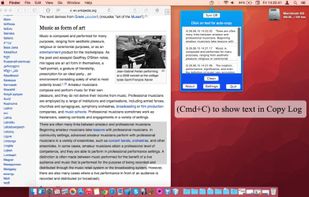


 United States


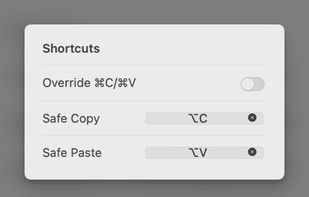
Copi is an open-source, lightweight, and secure clipboard alternative for macOS. It offers the same copy and paste functionality as the system clipboard, but its contents cannot be accessed by any third-party applications, effectively protecting your privacy data.
 China
China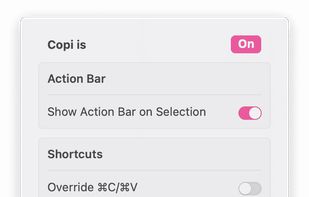
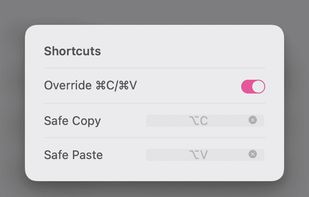
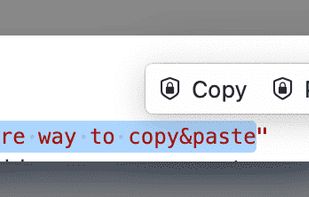


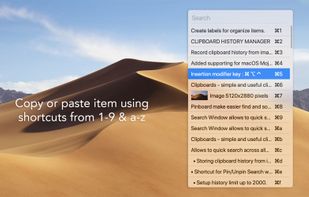
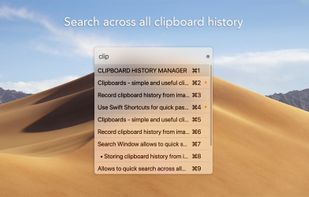


Say goodbye to losing important snippets of text and images! Clip Log is the ultimate clipboard manager, combining intelligent organization, real-time saving, and privacy-first design. Designed to simplify your workflow, Clip Log ensures that everything you copy is instantly...
United States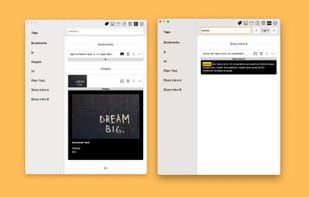


ClipCapsule is a minimalist clipboard manager for Linux. It supercharges your productivity by allowing you to manage and switch clipboard entries using only keyboard shortcuts—no mouse or GUI required.


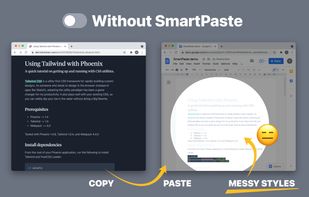
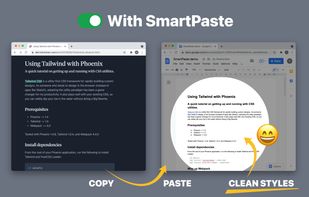
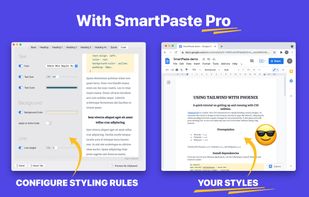
Copy-paste nicely styled text to apps like GMail and Google Docs without learning new shortcuts.


Save Terminal commands in the Mac menu bar. Run and copy them with keyboard shortcuts.
United States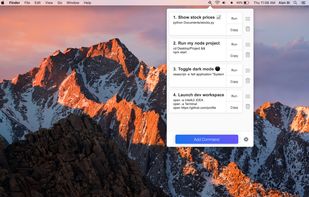


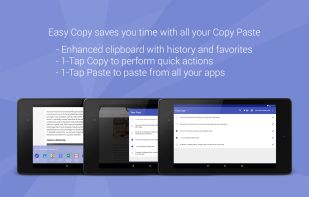
Easy Copy allows you to reduce the number of taps required to perform the copy and paste actions.




 Nigeria


