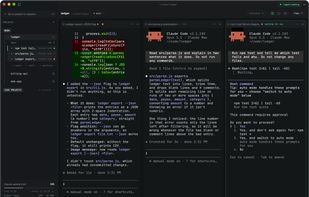
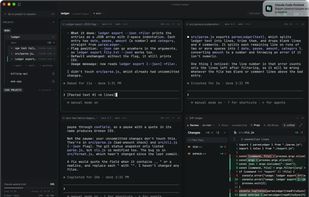
Run several Claude Code agents simultaneously. Manage multiple agents in one window, see which need your attention and monitor token usage.
Cost / License
- Free
- Proprietary
Application type
Platforms
- Windows
- Linux
- Mac
 United Kingdom
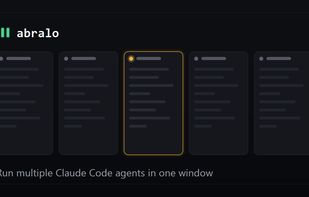


Apps similar to Claudy include Omnara, which is free and open source. Other options are Sculptor, Vibe Island, Notch Pilot and opcode. AI Coding Assistants like Claudy are a crowded field, with more than 25 alternatives for Mac, Linux, Windows, the web and self-hosting.
Run several Claude Code agents simultaneously. Manage multiple agents in one window, see which need your attention and monitor token usage.
United Kingdom
A macOS menu bar app that brings Dynamic Island-inspired real-time monitoring to your Claude Code sessions.
 Taiwan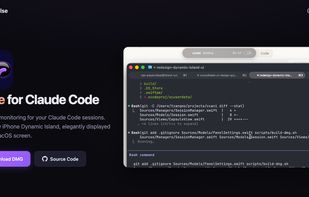


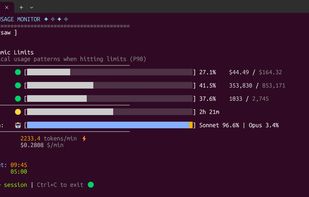
A beautiful real-time terminal monitoring tool for Claude AI token usage with advanced analytics, machine learning-based predictions, and Rich UI. Track your token consumption, burn rate, cost analysis, and get intelligent predictions about session limits.

 United Kingdom

c9watch scans OS-level processes to automatically discover every Claude Code session running on your machine, regardless of which terminal or IDE you launched them from. No plugins,no workflow changes — it works with Zed, VS Code, iTerm2, Ghostty, tmux, and anything else.
Taiwan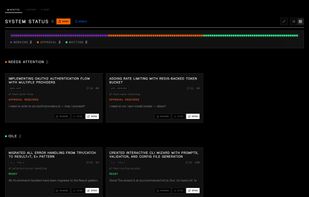
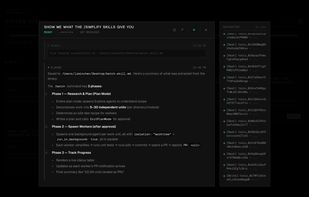
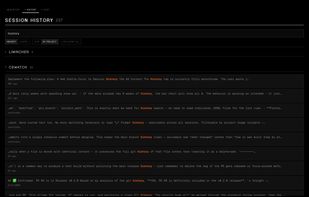
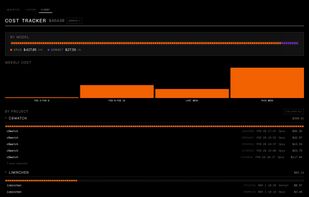


Claude Code notifications without the context switch. A minimal, always-present session manager for macOS.
 Sweden
 EU
EU


Agent Sessions is a desktop app for managing multiple agent sessions at once, written in Rust.
 Türkiye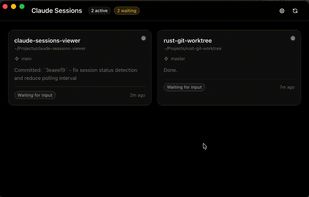
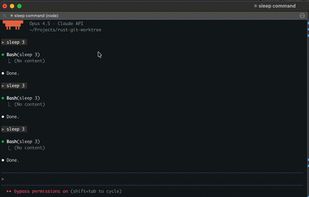
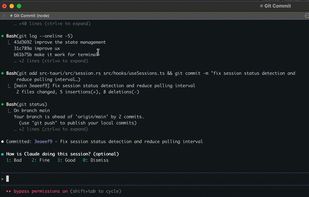
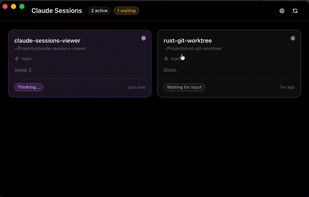


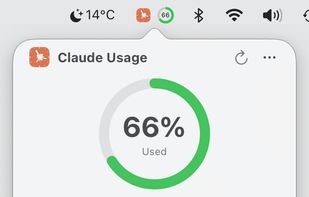
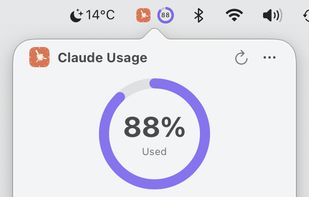
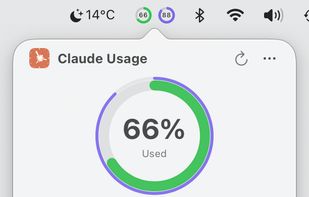


A lightweight macOS menu bar application that monitors and manages Claude Code instances in real-time. Keep track of multiple Claude sessions, their resource usage, and running processes - all from your menu bar.
 United States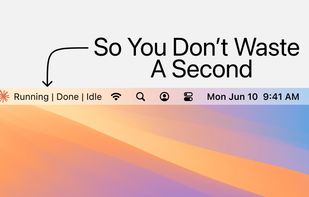


System tray companion for Claude Code. Session monitoring, permission forwarding, usage tracking.
 ItalyEU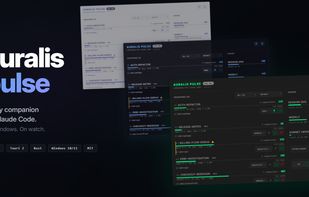
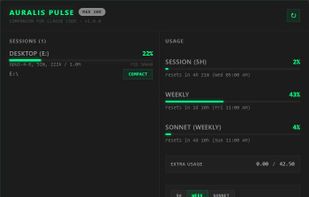


AgentNotch brings Claude Code, Codex, and Cursor sessions to your Mac’s notch, showing progress, approvals, and finished tasks.
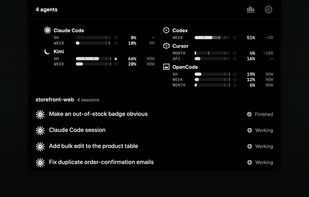
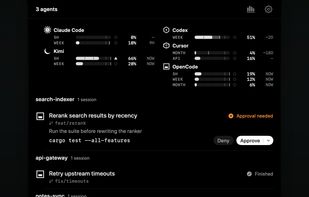
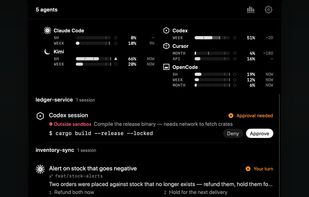


Splitlane is a native desktop app for supervising several CLI coding agents at once. Each agent runs in a real terminal pane, as it would in your own terminal. Splitlane shows which session is working, which has finished and which is stopped on a question for you.