

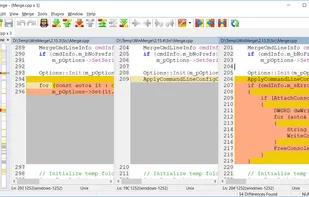
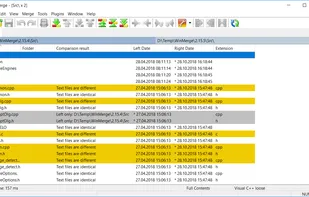
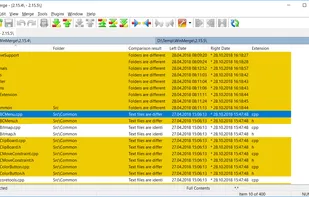
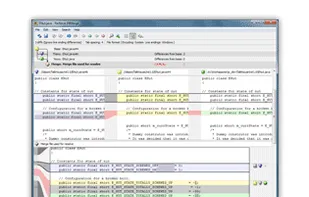
WinMerge is an open source differencing and merging tool for Windows. WinMerge can compare both folders and files, presenting differences in a visual text format that is easy to understand and handle.
 United States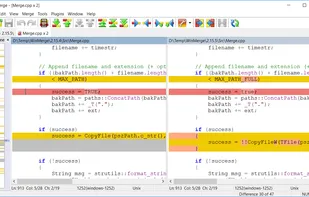
+4


The best Merge File alternative to Changes is WinMerge, which is both free and Open Source. If that doesn't suit you, our users have ranked more than 25 alternatives to Changes and eight of them are Merge File Tools so hopefully you can find a suitable replacement. Other interesting Merge File Tool alternatives to Changes are P4Merge, DiffMerge, FileMerge and SmartSynchronize.
WinMerge is an open source differencing and merging tool for Windows. WinMerge can compare both folders and files, presenting differences in a visual text format that is easy to understand and handle.

P4Merge uses color coding to allow users to visualize the differences between file or images. It allows three-way merging among files, and shows side-by-side file/image comparison.
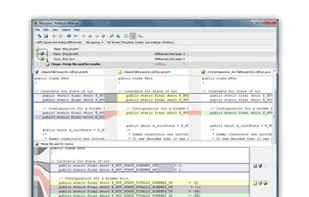
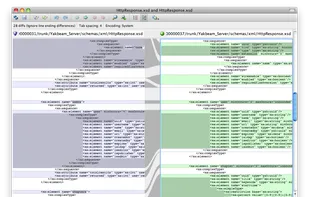


DiffMerge is a graphical file comparison program for Windows, Mac OS X and Unix, published by SourceGear.
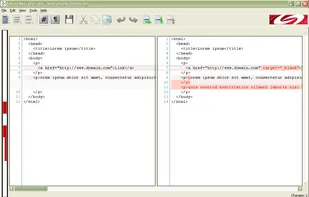


FileMerge lets you compare one file to another or one directory to another and merge the files or directories together.
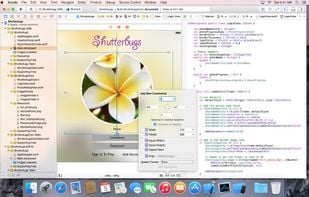
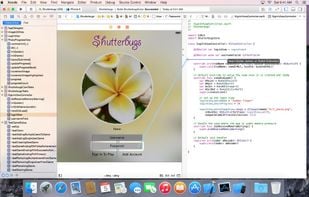
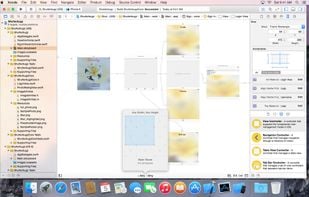
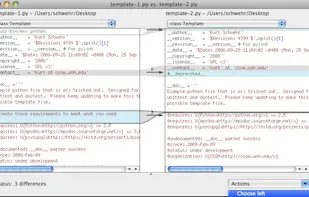


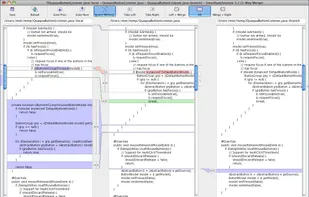
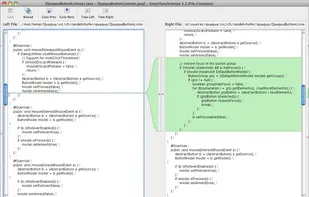
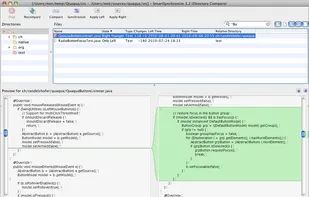
SmartSynchronize is a multi-platform file and directory compare tool. It allows you to compare files or perform 3-way-merges, both with the ability to edit the file contents. SmartSynchronize is specialized in comparing directory structures (for example, of software projects)...


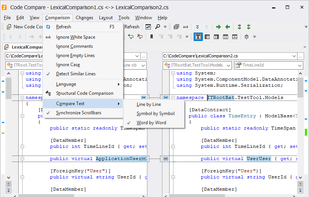
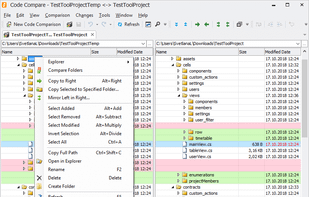
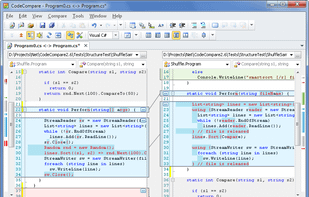
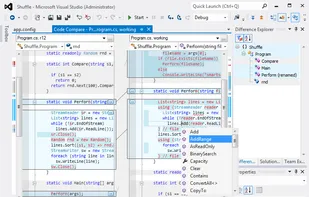
Free file and folder merge tool providing two-way comparison, Visual Studio and Atmel Studio integration, enhanced folder sync, syntax highlighting, batch operations, Intellisense, navigation by change type, command line support, and detailed control over merges.


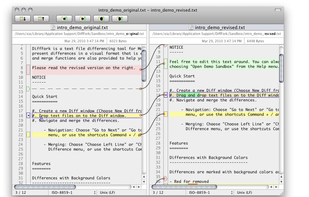
DiffFork is a diff tool for Mac OS X. DiffFork can compare both folders and files, presenting differences in a visual format.


 Czechia
 EU
EU
