


This is a kernel extension and clients that allow the MacBook to disable sleeping when the lid is closed. MOUNTAIN LION IS NOT SUPPORTED
Cost / License
- Free
- Open Source
Application type
Platforms
- Mac


Apps similar to Chai by lvillani include Vorssaint, which is free and open source. Other options are goguma app, Amphetamine, Frset and Green Dotter. You're spoiled for choice with Prevent Sleep Mode Apps like Chai by lvillani: we list more than 50 alternatives for Mac, Windows, Android, Linux and the web.
This is a kernel extension and clients that allow the MacBook to disable sleeping when the lid is closed. MOUNTAIN LION IS NOT SUPPORTED

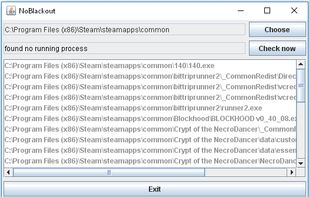
Simulates activity (=> disables screensaver and powersaving) while running programms (any .exe) from a choosen directory. Main purpose is to choose the steam directory to disable monitor powersaving while running steam games.


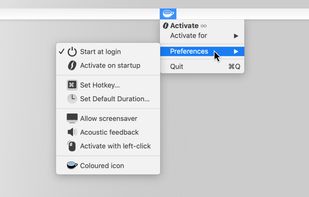
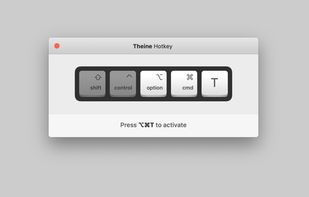
Prevent your Mac from falling asleep, dimming your screen or starting the screensaver. Theine keeps macOS awake just like caffeine does with you.
 Germany
 EU
EU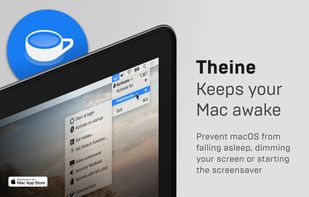
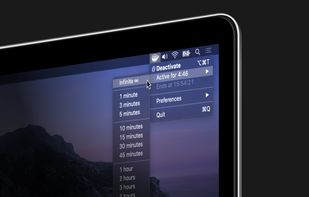


This application is used to prevent the computer from going to sleep without changing system settings


Coffee allows you to keep the display awake without having to change the device settings. It can be toggled at various places:
GermanyEU


This app will keep your system awake for a defined period of time. It will pause the energy settings and prevent the screensaver from starting.
GermanyEU
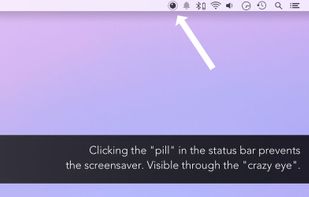


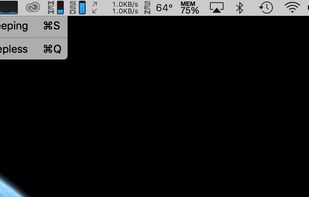


Anti-Sleep App for your Mac.
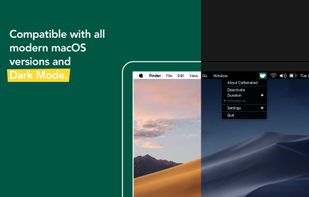
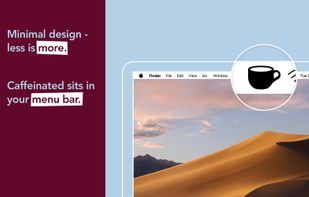
Caffeinated prevents your Mac from going to sleep, dimming your screen or starting the screensaver.
GermanyEU


Espresso is a Caffeine alternative with support for retina displays and the black or white menu bar introduced in OS X Yosemite.
GermanyEU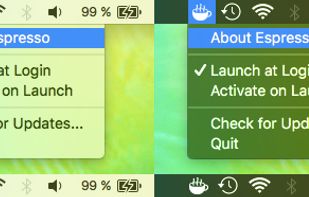


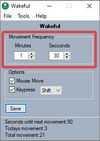
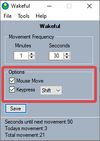
Keeps your computer in an active state. No install required, fully portable and can run from a USB. Completely free for everyone.
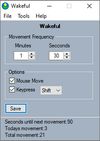


MoccaFaux is a flexible scheduler that prevents the activation of screen savers and power-saving modes when certain conditions are met.


NoSleep makes closing of your MacBook lid possible without going to a sleep mode. Now you shouldn't have to plug your mouse and monitor to stay computer awake - just activate it by clicking a menu bar icon or check a tick in the System Preferences and continue downloading...
 Russia


