


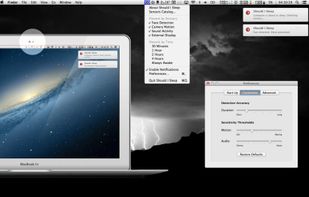
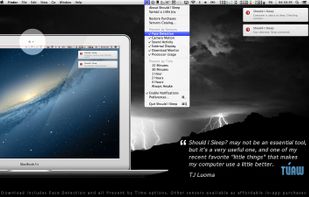
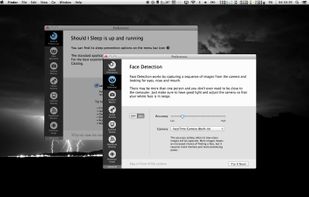
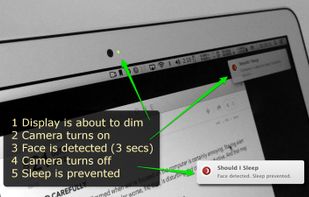
Annoyed by the display getting dim when you're reading or watching something? What if the computer could “see and hear” you?
Cost / License
- Paid
- Proprietary
Application type
Platforms
- Mac



+1


Apps similar to Chai by lvillani include Vorssaint, which is free and open source. Other options are goguma app, Amphetamine, Frset and Green Dotter. You're spoiled for choice with Prevent Sleep Mode Apps like Chai by lvillani: we list more than 50 alternatives for Mac, Windows, Android, Linux and the web.
Annoyed by the display getting dim when you're reading or watching something? What if the computer could “see and hear” you?

Clapet is a utility that aims to improve clamshell mode on your Macbook by automatically managing sleep when an external display is detected.


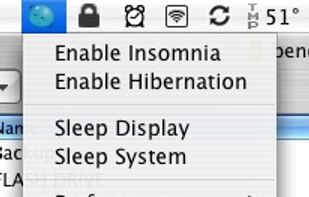
It always has been a missing feature: disabling the sleep mode on a Apple Laptop. Who does not want to use it as a big juke-box or go warwalking. The best looking server ever, especially at about one inch height.


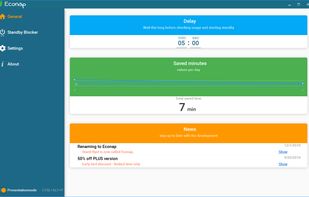
Econap helps you to save energy and increase your comfort. Before your pc enters the sleep mode, Econap will check if something important is running on your system. If so, it will wait until your download, backups, videos etc. are finished. Finally your pc will go to sleep.
 Germany
 EU
EU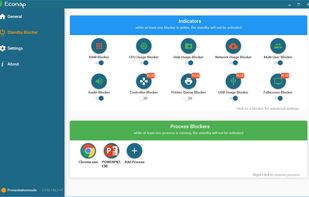


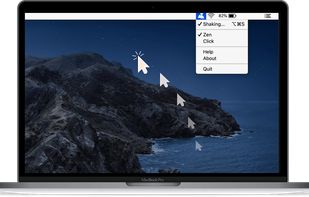
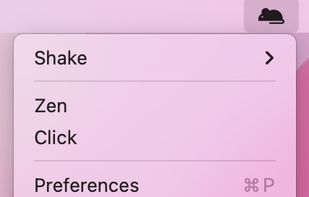
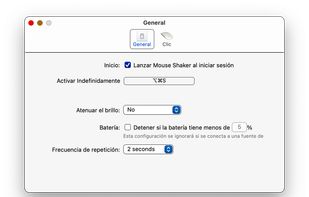
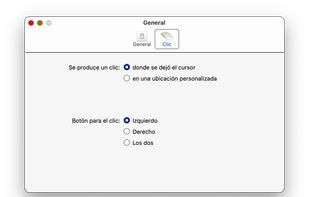
Mouse jiggler macOS app that auto moves your cursor so that you always appear online and active on messaging apps. Ideal if you need to keep your connection to citirix or your VPN active without having to reconnect.


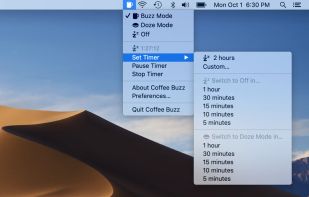
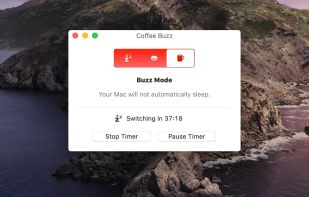
Coffee Buzz is the easiest and safest display-sleep preventer available, with simple operation and exclusive Safety Auto-Shutoff feature. Keeping your Mac awake (and letting it sleep again) is as simple as a click!.


When it's not possible to change the screensaver settings in your Windows environment, then it's almost impossible to show things on your screen for a longer period without activating the screensaver.


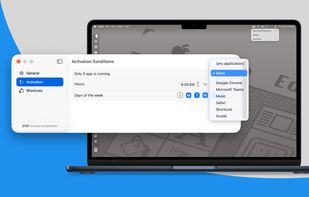
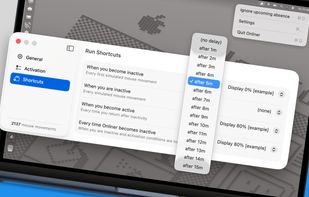
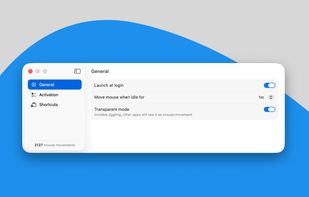
Invisible, smart mouse movements prevent your Mac from sleeping and keep the active status in Slack, Teams, and more.
Online all the time? It can't be easier!


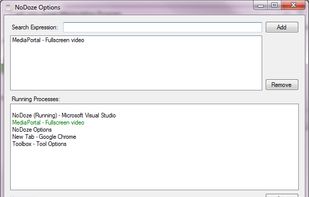
NoDoze simulates keyboard/mouse activity to keep the screensaver from activating. Its activity depends on currently running programs. You can use regular expressions or Windows wildcards to choose when the screensaver is deactivated.




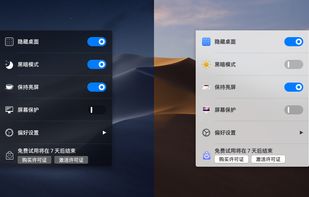
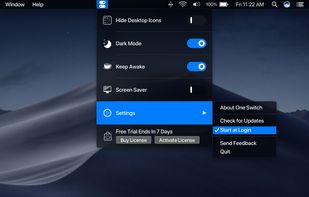
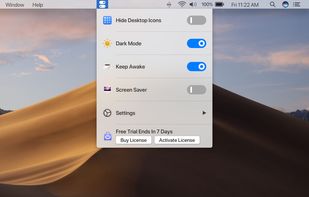


@home is a tiny convenience utility, that knows when you are at home (based on your wireless network name) and prevents your computer from locking the screen. When you are away from home, your normal locking idle times apply.


 United States


