Cost / License
- Freemium
- Proprietary
Application type
Platforms
- Software as a Service (SaaS)
 United Kingdom


+1


CapyCursor has been discontinued. Similar apps include Recordly, which is free and open source. Other options are Screenity, OpenBoard Whiteboard, Screen Studio and EpicPencil. There's no shortage of Screen Recorders like CapyCursor, with more than 50 alternatives for Windows, Mac, Linux, the web and Android.
United Kingdom
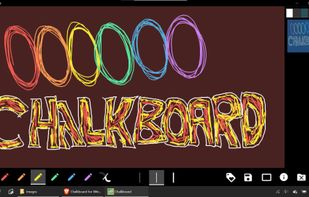
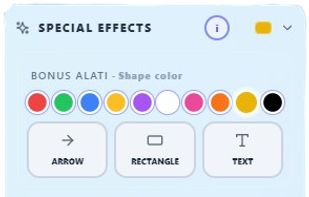
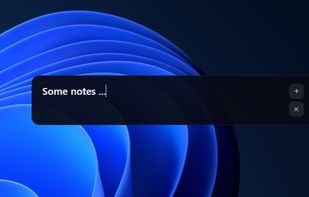
How would you like to write on your screen? Write quickly and effectively. Notes can be saved and deleted with one click. What makes this even more fun is that you can draw with your hand if you have a touch screen.

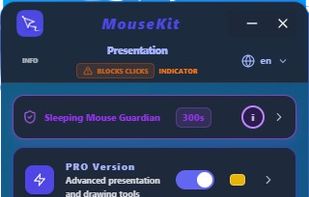
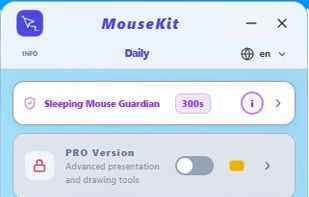
MouseKit turns your mouse cursor into a presentation, on-screen drawing, and cursor-tracking tool — all in one, for Windows.
 Serbia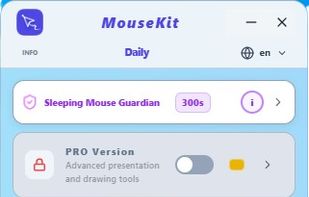

Screen recorder that auto-zooms to your clicks. Record your screen, and ClickZoom adds smooth zoom animations to each click point. Webcam PiP, mic audio, timeline editor included. Free trial, €8.50 one-time.
 Spain
Spain EU
EU

TabCaster is a privacy-focused Chrome extension for effortless browser tab recording. It captures high-quality video and microphone audio directly from your toolbar.



A neat little application that allows you to draw on your screen. Use it from anywhere you want - be it your desktop, while browsing internet or even while in a video game.
 LatviaEU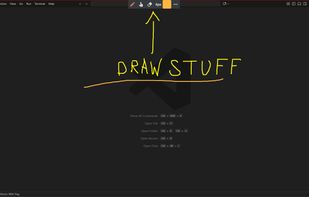
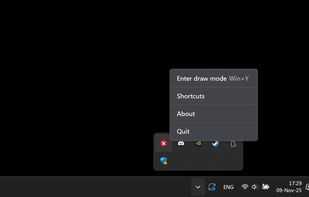
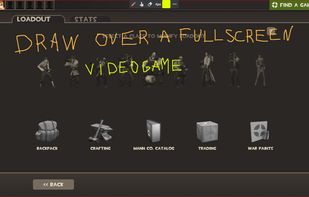


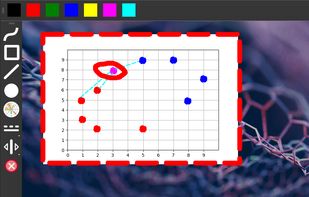
Screen annotation software which allows drawing directly on the screen. It is an open source and multiplatform (all systems that support Python) alternative to tools such as Epic Pen.


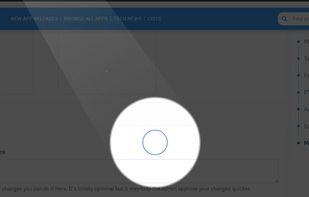
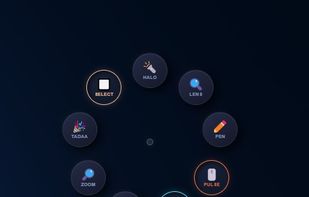
Turn every screen share into a polished presentation. Cursaura adds beautiful cursor highlights, click effects, zoom, annotations, keystroke display, and focus tools directly on your screen — perfect for demos, tutorials, livestreams, online courses, and remote meetings.


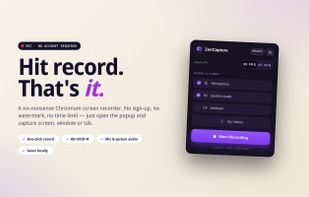
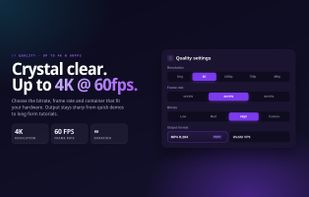
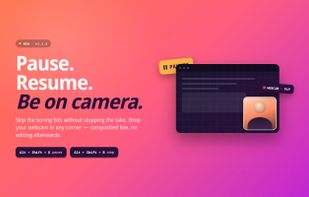
Free Chrome extension for screen recording with no time limit, no watermark, and no sign-up. All recordings stay on your computer.
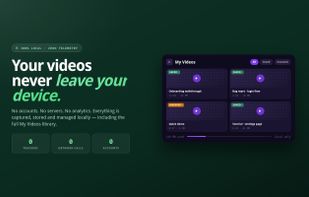

bananotate is a powerful application that allows you to edit and annotate your screen live. Zoom in, highlight, draw shapes, add text, capture your screen, create mock UI, and much more.


A sophisticated screen recorder for macOS that includes smart zoom, fluid cursor navigation, webcam compatibility, and beautifully crafted background options.
 GermanyEU