Platforms
- Linux
 Germany
 EU
EU


Apps similar to Capto include ShareX, which is free and open source. Other options are Greenshot, Snipping Tool, PicPick and Bandicam. There's no shortage of Screenshot Capture Tools like Capto, with more than 100 alternatives for Windows, Mac, the web, Linux and iPhone.
GermanyEU
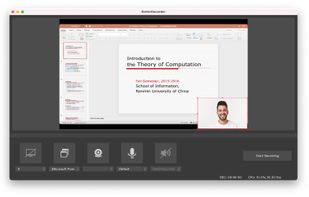
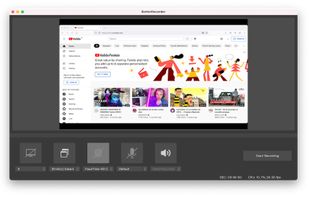
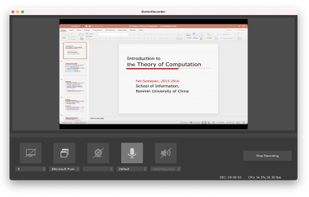
BetterRecorder is a screen recorder for mac, it can record screen with desktop internal audio, webcam video and microphone audio.


Quick Screen Recorder is a lightweight desktop screen recorder for Windows, built on top of WinForms (C#).
 Canada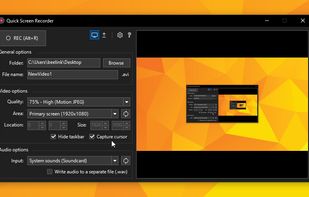


 Indonesia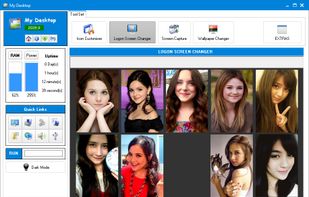

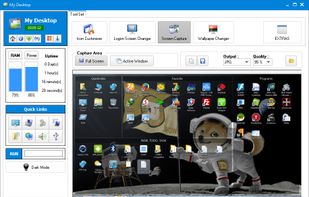


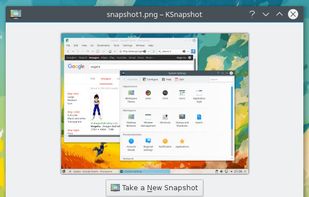
This application allows you to capture the entire screen, the active window or a selected region. You can set the delay that elapses before the screenshot is taken and the action that will be done with the screenshot: save it to a PNG file, copy it to the clipboard, open it...
GermanyEU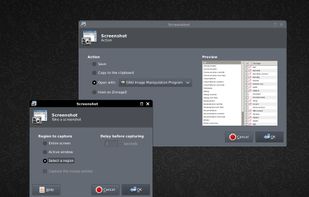


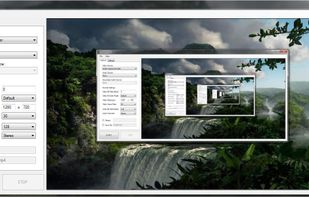
A freeware application that lets users stream high quality content similar to XSplit Broadcaster and Flash Media Live Encoder. Currently, the application is in early stages of development. This project is actively looking for dedicated testers.


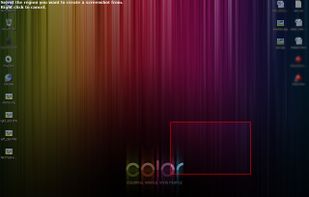
Taking screenshots with Shotty is so natural and easy, you just have to try it. Edit them in minimalistic editor and the upload them with one click. Focusing on simplicity and usability, this tool is probably the most intuitive screenshot utility out there.
GermanyEU




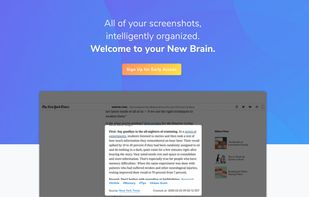
Screenshot organization and smart search, for effortless memory retrieval. Categorized screenshots by keywords, topic, and source -- so that you can find the memory you're looking for.
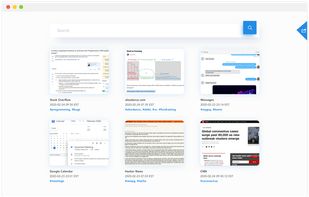
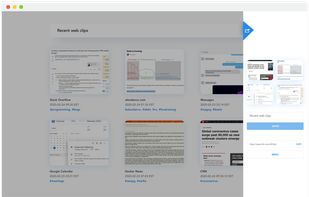


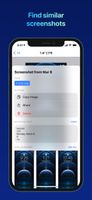
FlyScreen is a powerful screenshot manager for iOS. Search your screenshots, copy text and links, organize by tags, and more.




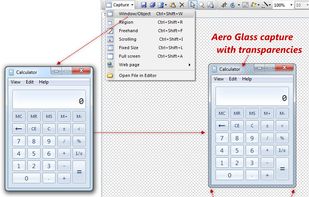
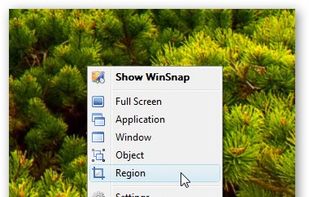
WinSnap is a small enhancement utility for taking and editing screenshots. Standard features include easy capture of non-rectangular windows with customized and transparent backgrounds, simple and automatic canvas transformations, coloring effects, and the addition of eye-candy...
 Russia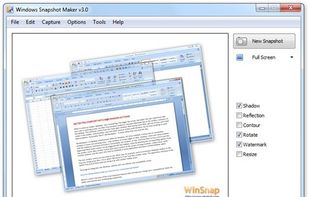



Easy Screen Capture and Annotation lets you capture and annotate any part of the screen. The main goal of the product is to speed up the capture and editing process saving you valuable time by automating repetitive tasks.
 United States
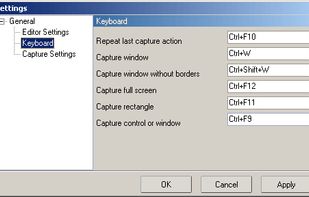


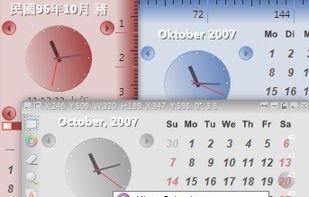
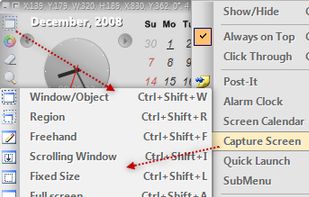
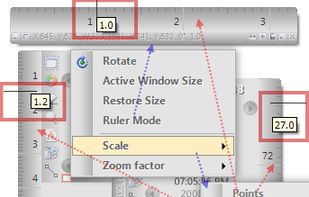
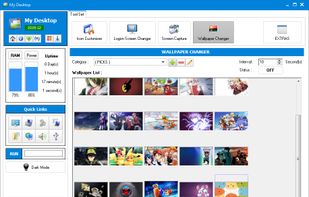
Capture .NET Free is an integrated, multi-functional, powerful and general-purpose System, Design, File, Desktop and Develop utility tool. Includes many helpful tools: Capture Screen/Image Editor/Capture Color/Post-It/Screen Clock/Screen Calender/Screen Reminder/Screen...
 Taiwan