Capcha Screenshot Alternatives

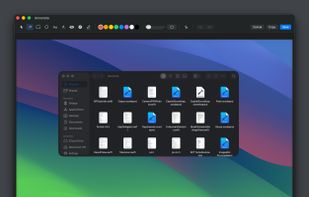
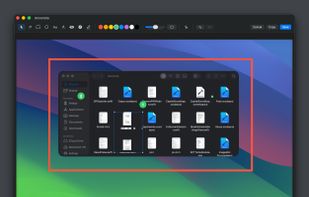
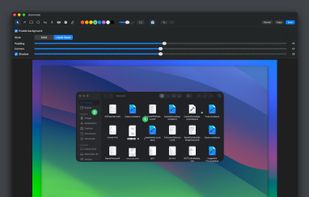
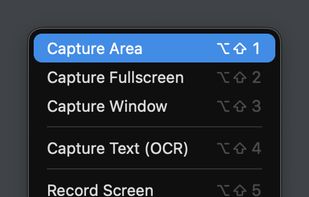
Capcha Screenshot is described as 'A powerful screenshot designer that lives in your menu bar' and is a screenshot capture tool in the photos & graphics category. There are more than 25 alternatives to Capcha Screenshot for a variety of platforms, including Mac, Web-based, Google Chrome, Windows and SaaS apps. The best Capcha Screenshot alternative is Gradia, which is both free and Open Source. Other great apps like Capcha Screenshot are Better Shot, MakeShot Pro, Shottr and Screenshot.rocks.

Copy a direct link to this comment to your clipboard
Capcha Screenshot alternatives page was last updated

Alternatives list

  1. Picyard icon
     2 likes

    Picyard is a simple and intuitive web app that allows users to make beautiful images. With its user-friendly interface and powerful features, Picyard is the perfect tool for anyone looking to beautify their images for web use.

    Cost / License

    • Free
    • Proprietary

    Application type

    Platforms

    • Online
    • Android
     
  2. Capture screenshots, annotate, and share a link where your team pins feedback directly on the image — no sign-up needed for reviewers.

    Cost / License

    • Freemium
    • Proprietary

    Platforms

    • Mac
    • Online
     
  3. Shotmockr icon
     1 like

    ShotMockr helps you take screenshots & turn images into real-life design mockups without Sketch, Photoshop or Behance.

    Cost / License

    • Free
    • Proprietary

    Application type

    Alerts

    • Discontinued

    Platforms

    • Online
    • Chrome OS
    • Google Chrome
    • Software as a Service (SaaS)
     
  4. Screenzy icon
     Like

    Screenzy instantly transform you pictures and screenshots into beautiful mockups ready to be shared on social media.

    Cost / License

    • Free
    • Proprietary

    Application type

    Platforms

    • Software as a Service (SaaS)
     
  5. Record your screen, capture screenshots, annotate, and share them instantly. FastCapture is a lightweight, all-in-one Chrome extension for video recording, image capture, and annotation - no upload to external servers. Everything is processed locally in your browser.

    Cost / License

    • Free
    • Proprietary

    Platforms

    • Google Chrome
     
  6. Add charming backgrounds to Images to share on social media and get x12 more engagement.

    Become popular within your circle.

    Cost / License

    • Paid
    • Proprietary

    Application type

    Platforms

    • Online
    • Software as a Service (SaaS)
     
  7. Get Logo, Favicon, Banner, OG Image, and Social Media Graphics customized to your Startup, in minutes. Edit Screenshots to look beautiful and outstanding, with those great backgrounds, paddings, and rounded corners. No design skills are required!.

    Cost / License

    • Paid
    • Proprietary

    Application types

    Platforms

    • Online
     
  8. SMBImg icon
     Like

    This app is designed to quickly convert images and create a screenshot with watermarks and gorgeous backgrounds. It supports all major image formats such as JPG, PNG, GIF and WEBP. The conversion process is very fast and easy to use.

    Cost / License

    • Freemium
    • Proprietary

    Application type

    Platforms

    • Web Browser
     
  9. Lumescape icon
     Like

    Make screenshots beautiful.

    Cost / License

    • Paid
    • Proprietary

    Platforms

    • Mac
     
  10. SlimSnap icon
     Like

    SlimSnap is a Mac app that turns a screenshot into structured JSON instead of an image. It captures the screen, runs OCR locally, and outputs the text, elements, colors, and bounding boxes, so terminal AI coding agents (Claude Code, Aider, Codex CLI) can act on the exact element...

    Cost / License

    • Free
    • Proprietary

    Application type

    Platforms

    • Mac
     
  11. "Capture it" is the best screenshot Chrome extension; it is a lightweight, fast, and reliable tool for turning webpage elements and screenshots into high-quality images, in beautiful designs.

    Cost / License

    • Free
    • Proprietary

    Application type

    Platforms

    • Google Chrome
    • Mozilla Firefox
    • Microsoft Edge
     
  12. Capture macOS screenshots with a floating thumbnail for quick actions like renaming, copying, extracting text, scrolling capture, and local background removal. Supports custom folders, virtual desktops, Apple Silicon, temporary stashing, privacy, and customization.

    Cost / License

    • Paid
    • Proprietary

    Application type

    Platforms

    • Mac
     
You are at page 3 of Capcha Screenshot alternatives