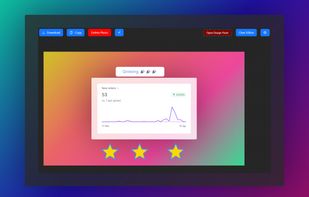
Add charming backgrounds to Images to share on social media and get x12 more engagement.
Become popular within your circle.
Cost / License
- Paid
- Proprietary
Application type
Platforms
- Online
- Software as a Service (SaaS)


One of the most popular alternatives to Camtasia is OBS Studio, which is free and open source. Other popular alternatives are Kdenlive, Shotcut, OpenShot and DaVinci Resolve. There's no shortage of Screen Recorders like Camtasia, with more than 100 alternatives for Windows, Mac, the web, Linux and Android.
Add charming backgrounds to Images to share on social media and get x12 more engagement.
Become popular within your circle.

FoneDog Online Video Editor is a versatile tool that offers a range of features for video editing, allowing users to create and modify their video content with ease. The software's key features include:
 Philippines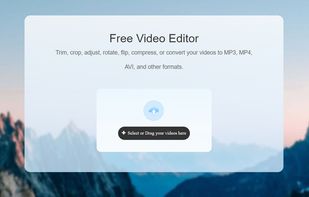






Free screenshot and screen recording tool featuring instant capture, advanced editor with annotation, blur, pixelation, history for re-editing, hotkeys, dark mode, multiple capture types, OCR, GIF/video export, multi-monitor support, and offline use.
 Russia
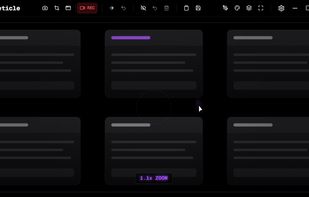
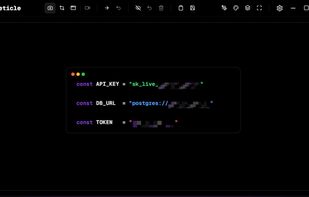


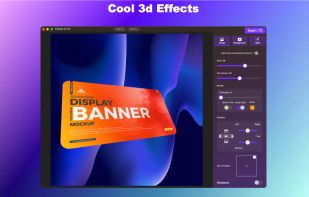
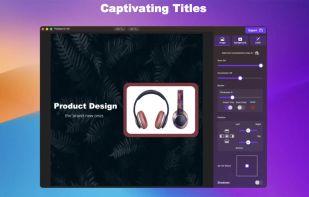
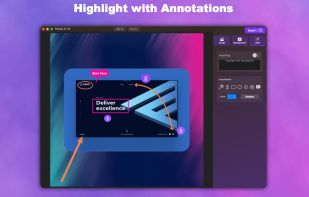
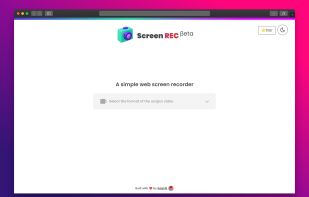
Capture, Customize, and Share Effortlessly with PixEase. We understand the value of your time, which is why we've designed our app to make the process of creating stunning visuals quick and seamless.
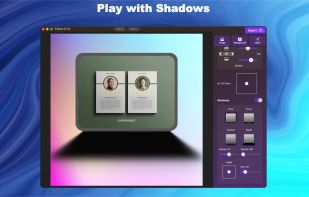




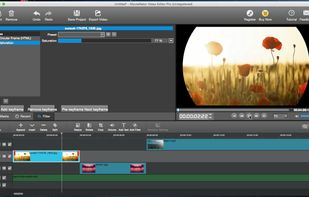
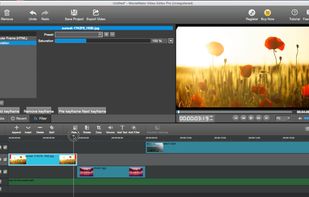
MovieMator is a powerful-yet-free video editing software for Mac & Windows. It is the best free alternative to iMovie download!.
 China
China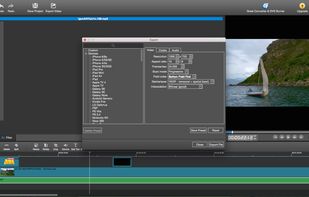


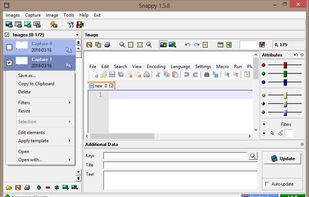
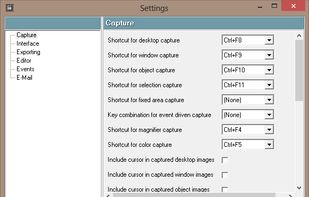
Snappy is a desktop-capture software for Microsoft Windows that allows to capture the screen of your monitor. Compared to other similar applications, Snappy could be less complete, but my purpose is to keep it as immediate as I can. Try it, and let me know if I'm wrong...

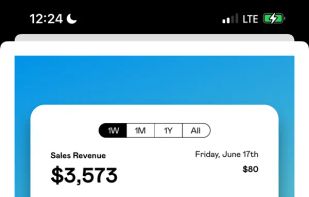
Capture and balance screenshots instantly with auto background colors, sensitive info redaction, text selection, custom shortcuts, social media sizing, history, presets, and compressed images in a native macOS app, supporting annotations and sharing.
 Singapore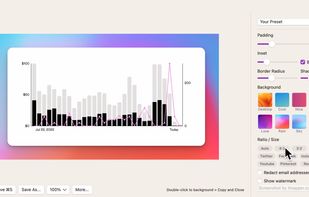


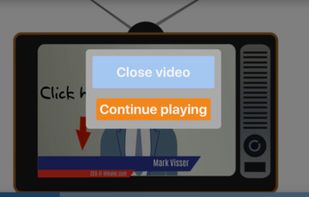
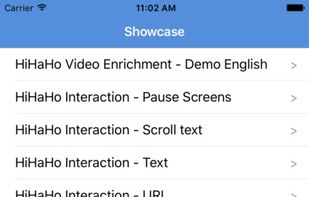
With HiHaHo, you can make any video interactive. Involve viewers by inserting interactions and integrate them into existing learning tracks.
 Netherlands
 EU
EU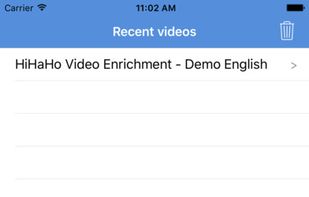



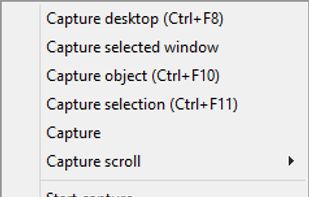
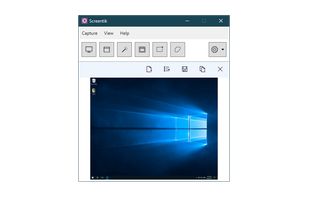
A lightweight yet powerful screen capture tool that allows you to easily capture anything on the screen including windows, objects, full screen, rectangular and freehand regions.


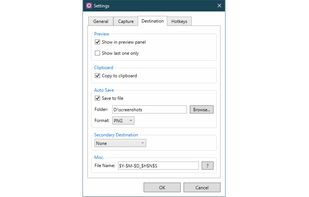


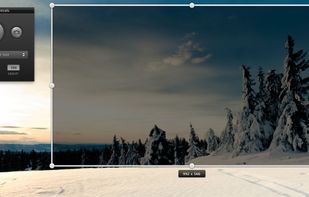
Screeny gives you the freedom to capture your videos or images at any size. You can click & drag to resize the capture area or input the exact pixel dimensions to set to the size of the capture area.
 United States