Cost / License
- Freemium
- Proprietary
Application type
Platforms
- iPhone
- iPad
 Czechia
 EU
EU
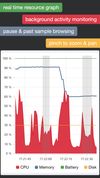

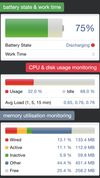

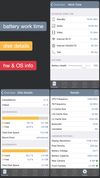


Apps similar to NZXT CAM include CPU-Z, which is free. Other options are Speccy, GPU-Z, MSI Afterburner and AIDA64. System Information Utilities like NZXT CAM are a crowded field, with more than 25 alternatives for Windows, Linux, Android, iPhone and iPad.
CzechiaEU
Hardware Identify is a program that lists all installed hardware devices on your computer and displays information about each device.


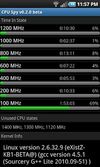
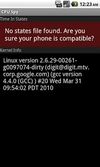
This is a simple app to display the time the CPU spends in each frequency state. This can be a useful tool in diagnosing battery problems or tweaking your over-clock settings. It also displays the current kernel information.


Analyze installed apps, permissions, Wi-Fi details, sensors, device activity, hardware components, and system behavior in a clear and structured way.
 India
India




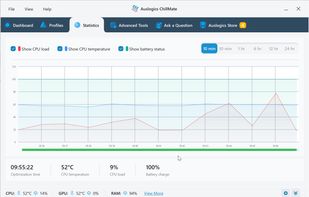
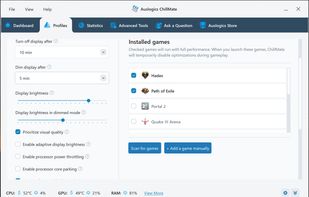
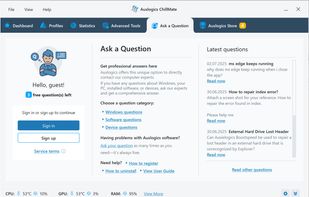
Auslogics ChillMate is a system utility designed to monitor and control PC temperature, preventing overheating and maintaining stable performance.
 Australia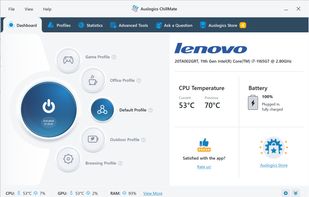


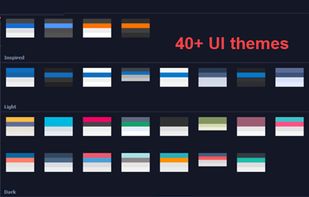
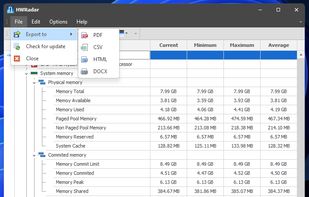
Delivers real-time insights on CPU, GPU, and memory performance using a customizable interface with over 40 themes, docking panels, and various export formats including PNG, PDF, CSV, DOC, and HTML. Features diverse CPU charts and visualization options for detailed analysis.
 United States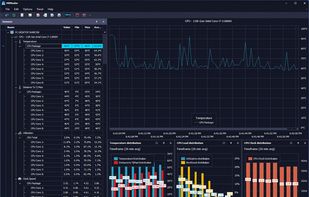


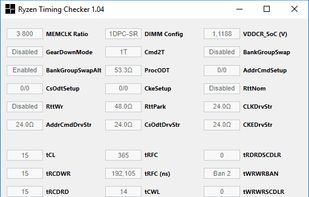
Ryzen Timings Checker provides complete insight into all memory related configuration settings on AMD Ryzen and Raven Ridge processors.