


Keeps your computer in an active state. No install required, fully portable and can run from a USB. Completely free for everyone.
Platforms
- Windows
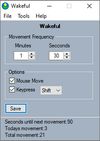

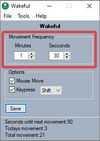

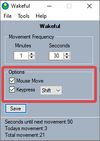


Caffeine for Windows is described as 'If you have problems with your PC locking or going to sleep, caffeine will keep it awake. It works by simulating a keypress once every 59 seconds, so your machine thinks you're still working at the keyboard, so won't lock the screen or activate the screensaver' and is a prevent sleep mode app in the os & utilities category. There are more than 50 alternatives to Caffeine for Windows for a variety of platforms, including Mac, Windows, Android, F-Droid and Linux apps. The best Caffeine for Windows alternative is goguma app, which is both free and Open Source. Other great apps like Caffeine for Windows are Amphetamine, Caffeinate, Green Dotter and Stimulator.
Keeps your computer in an active state. No install required, fully portable and can run from a USB. Completely free for everyone.

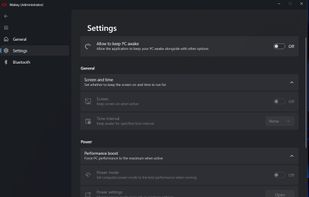
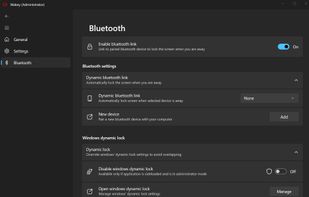
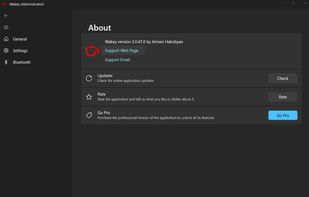
Wakey is my version of application which keeps your PC awake. It was inspired by Awake utility which was a part of Microsoft's PowerToys.
 Armenia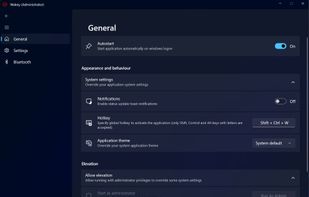


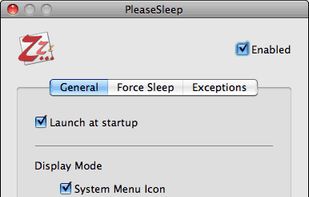
PleaseSleep is a utility software designed for Mac OS X that helps put your computer to sleep when you know some other app is preventing your Mac from going to sleep.


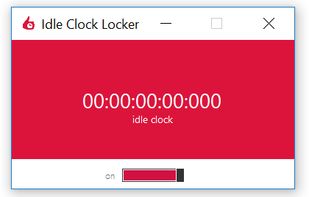
Lightweight, portable, and very practical application that displays and locks the computer idle time, falsely informing the system about user interaction.


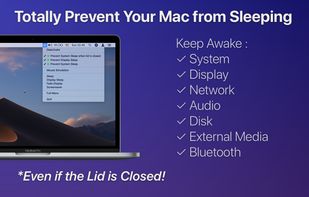
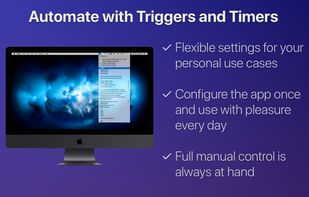


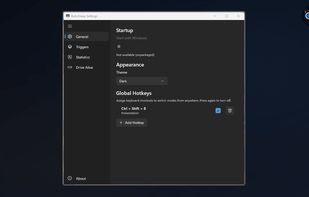
Provides Windows tray-based management for staying awake, preventing sleep, keeping displays on, or changing power plans. Includes session timer, hotkeys, and crash recovery with Pro-only smart triggers, stats export, Drive Alive for USB devices, and minimal resource use.
 Russia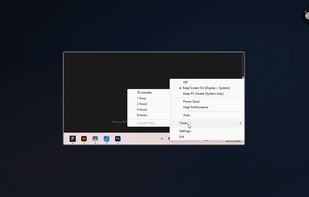


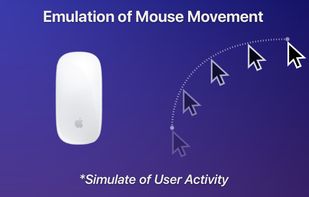
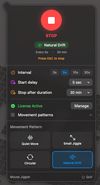
Professional-grade tool that prevents system sleep and idle states with randomized, human-like mouse movements and window rotation.
 India
India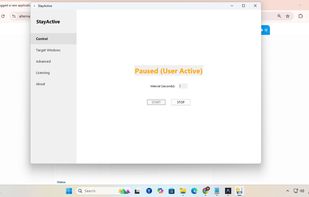




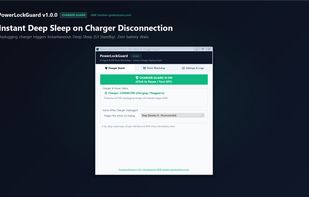
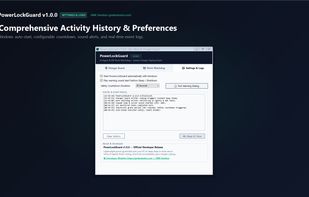
Smart auto-sleep & power management for developers, laptops & AI agents (Claude Code, Cursor, Aider, VS Code). Automatically sleeps or shuts down when coding tasks finish, plus instant deep sleep on charger unplug. Lightweight (~62 KB) & offline. Built by GMK Solution.
 Bangladesh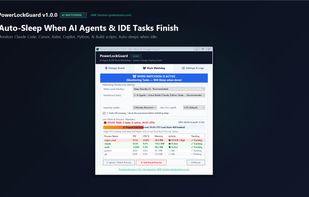



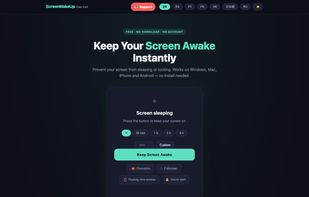
ScreenWakeUp is a free, browser-based tool that keeps your screen from sleeping or locking. It uses the modern Screen Wake Lock API — nothing to install, no admin rights, no account. Open it in any browser on Windows, macOS, Linux, ChromeOS, Android or iPhone and click one...


Jiggle Mouse keeps your computer active with subtle, natural cursor movements — so your screen stays on and your status stays green on Teams & Slack.
 United States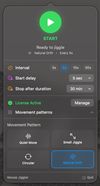





 Canada


