


A small GNOME utility application to send Wake On LAN (WoL) magic packets to devices in a network.
Cost / License
- Free
- Open Source
Application type
Platforms
- Linux
- Flathub
- Flatpak
 Germany
 EU
EU



Apps similar to Caffeine for Windows include goguma app, which is free and open source. Other options are Amphetamine, Caffeinate, Green Dotter and Caffeine for Mac. You're spoiled for choice with Prevent Sleep Mode Apps like Caffeine for Windows: we list more than 50 alternatives for Mac, Windows, Android, Linux and the web.
A small GNOME utility application to send Wake On LAN (WoL) magic packets to devices in a network.
GermanyEU
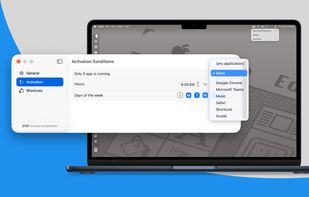
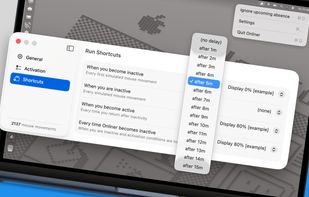
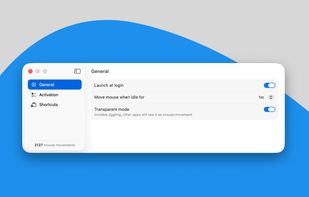
Invisible, smart mouse movements prevent your Mac from sleeping and keep the active status in Slack, Teams, and more.
Online all the time? It can't be easier!


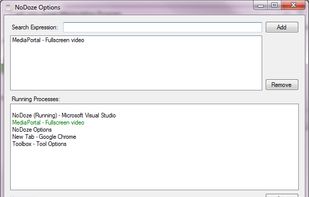
NoDoze simulates keyboard/mouse activity to keep the screensaver from activating. Its activity depends on currently running programs. You can use regular expressions or Windows wildcards to choose when the screensaver is deactivated.


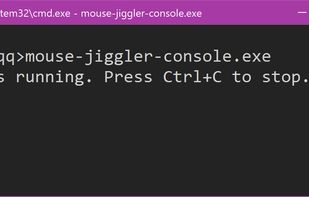
Mouse Jiggler for Windows Terminal, rewritten in F#. "Mouse Jiggler" is a utility that simulates mouse movement to prevent a computer from going idle or activating the screensaver.


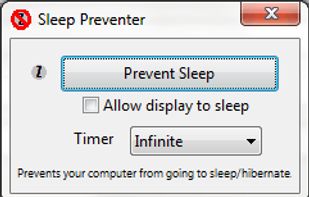
Prevents your computer from going to sleep, hibernate, dim the display or start the screensaver. Application runs in the system tray when closed. New in version v1.3: -Parameter support. v1.2: Option to let display fall asleep. v1.1: Sleep timer.



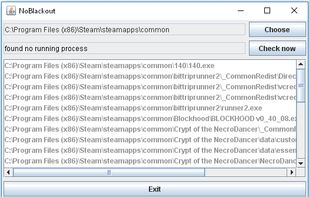
Simulates activity (=> disables screensaver and powersaving) while running programms (any .exe) from a choosen directory. Main purpose is to choose the steam directory to disable monitor powersaving while running steam games.




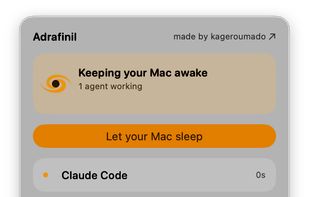
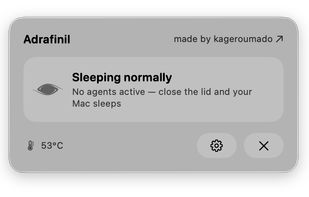


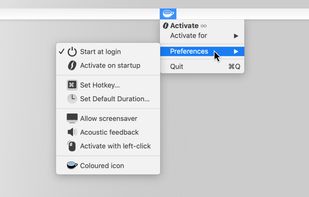
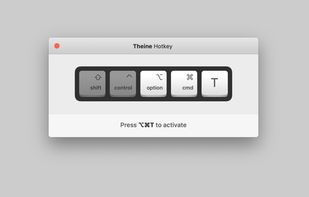
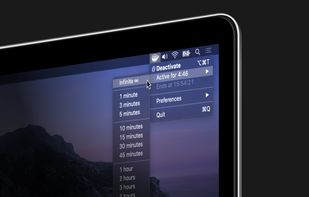
Prevent your Mac from falling asleep, dimming your screen or starting the screensaver. Theine keeps macOS awake just like caffeine does with you.
GermanyEU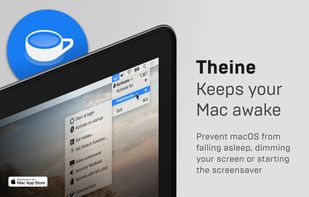


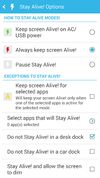
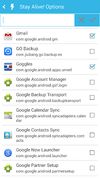
Keep your screen on when your device is running your GPS application, favorite remote control, playing a movie or slideshow, etc... Perfect to keep your screen on without dimming for application development. Your screen will never go back to sleep until you want it to...
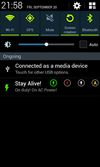


Coffee allows you to keep the display awake without having to change the device settings. It can be toggled at various places:
GermanyEU


This software helps you keep Windows awake when the PC is in use. Windows will transition to standby if the keyboard and mouse is idle for a long time, except if something is blocking sleep. Programs can signal the system to avoid sleep.


