


Cost / License
- Freemium
- Proprietary
Platforms
- Mac
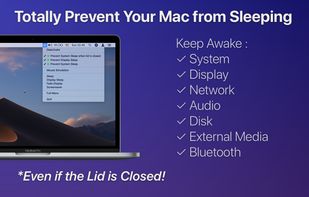

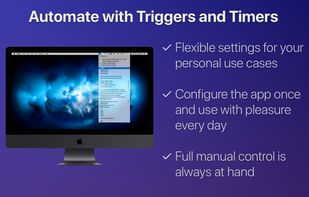

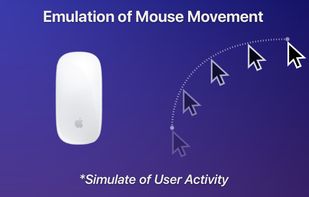


Apps similar to Caffeine for Linux include goguma app, which is free and open source. Other options are Amphetamine, Caffeinate, Caffeine for Windows and PowerToys - Awake. There's no shortage of Prevent Sleep Mode Apps like Caffeine for Linux, with more than 25 alternatives for Mac, Windows, Android, Linux and the web.

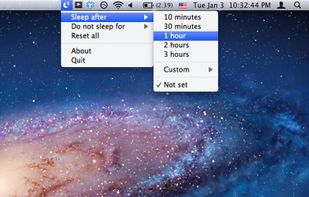
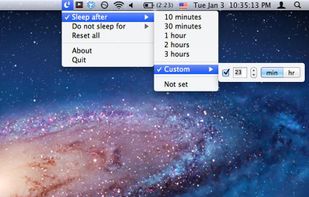
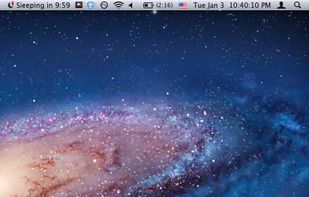
SleepTime is a light-weight app that lives on your menu bar, letting you easily set a timer to put your Mac on sleep automatically after a specified time period you choose.


Close the lid. Keep coding. Hold My Lid keeps your Mac awake while Claude Code, Codex, and your other agents finish the job — lid shut, in your bag.
 India
India


macOS CLI that keeps your Mac awake with the lid closed on battery, so a local Codex, Claude Code, or Cursor session keeps running.
 Germany
 EU
EU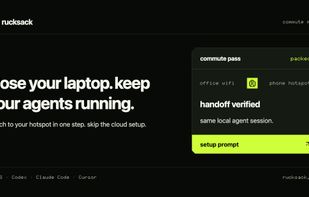


 ItalyEU


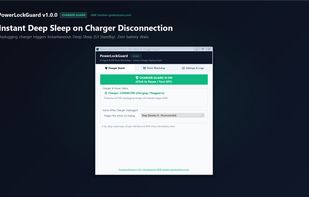
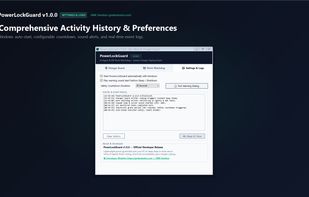
Smart auto-sleep & power management for developers, laptops & AI agents (Claude Code, Cursor, Aider, VS Code). Automatically sleeps or shuts down when coding tasks finish, plus instant deep sleep on charger unplug. Lightweight (~62 KB) & offline. Built by GMK Solution.
 Bangladesh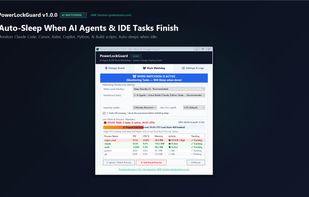


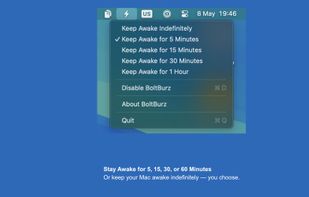
Keep your Mac awake only when needed, with a minimal control surface built for focused workflows.
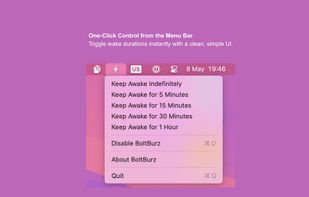
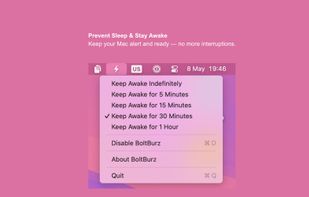
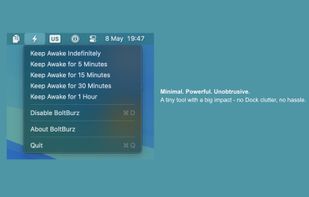


ScreenWakeUp is a free, browser-based tool that keeps your screen from sleeping or locking. It uses the modern Screen Wake Lock API — nothing to install, no admin rights, no account. Open it in any browser on Windows, macOS, Linux, ChromeOS, Android or iPhone and click one...



A tiny macOS menu-bar app that keeps your Mac running even with the lid closed — so coding agents (Claude Code, Codex, etc.) keep working while you move around.
 Vietnam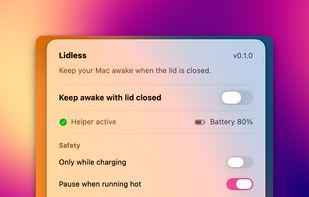


 Canada


