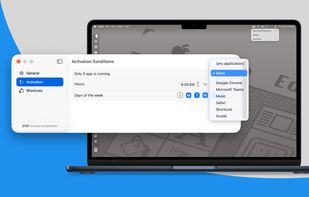
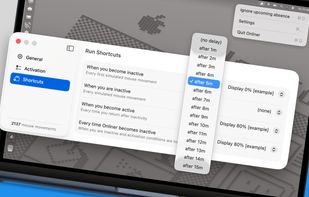
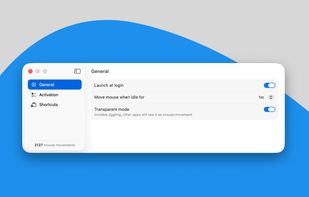
Invisible, smart mouse movements prevent your Mac from sleeping and keep the active status in Slack, Teams, and more.
Online all the time? It can't be easier!
Cost / License
- Paid
- Proprietary
Application type
Platforms
- Mac




Apps similar to Caffeine for Linux include goguma app, which is free and open source. Other options are Amphetamine, Caffeinate, Caffeine for Windows and PowerToys - Awake. There's no shortage of Prevent Sleep Mode Apps like Caffeine for Linux, with more than 25 alternatives for Mac, Windows, Android, Linux and the web.
Invisible, smart mouse movements prevent your Mac from sleeping and keep the active status in Slack, Teams, and more.
Online all the time? It can't be easier!

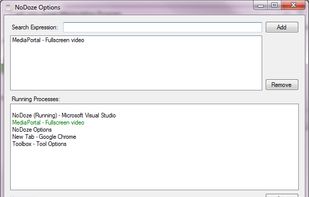
NoDoze simulates keyboard/mouse activity to keep the screensaver from activating. Its activity depends on currently running programs. You can use regular expressions or Windows wildcards to choose when the screensaver is deactivated.


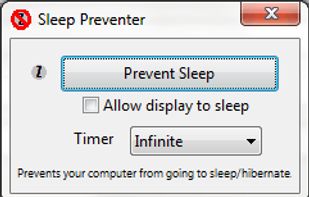
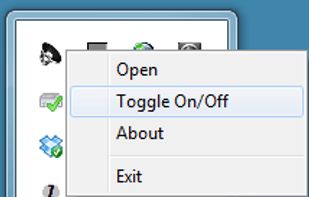
Prevents your computer from going to sleep, hibernate, dim the display or start the screensaver. Application runs in the system tray when closed. New in version v1.3: -Parameter support. v1.2: Option to let display fall asleep. v1.1: Sleep timer.


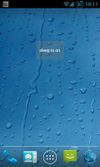


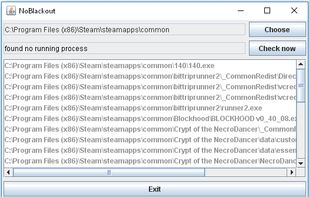
Simulates activity (=> disables screensaver and powersaving) while running programms (any .exe) from a choosen directory. Main purpose is to choose the steam directory to disable monitor powersaving while running steam games.

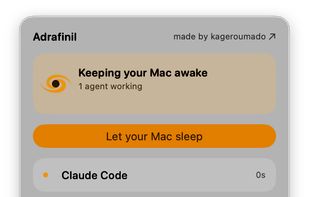


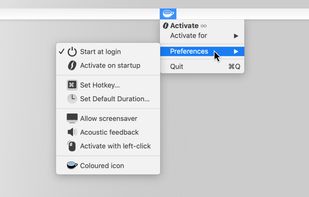
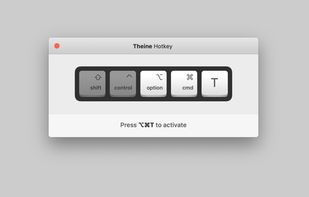
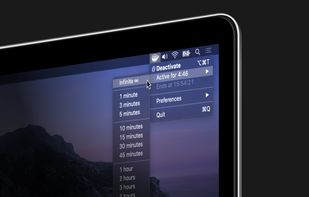
Prevent your Mac from falling asleep, dimming your screen or starting the screensaver. Theine keeps macOS awake just like caffeine does with you.
 Germany
 EU
EU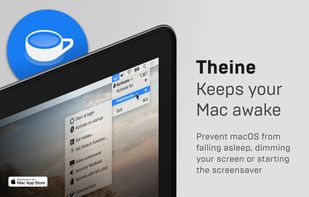


Keep your screen on when your device is running your GPS application, favorite remote control, playing a movie or slideshow, etc... Perfect to keep your screen on without dimming for application development. Your screen will never go back to sleep until you want it to...
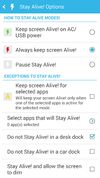
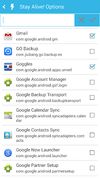
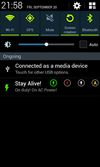


Coffee allows you to keep the display awake without having to change the device settings. It can be toggled at various places:
GermanyEU


Keeps your computer in an active state. No install required, fully portable and can run from a USB. Completely free for everyone.
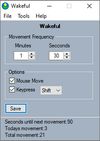
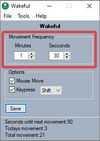
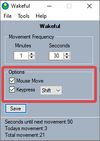


MoccaFaux is a flexible scheduler that prevents the activation of screen savers and power-saving modes when certain conditions are met.


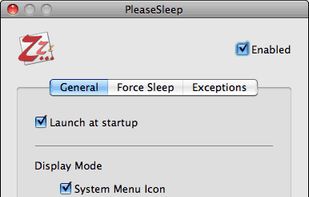
PleaseSleep is a utility software designed for Mac OS X that helps put your computer to sleep when you know some other app is preventing your Mac from going to sleep.