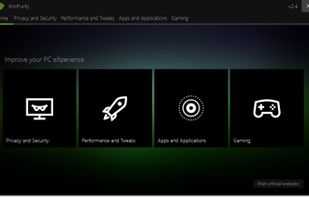
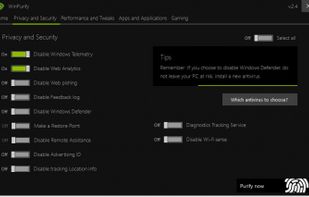
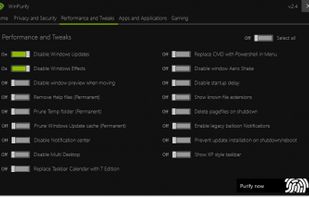
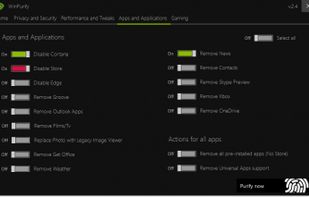
WinPurify is a useful application designed to help you tweak various OS settings, remove unnecessary files and improve your computer’s general performance.
Platforms
- Windows
 Italy
Italy EU
EU



+1


Apps similar to BRU include Chris Titus Tech's Windows Utility, which is open source with a free version. Other options are ShutUp10++, privacy.sexy, Win11Debloat and WindowsMize. You're spoiled for choice with System Cleaners like BRU: we list more than 50 alternatives for Windows, Mac, Android, iPhone and iPad.
WinPurify is a useful application designed to help you tweak various OS settings, remove unnecessary files and improve your computer’s general performance.
ItalyEU
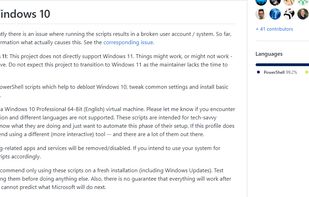
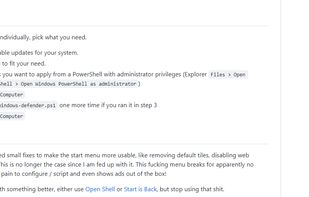


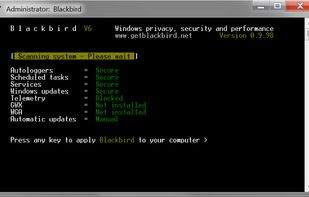
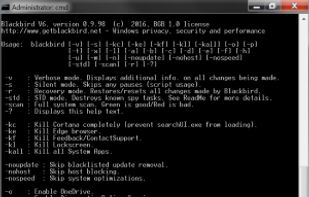
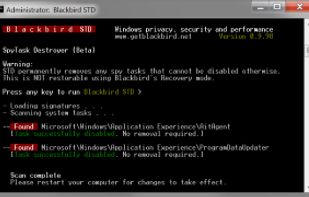
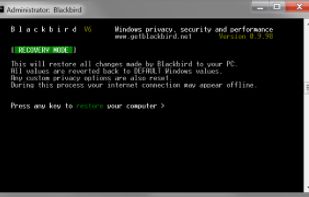
Disables Windows telemetry and diagnostic data collection while removing background tracking services and preinstalled apps, restoring privacy settings and control. Applies privacy tweaks automatically, minimizes resource usage, and allows undoing changes if needed.


Ashampoo AntiSpy for Windows® 10 gives you an overview of all critical system settings and allows you to disable each one at the click of a button. Two included presets allow you to disable any reporting to Microsoft or rely on recommendations by our security experts.
 GermanyEU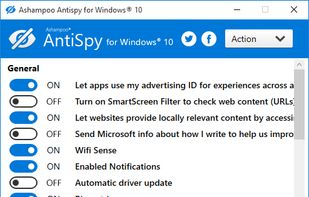

 GermanyEU

 GermanyEU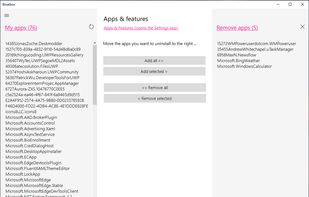


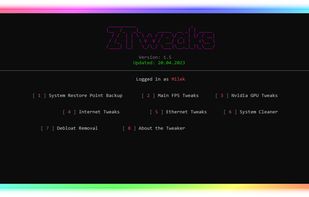
Optimize PC for best performace, ping and reduce input delay!.

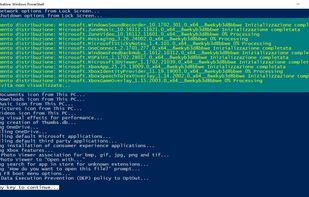
PowerShell script for automation of routine tasks done after fresh installations of Windows 10 / Server 2016 / Server 2019.

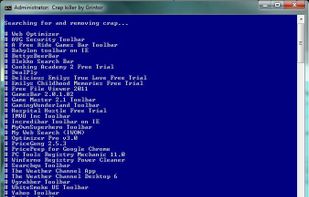
Crap Killer is a CMD script which uses a Heuristic Detection Algorithm to find and automatically uninstall "crapware" (toolbars and 'coupon printers' for example) from all current versions of Windows.


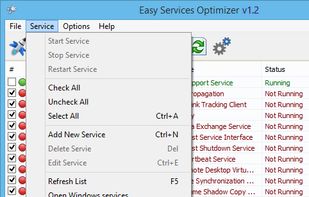
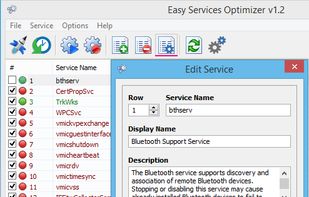
All Windows versions load many services at startup. Most of them (not all) are essential to the core system features. By disabling unnecessary services, performance can be can be improved significantly ,especially on computers with low system resources.
 Türkiye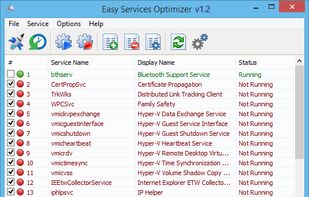


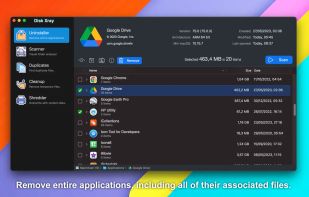
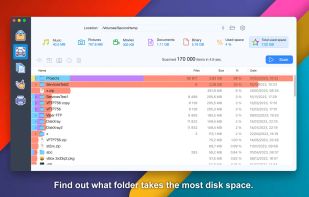
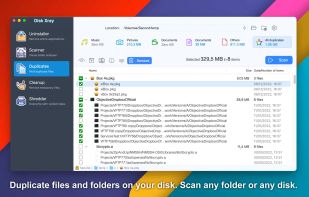
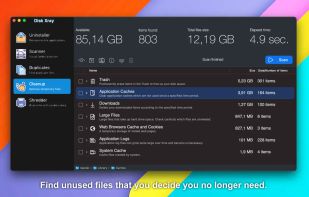
Visual disk usage analyzer for Mac featuring byte-level duplicate file detection, detailed storage statistics, customizable folder scans, temporary file removal, undo safeguards, selective cleanup, support for large files, and dedicated modules for managing storage.
 Thailand