


Open-source software for syncing and backing up files across Windows, macOS, and Linux by transferring only essential data.
Cost / License
- Freemium
- Open Source
Application types
 Germany
 EU
EUPlatforms
- Mac
- Windows
- Linux
- Flathub
- PortableApps.com
- Chocolatey
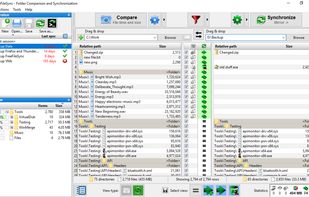

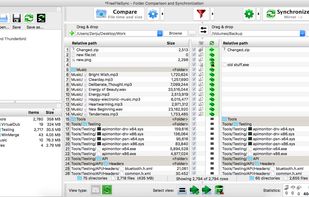

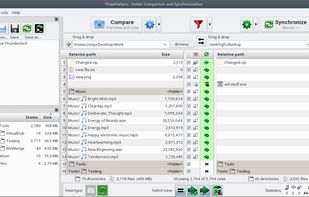

+7
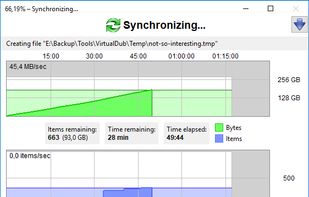


blitcp is described as 'Fast file copy engine for Python. Streams over SSH, skips content it has already sent, and reads in block order to keep disks at sequential speed' and is an app in the backup & sync category. There are six alternatives to blitcp for a variety of platforms, including Windows, Linux, Mac, PortableApps.com and Cygwin apps. The best blitcp alternative is FreeFileSync, which is both free and Open Source. Other great apps like blitcp are TeraCopy, rsync, FastCopy and Ultracopier.
Open-source software for syncing and backing up files across Windows, macOS, and Linux by transferring only essential data.

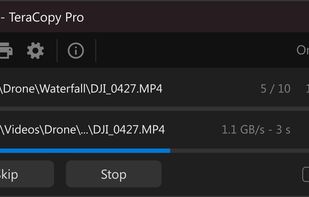
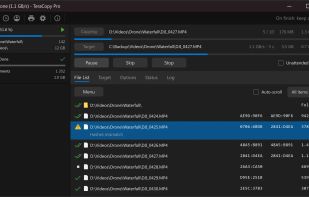
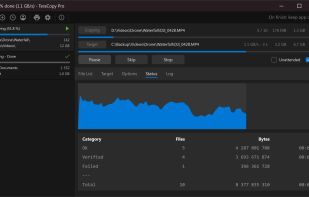
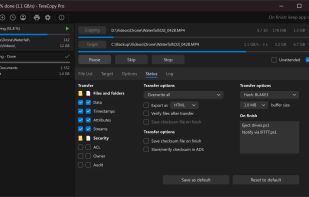
A free utility for fast, secure file copying that verifies files and skips bad ones during transfer, integrating seamlessly with Windows. The Pro version includes advanced features like favorite folder transfers, report saving, and file queue management, enhancing the file management experience.


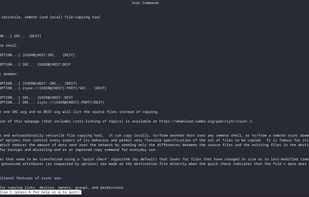
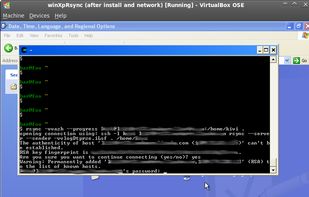
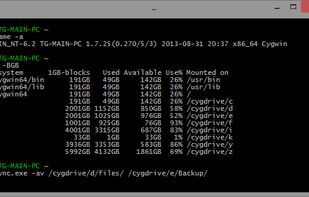
Utility for Unix file and directory synchronization using delta encoding for efficient transfer, supports compression, incremental backup, remote operation via SSH, customizable filters, permission and timestamp preservation, and daemon mode on TCP 873.


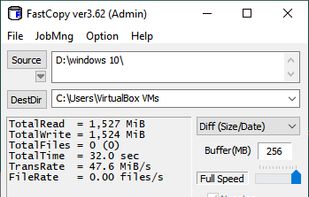
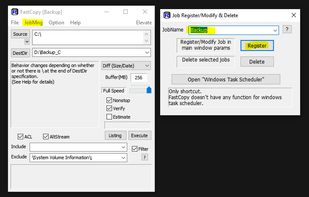
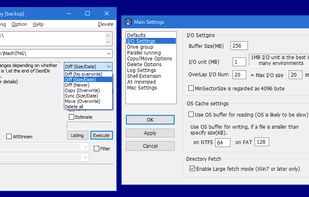
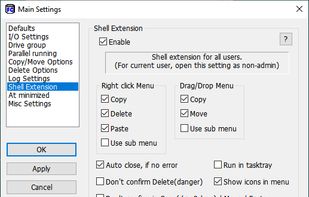
FastCopy is the fastest copy, delete, & sync software on Windows. It uses modern checksum verification to ensure copy accuracy and data integrity. It handles long Unicode path names over MAX_PATH (260 bytes), and automatically optimizes copy mode operations between the same...


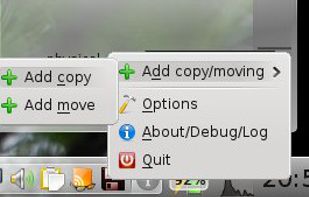
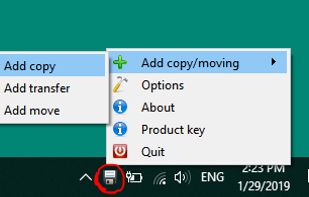
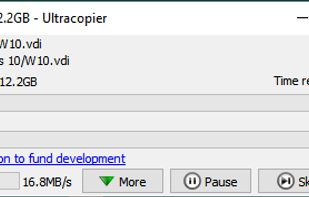
Ultracopier replaces Windows explorer file copy and adds many features: Transfer resuming, transfer speed control, transfer speed computation, better transfer progress display, faster transfers, copy list editable while transferring.



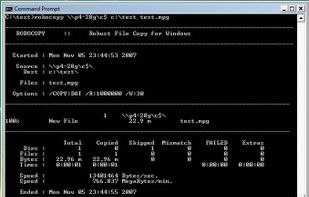
Robocopy, or "Robust File Copy", is a command-line directory replication command. It has been available as part of the Windows Resource Kit starting with Windows NT 4.0, and was introduced as a standard feature of Windows Vista, Windows 7 and Windows Server 2008.


 Australia


 United States


 Japan
Japan


 France


