


BitLord
25 likes
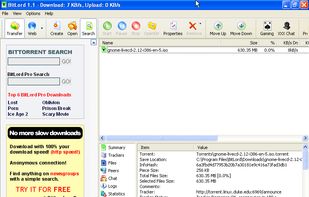
BitLord is a BitTorrent client written in C++ for Microsoft Windows.
Features include the below: Automatic optimization for different connections. Automatic optimization of uploads to achieve the maximum possible download rate. Eliminates the wait for disk allocation.

Platforms
- Mac
- Windows
- Android


Bundleware
Be careful during the installation:

Features
BitLord News & Activities
Highlights All activities
Recent News
No news, maybe you know any news worth sharing?
Share a News Tip
Recent activities
 Themba Ngobeni added BitLord as alternative to Apex Download Manager
 hackerboost added BitLord as alternative to RatioBooster Plus
 Paul added BitLord as alternative to torrent-tui
- Paul updated BitLord





BitLord information
Developed by
 House Of Life
 Licensing
Proprietary and Free product.Alternatives
61 alternatives listedBadge
Get an embeddable badge for BitLordSupported Languages


Featured in Lists


TORRENT
A list with 35 apps by PawelMloczkowski without a description.


Torrent Clients
Personal List of Best to Worse Torrent Clients.
Tree View Selector, Dark Mode, utorrent layout, Modern UI, Proxy, force re-check, update tracker, create a torrent, copy magnet, Stream Player, Windows Notification, Built-in search
Total 12

No comments or reviews, maybe you want to be first?