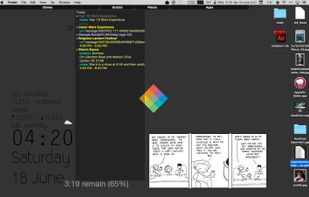
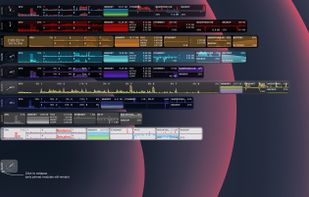
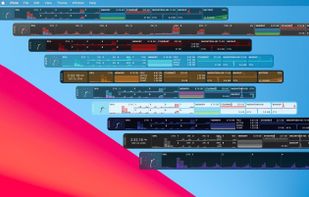
Nerdtool allows you to display many things directly on top of your desktop; weather reports, headline news, and system vitals are just a few uses.
Cost / License
- Free
- Open Source
Application typeApplication types
Alerts
- Discontinued
Platforms
- Mac




BitBar has been discontinued. Similar apps include Rainmeter, which is free and open source. Other options are Stats, Wigify, iStat Menus and Conky. System Information Utilities like BitBar are a crowded field, with more than 25 alternatives for Mac, Windows, Linux and iPhone.
Nerdtool allows you to display many things directly on top of your desktop; weather reports, headline news, and system vitals are just a few uses.

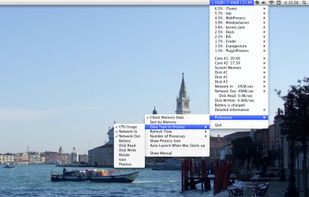
MiniUsage displays various data like CPU usage, amount of network flow, battery status and process names which uses much CPU time in a menubar. It takes little space and can display various data, so it's suitable for notebook.


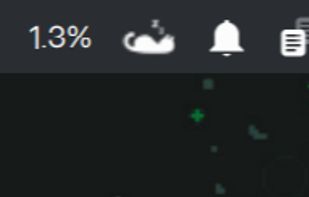


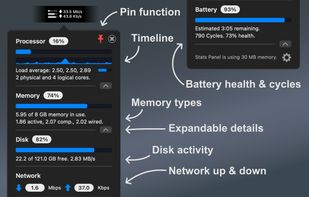
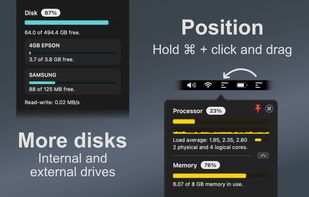
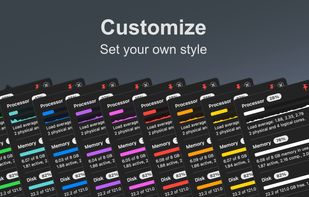
Lightweight macOS menu bar utility providing live CPU, memory, disk, network, battery, and thermal state monitoring, supporting Apple Silicon and Intel hardware, with customizable interface options, low resource usage, and strong privacy protections.
 United Kingdom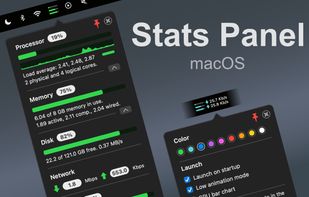


It's a little something we made to make Windows customization easier. ScreenStyler has an intuitive UI and combines several apps and resources for fast, awesome results.


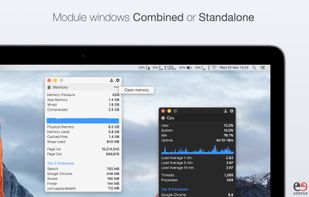
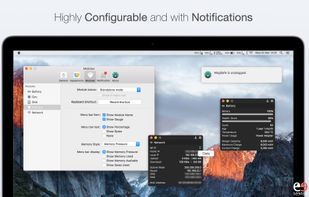
Offers modular monitoring of CPU, Memory, Network, Disk, Battery, GPU, Bluetooth, Temperature, and Fans, each configurable and reorderable, with menu bar integration, notifications for low battery or storage, keyboard shortcuts, and color theme adaptation.
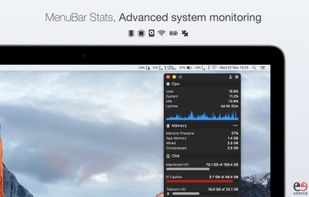


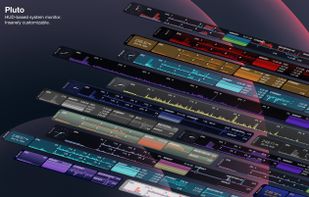
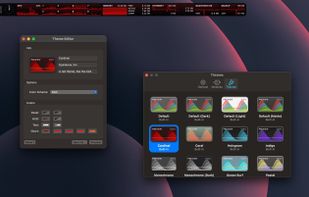
Pluto is a highly refined and customizable at-a-glance system monitor for your Mac. Keep track of what's going on behind the scenes without dropping what you're currently doing.


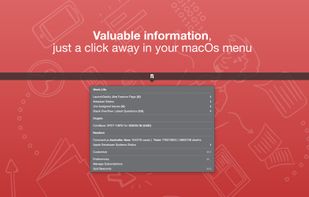
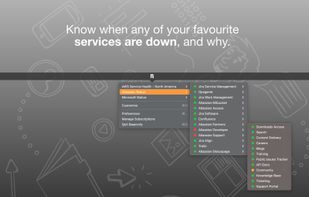
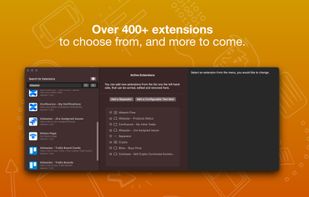
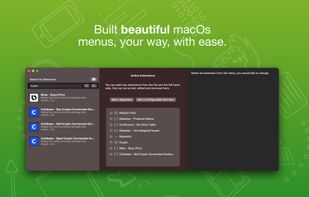
Beaconly is a flexible, easy to use data aggregating menu app that ties relevant information to you, beautifully one click-away in your macOs menu bar. Easily discover status of AWS, your Jira Tickets, and so much more.


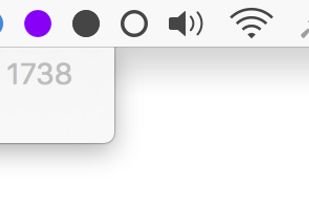
AnyBar is a small indicator for your menubar that does one simple thing: it displays a colored dot. What the dot means and when to change it is up to you.


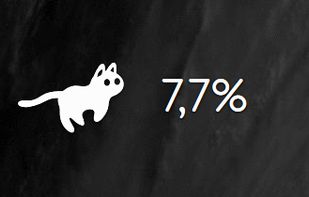
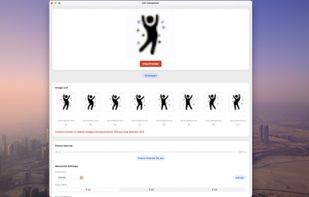
A magical creature lives in your menu bar — it might be a game character, a playful puppy, or something entirely unique. And it never stops running!



Your iPad and iPhone show you when apps are using your network. So why can't your Mac? Sure, there's always the Network section in Activity Monitor, but that's far from ideal. At best you can group by All Processes, Hierarchically, sort by Rcvd Bytes, and check the...