


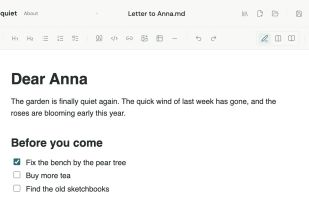
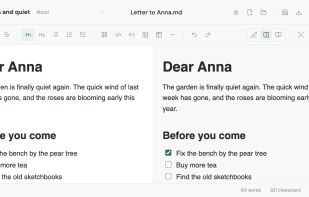
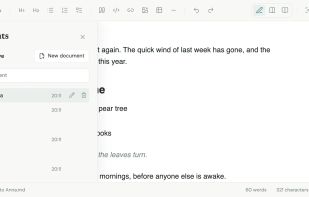
A calm, private Markdown editor in your browser. It's free, needs no account, keeps your words on your device, and will never use AI.
Cost / License
- Free
- Proprietary
Platforms
- Online




+2


Bear is a Markdown-focused note app with cross-note links, hashtag tagging, powerful search, Focus Mode, iCloud sync, and multiple export options. Users appreciate its clean interface and Apple ecosystem integration, though some seek alternatives with stronger privacy features or cross-platform availability.
Obsidian leads as the top-ranked Bear alternative, extending Markdown note-taking with backlinks, bidirectional links, and graph view for mapping relationships between ideas. Standard Notes adds end-to-end encryption and encrypted backups for privacy-focused users, expanding beyond Bear's iCloud-style syncing. Notesnook focuses on private, encrypted notes with two-factor authentication and reminders for security-conscious users.
Bear alternatives range from local-first vault apps like Obsidian to encrypted sync-first tools like Standard Notes and Notesnook, giving users options across privacy levels and platform support.
Open source choices like Zettlr suit users who prefer auditable code and community-driven development. Linux users have native desktop apps available through Standard Notes for workflows outside Windows and macOS.
For self-hosting, AFFiNE and Outline can run on your own infrastructure for complete data control. Markdown workflows remain portable with Obsidian keeping notes in plain-text format, while offline functionality works reliably with Anytype during travel or unreliable connections.
Cloud sync becomes essential for multi-device users, with Evernote and Notesnook both including syncing across devices. For WYSIWYG-style editing, Standard Notes, Notesnook, and Anytype all list WYSIWYG support among their notable features for users who prefer rich-text editing over raw Markdown.
A calm, private Markdown editor in your browser. It's free, needs no account, keeps your words on your device, and will never use AI.

Phasoric connects notes, research, and decisions while serving as a durable memory layer for AI agents. Featuring portable Markdown, source citations, reviewable AI actions, and MCP support.
 United States




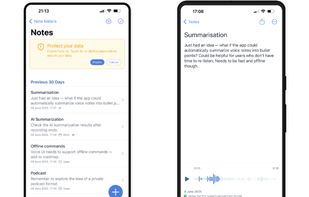
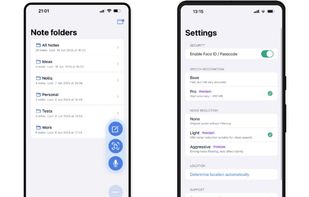
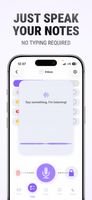
Notiq is a privacy-first note-taking app for iPhone that lets you capture voice memos, transcribe speech, write text notes, and scan documents — all securely and completely offline.
 Cyprus
 EU
EU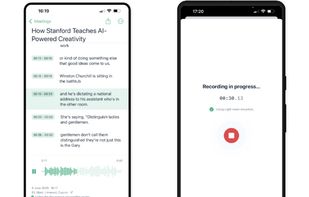


Markdown editor for iPhone, iPad and Mac with a live preview, KaTeX equations, Mermaid flowcharts and Gantt charts, smart tables, tags and iCloud Drive sync. Export selectable-text PDFs; add HTML or EPUB export, custom fonts and version comparisons with paid upgrade.
 ItalyEU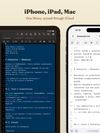
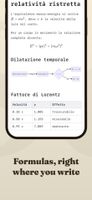
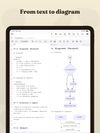


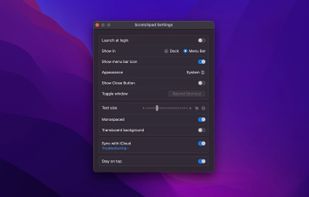
Quickly capture notes from menu bar or Dock on macOS and with one-tap access from iOS Control Center, Home, and Lock Screen. Provides a distraction-free, plain text interface, optional iCloud sync, offline use, font settings, hotkey, and privacy-focused design.
 Norway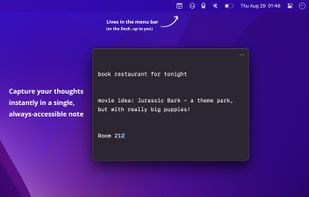
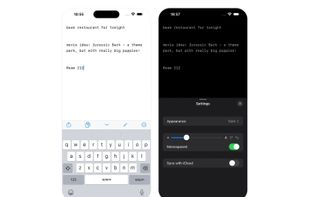



Smart notes that respect your privacy. Your original notes stay 100% on your device. For AI features, only minimal context is temporarily sent to the cloud — without compromising privacy.
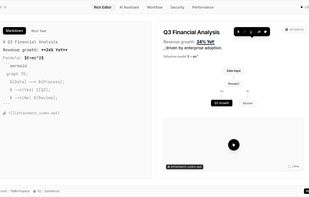
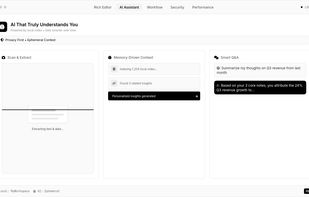

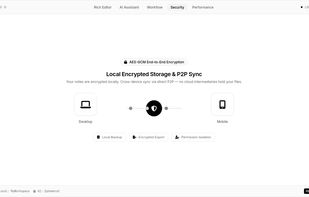


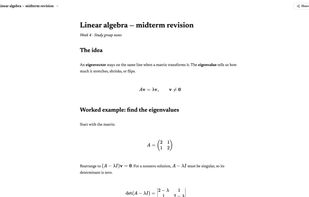
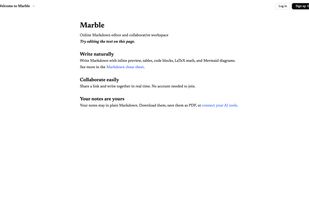
Marble is a beautiful online Markdown editor and collaborative workspace. Write in Markdown, and a clean note will appear to greet you. You can share a link with collaborators and write together in real time. Add tables, code blocks, math, and Mermaid diagrams.
 United Kingdom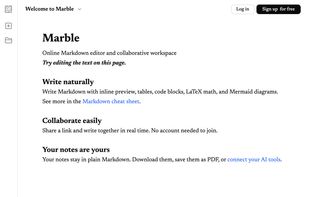


Sealby.app is a local, encrypted Vault to hide Photos, Videos, Files and Notes for iOS. No accounts and servers, free for use, supports iPhone and iPad.
 CzechiaEU



A keyboard-first note app for Mac. Press a shortcut, type your thought, close. Your note is saved as a plain markdown file in under 3 seconds. No account, no cloud, no setup.
ItalyEU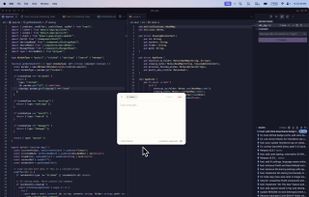
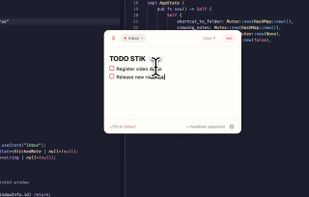


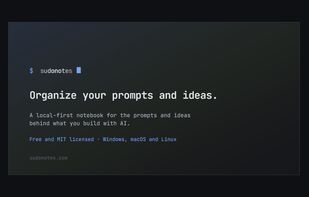
?? Blazing fast notebook for leading AI projects. Brainstorm ideas and keep them connected, orchestrate and scale your projects efficiently, assign the right model to each problem, and avoid wasting effort writing the same prompts.


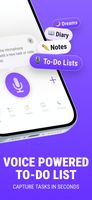
Voice-first iOS app that turns your spoken thoughts into organized to-dos, notes, diary entries, and dream logs with a single press-and-hold button.


An AI-first workspace that unifies your knowledge base, files and workflows. It runs AI agents 24/7 on your data, stores everything as plain Markdown files on disk & supports bring-your-own AI keys.
 Israel