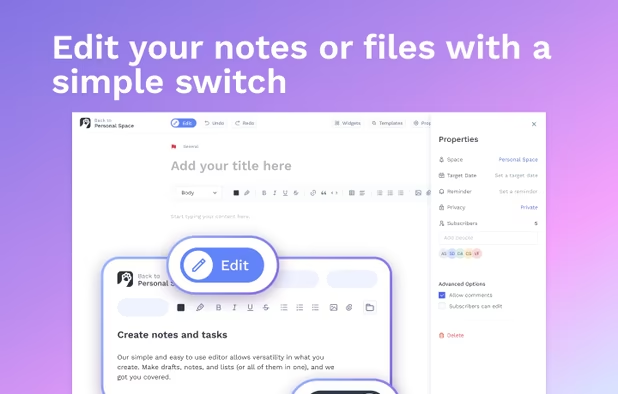
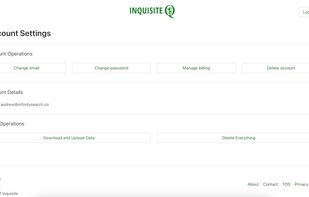
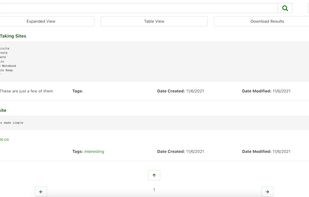
Inquisite is a note-taking site that makes creating, searching, organizing, and importing/exporting simple and easy
Cost / License
- Paid
- Proprietary
Application type
Platforms
- Software as a Service (SaaS)



+5


Bear is a Markdown-focused note app with cross-note links, hashtag tagging, powerful search, Focus Mode, iCloud sync, and multiple export options. Users appreciate its clean interface and Apple ecosystem integration, though some seek alternatives with stronger privacy features or cross-platform availability.
Obsidian leads as the top-ranked Bear alternative, extending Markdown note-taking with backlinks, bidirectional links, and graph view for mapping relationships between ideas. Standard Notes adds end-to-end encryption and encrypted backups for privacy-focused users, expanding beyond Bear's iCloud-style syncing. Notesnook focuses on private, encrypted notes with two-factor authentication and reminders for security-conscious users.
Bear alternatives range from local-first vault apps like Obsidian to encrypted sync-first tools like Standard Notes and Notesnook, giving users options across privacy levels and platform support.
Open source choices like Zettlr suit users who prefer auditable code and community-driven development. Linux users have native desktop apps available through Standard Notes for workflows outside Windows and macOS.
For self-hosting, AFFiNE and Outline can run on your own infrastructure for complete data control. Markdown workflows remain portable with Obsidian keeping notes in plain-text format, while offline functionality works reliably with Anytype during travel or unreliable connections.
Cloud sync becomes essential for multi-device users, with Evernote and Notesnook both including syncing across devices. For WYSIWYG-style editing, Standard Notes, Notesnook, and Anytype all list WYSIWYG support among their notable features for users who prefer rich-text editing over raw Markdown.
Inquisite is a note-taking site that makes creating, searching, organizing, and importing/exporting simple and easy

Persona is an innovative character development tool for fiction writers. Persona aids you in crafting archetypal themed characters and plots by using time-honored psychological principles to describe the motivations and interactions between different characterizations of people.
 United States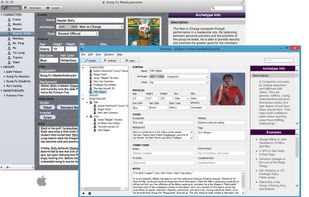


Inkpad Notepad is a note service offering many features for Free users, and even more for users who subscribe to the service. It is available for a variety of programs, including Windows, Android, and iOS devices.
United States

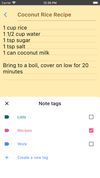


A simple notes app for Windows. Your notes stay in one file on your own computer. No account, no cloud, free and open source.
 Netherlands
 EU
EU



Granite is a private document vault for households and solo businesses. Drop in PDFs, scans and photos and it reads each one, names it, files it against more than 110 document types, and lets you find anything years later by asking in plain English, with the source page shown as...
United States




 Japan
Japan

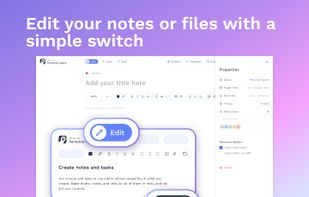



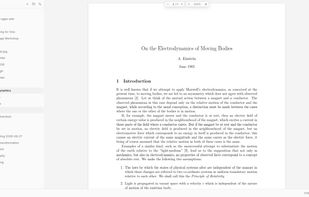
Deft is a desktop editor for Markdown notes and LaTeX documents. It comes bundled with a LaTeX engine, so you can write articles as easily as notes.
 Türkiye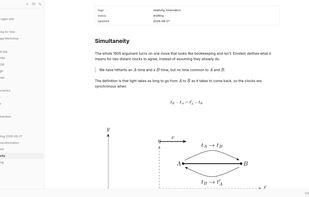
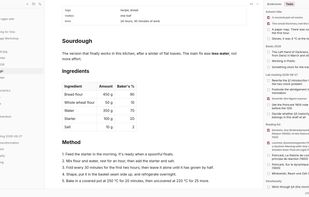
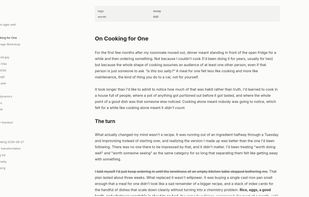


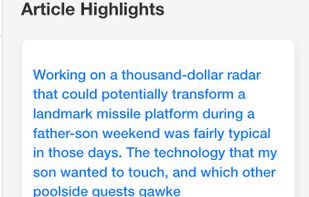
A thinking workspace for serious readers who want to turn highlights into usable insight, not a graveyard of saved links.
United States



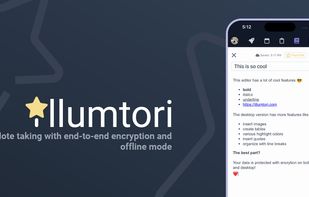
Illumtori is the ultimate all-in-one productivity app. It comes with a goal tracker, calendar, to-do list, notes, and personal budget. It also protects your privacy with encryption and allows you to work offline.
United States



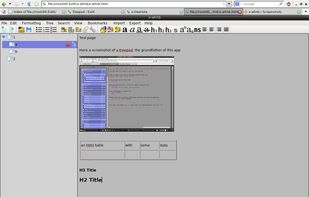
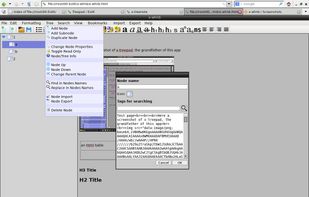
Hierarchical notebook (inspired by Cherrytree), done in portable HTML (JS, CSS & images are embedded) User data is embeded in document too.

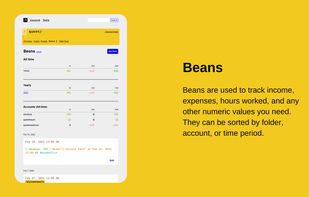
Tap is a note-taking service at its core, but it includes tools to organize and collect unique types of information not seen in other note-taking systems. This is accomplished through elements such as Beans (numbers), Formulas, Events, URLs, Todos, and Spells for automation.





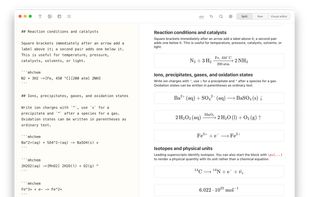
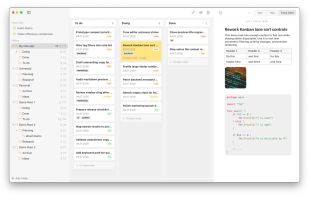
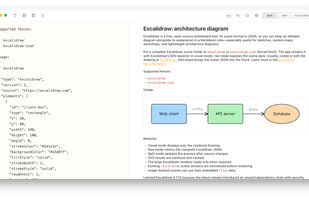
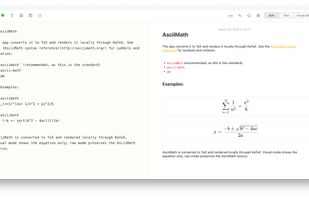
A macOS note editor mirroring a native notes app that stores every note as a local Markdown file in a folder tree. It provides folders, tags, favorites, priorities, attachments and a Kanban board, while rendering code, math, diagrams, charts and citations.
 GermanyEU