

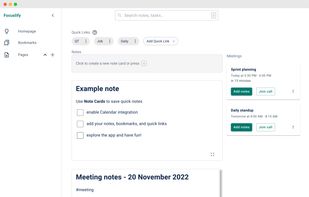
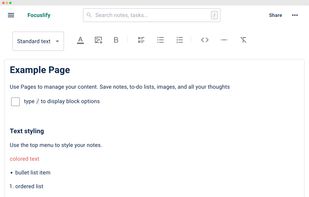
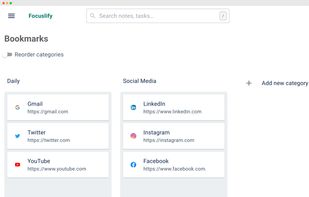
Focuslify is a Workspace for Notes, Tasks, Meetings, and Bookmarks. It's a simple note-taking app with Calendar to boost your performance while working remotely.
Cost / License
- Freemium
- Proprietary
Platforms
- Online
- Software as a Service (SaaS)




Bear is a Markdown-focused note app with cross-note links, hashtag tagging, powerful search, Focus Mode, iCloud sync, and multiple export options. Users appreciate its clean interface and Apple ecosystem integration, though some seek alternatives with stronger privacy features or cross-platform availability.
Obsidian leads as the top-ranked Bear alternative, extending Markdown note-taking with backlinks, bidirectional links, and graph view for mapping relationships between ideas. Standard Notes adds end-to-end encryption and encrypted backups for privacy-focused users, expanding beyond Bear's iCloud-style syncing. Notesnook focuses on private, encrypted notes with two-factor authentication and reminders for security-conscious users.
Bear alternatives range from local-first vault apps like Obsidian to encrypted sync-first tools like Standard Notes and Notesnook, giving users options across privacy levels and platform support.
Open source choices like Zettlr suit users who prefer auditable code and community-driven development. Linux users have native desktop apps available through Standard Notes for workflows outside Windows and macOS.
For self-hosting, AFFiNE and Outline can run on your own infrastructure for complete data control. Markdown workflows remain portable with Obsidian keeping notes in plain-text format, while offline functionality works reliably with Anytype during travel or unreliable connections.
Cloud sync becomes essential for multi-device users, with Evernote and Notesnook both including syncing across devices. For WYSIWYG-style editing, Standard Notes, Notesnook, and Anytype all list WYSIWYG support among their notable features for users who prefer rich-text editing over raw Markdown.
Focuslify is a Workspace for Notes, Tasks, Meetings, and Bookmarks. It's a simple note-taking app with Calendar to boost your performance while working remotely.
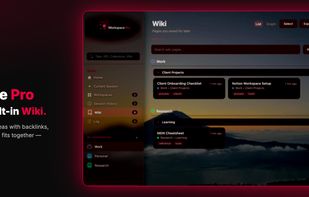
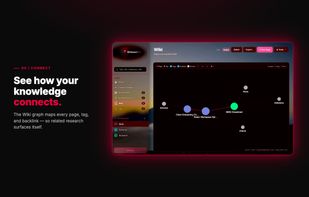
Browser tabs and research rarely stay organized across sessions. Workspace Pro keeps both in one local-first Chrome extension: project workspaces for tabs, a personal Wiki for pages you want to keep, and optional AI when you need it.


Our memory is not digital so we keep forgetting our ideas, achievements and repeating mistakes over and over again. Klara helps you to keep all of them in one place.


Citronote is a note-taking application for Windows that allows you to create Markdown, Scrap, ToDo, and Plaintext notes.
 Japan
Japan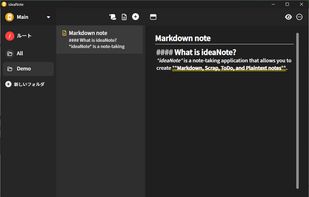


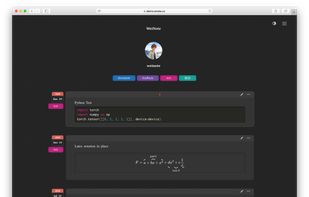
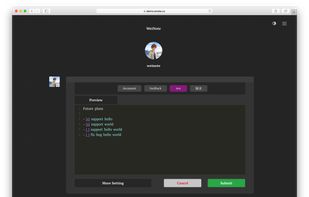


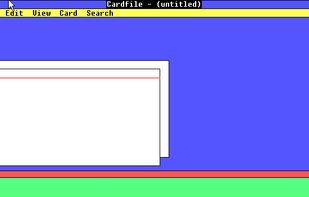
Cardfile is a personal information manager, based on index cards, that was distributed with Microsoft Windows starting from the original version 1.01 until Windows NT 4.0 Server. Cardfile is also included with Windows 98 and Windows Millennium Edition, but has to be installed...
 United States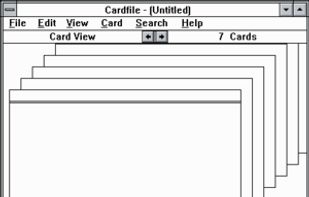


Safe Notes is a security project aimed at providing an encrypted, private note manager that works locally and protects notes from various threat actors.
 India
India




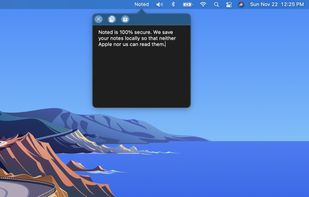
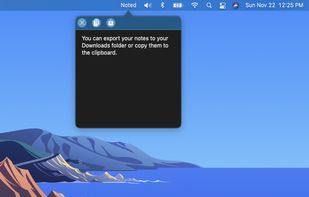


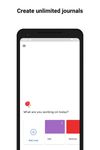
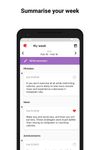
Freely express your thoughts, ideas, and observations without the pressures of social media and sharing. Leverage AI-generated insights, including mood indicators, tags, emojis, comments, daily recaps, and writing tips to reflect, grow and be more productive.
United States




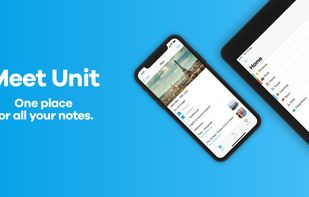
Unit is a modern note-taking app that provides a completely new experience of creating, organizing and managing all your notes.



For Mac users to write without distractions. WriteRoom is a full screen writing environment. Unlike the cluttered word processors you're used to, WriteRoom lets you focus on writing. Requires Mac OS X 10.
United States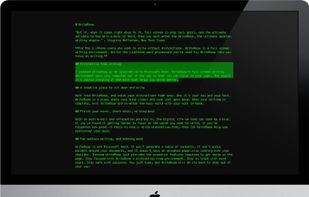


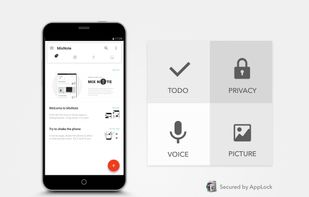
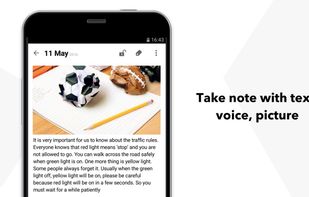
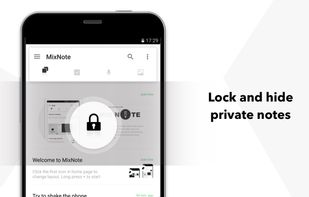
MixNote is a mobile note taking app, like a memo pad or notepad. Take note of every deserved thing, with text, ToDo, voice and picture.
 China
China