An open-source app that allows you to read and generate barcodes for Android.
Cost / License
- Free
- Open Source (GPL-3.0)
Application typeApplication types
Platforms
- Android
- F-Droid
- Global
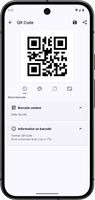

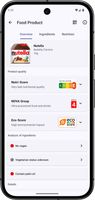

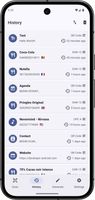


Apps similar to Barcode to PC: Wi-Fi scanner include Barcode & QR Code Scanner, which is free and open source. Other options are Barcode Scanner, CodeTwo QR Code Desktop Reader, QR & Bar Code Scanner Plus and QuickMark. You can choose from more than 10 Barcode Scanners like Barcode to PC: Wi-Fi scanner for Android, Windows, iPhone, iPad and Mac.
An open-source app that allows you to read and generate barcodes for Android.

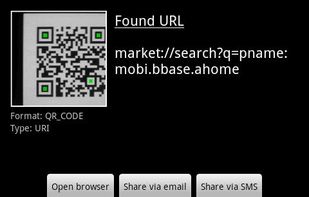
Scan barcodes on CDs, books, and other products, then look up prices and reviews, or search for a word in a book and find where it occurs. You can also scan QR Codes containing URLs, contact info, calendar events, and more.
 United States
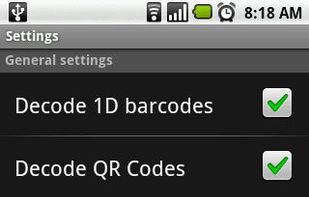


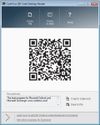
CodeTwo QR Code Desktop Reader is a free tool that will let you quickly scan any QR Code from your screen – be it a part of the website, email, banner or a document.
 Poland
 EU
EU


Scan and Generate QR/Bar Codes with Ease! Introducing QR & Bar Code Scanner for Android, the reliable and user-friendly app that streamlines QR code scanning and generation on Android devices.
 RomaniaEU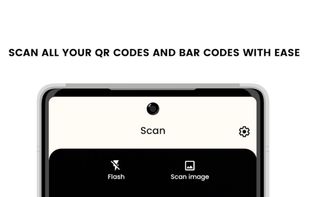


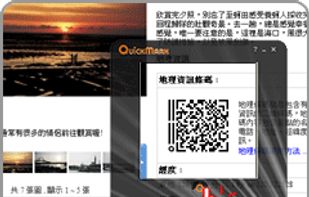
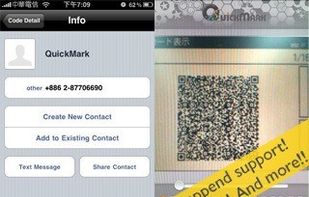
QuickMark makes everything possible.
Supports may kinds of 1D and 2D barcodes, as well as integration with browser for searching and online social sites for sharing.
Compatibility The QuickMark reader is supported by the following mobile phone manufacturers: Apple, ASUS, AT&.
United States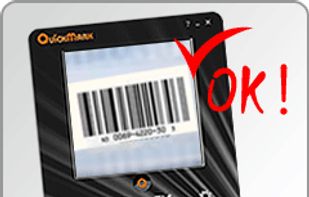



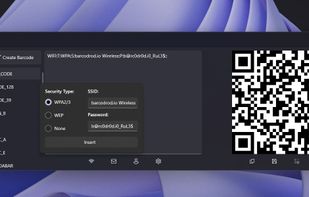
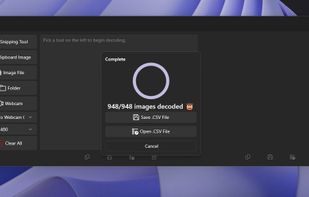
Barcodrod.io is a free barcode and QR code toolkit for Windows 10 and 11. It can read and create 17 different types of barcodes, launch decoded results into an app, and create 13 different types of barcodes. The toolkit includes templates for Wi-fi, Email, and vCard QR codes.



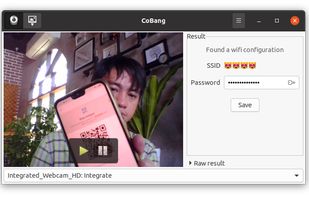
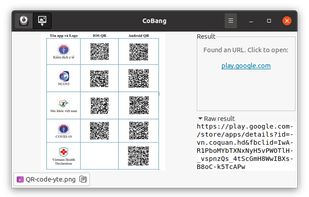
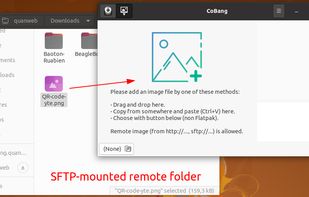


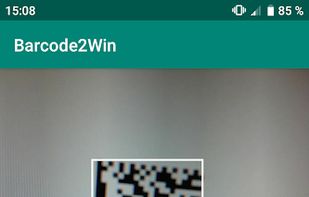
Transform Android device into a Windows WiFi barcode scanner. This software is composed of an Android part and a Windows part.
 FranceEU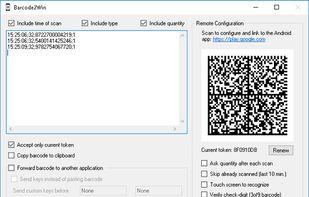


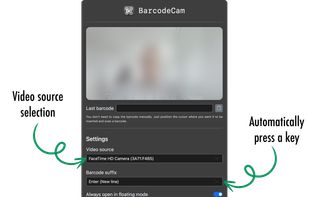
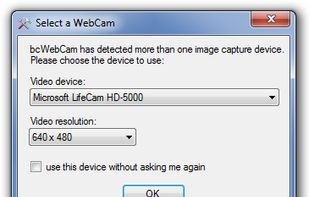
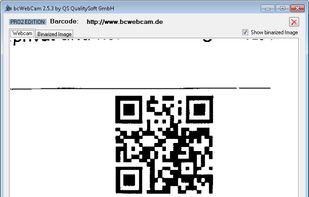
BarcodeCam will acquire and type barcodes into the active window using Keyboard Emulation.


 GermanyEU


Use your iPhone as a professional barcode scanner for your PC or Mac. Scan a barcode with camera and the data is immediately sent to your computer - just like using USB barcode scanner. Supports all common barcode formats including UPC, EAN, ISBN, and QR codes.
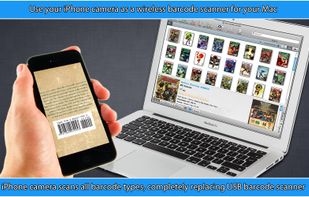
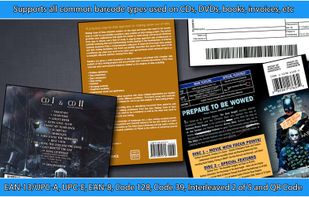


Eventually, you can replace your boring USB barcode scanner by an astonishing iOS app. With iCody, you are able to scan a broad range of barcode types, and transmit them instantly to any computer iCody is currently connected.
GermanyEU