


+2


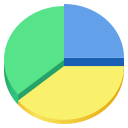


Apps similar to Baobab Disk Usage Analyzer include WinDirStat, which is free and open source. Other options are WizTree, Filelight, TreeSize and SD Maid SE. Disk Usage Analyzers like Baobab Disk Usage Analyzer are a crowded field, with more than 100 alternatives for Windows, Mac, Linux, Android and the web.

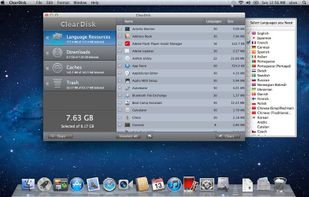
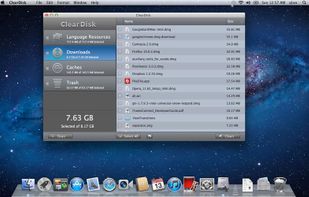
ClearDisk is a Mac OS X utility designed to clean the hard disk of unnecessary files which clog up the disk space. The goal of ClearDisk is just to find unused files on your computer and remove them. ClearDisk saves your time by cleaning your disk in a fast and intuitive manner.
 Ukraine


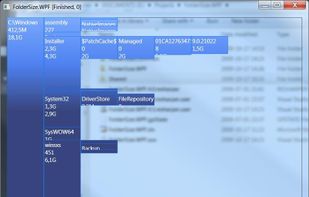
FolderSize is intended to be a simple application to determine what folders takes up place on your machine and to present it to you graphically.


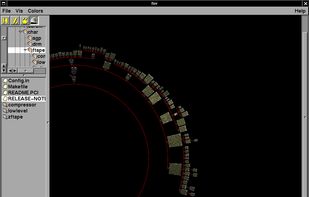
fsv (pronounced eff-ess-vee) is a file system visualizer in cyberspace. It lays out files and directories in three dimensions, geometrically representing the file system hierarchy to allow visual overview and analysis.


Program to help recover disk space. Gives pie-chart view of disk usage, including unused space, with the ability to drill down into folders. Shows actual or nominal space occupied. Knows about the effects of cluster sizes.


xdiskusage is a user-friendly program to show you what is using up all your disk space. It is based on the design of xhttp://alternativeto.net/software/xdu/ written by Phillip C. Dykstra <dykstra at ieee dot org & gt.
 United States
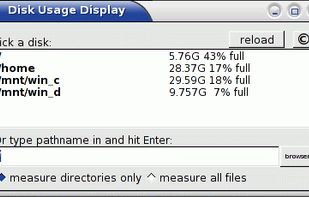
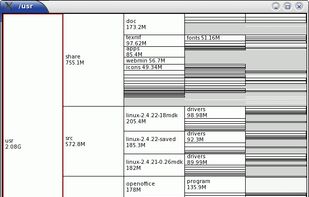


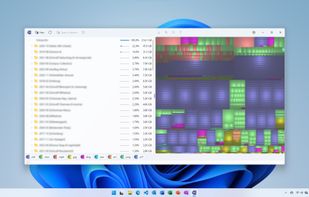
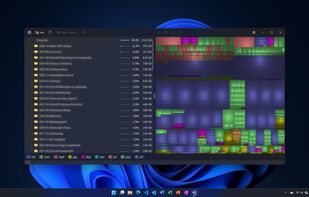
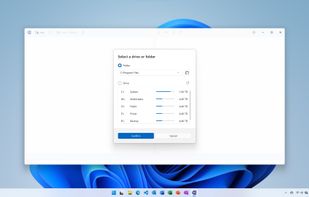
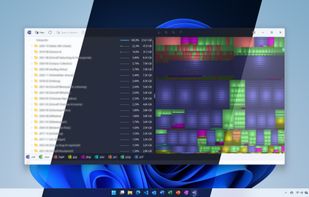
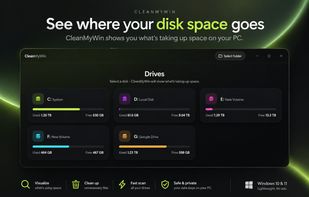
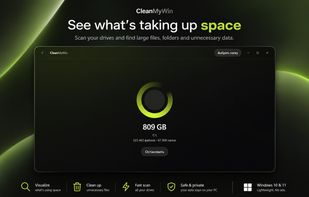
Find what is filling a disk, mark what should go, and remove it — with the volume's free space in view the whole time.
 Canada
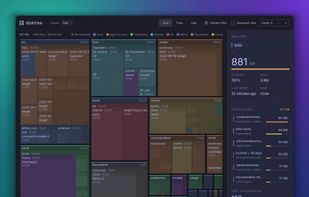


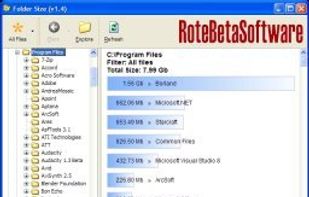
Helps you figure out where all that hard drive space has gone on your computer. Visually displays the size of each folder in the form of a bar graph.


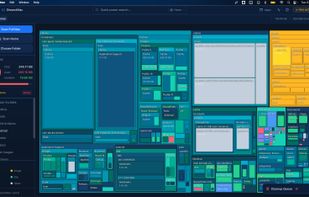
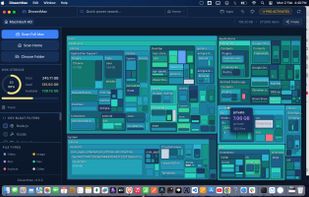
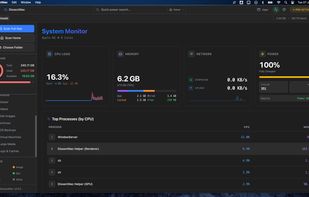
DissectMac is a native, privacy-first macOS utility that uses an interactive treemap to visualize storage, allowing users to reclaim gigabytes in seconds through deep app uninstallation and real-time system monitoring.
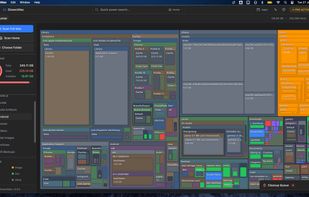


Drive Sonar is a fast, lightweight desktop disk usage explorer and analyzer built with Tauri, Rust, React, and TypeScript.
 India
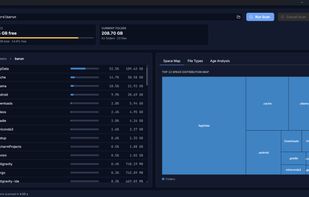
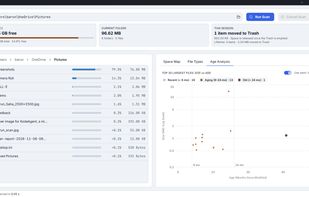

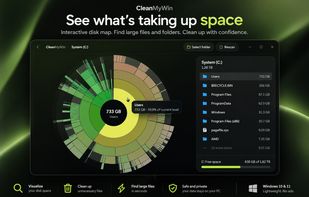


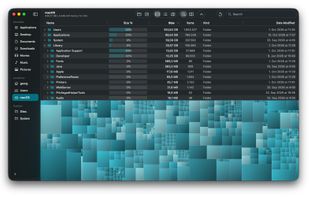
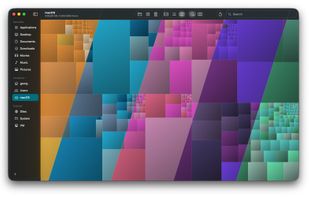
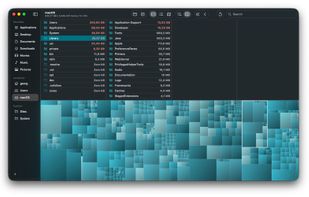
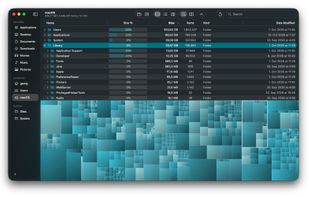
TreemapScan helps you find out why your Mac’s disk is filling up by showing you which files and folders take the most space. It scans a drive or folder you choose and draws the result as a treemap, where every file and folder is a rectangle sized in proportion to the space it...