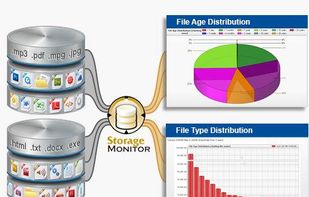
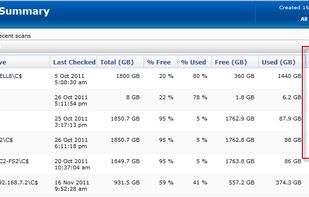
PA Storage Monitor shows what you are storing and supports your storage manager tasks. Many rich file reports, including file owner information available.
Cost / License
- Paid
- Proprietary
Application type
Platforms
- Windows
- Linux
 United States




Apps similar to Baobab Disk Usage Analyzer include WinDirStat, which is free and open source. Other options are WizTree, Filelight, SD Maid SE and TreeSize. Disk Usage Analyzers like Baobab Disk Usage Analyzer are a crowded field, with more than 100 alternatives for Windows, Mac, Linux, Android and the web.
PA Storage Monitor shows what you are storing and supports your storage manager tasks. Many rich file reports, including file owner information available.
United States
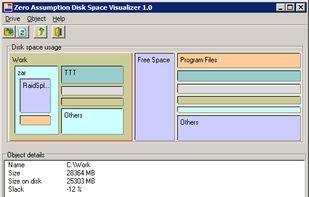
Disk Space Visualizer digs for a free disk space. This freeware program was created to simplify "garbage collection" procedures. In a typical usage the hard drive space is slowly filled up by the useless data. This may include temporary files, rarely used software, and.


 Cyprus
 EU
EU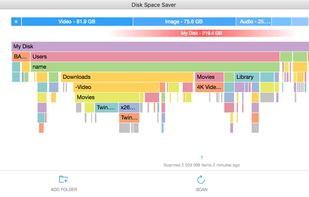

Spyglass is a perfect companion for fixing your cluttered disks and folders. It allows you to navigate your folders and files using a beautiful Sunburst View, a versatile File Navigation View, and smart Breadcrumbs.

diskreport.net allow to generate an online report of disk space usage. Periodic run allow reports of size and file count variation, usefull to find growing files or directory.
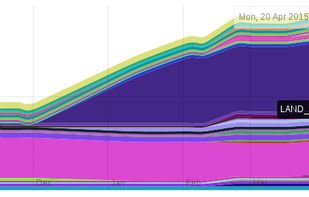


This free-for-personal-use software utility analyses storage disk usage, and then presents the gathered information in graphical format(s) viz. a directory tree, or a pie chart.
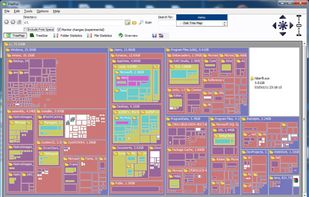


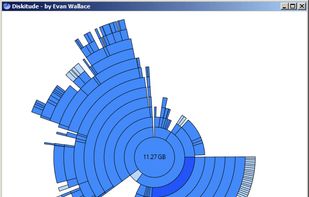
Diskitude helps you figure out what is taking up space on your hard drive using a ring chart. Its intuitive and animated interface allows you to easily explore your file system and prune your files. Plus its super small (only 10 KB) so it loads really fast and wont take up any...



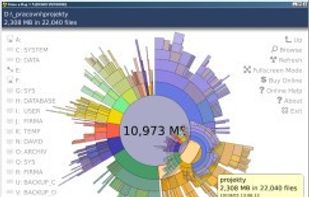
"TDP x-Ray is a visual tool intended for disk space administration. Displaying a clear graph showing the disk occupation, in which it is apparent immediately which files and folders occupy the most space.

Disk Usage Analyzer - a free program to analyze disk space of the computer. It helps you to quickly and easily determine the size of folders on your computer, as well as the number of files they contain.
 Russia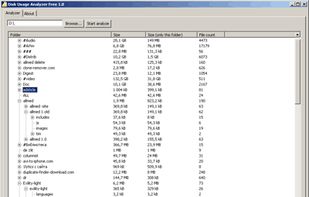
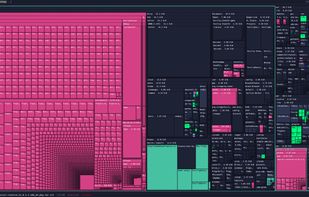
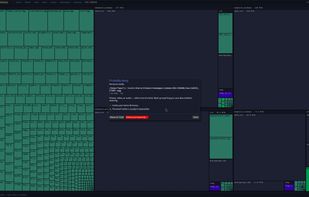
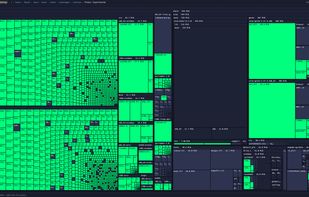
A fast, GPU-accelerated disk-usage treemap for Linux. It maps your whole filesystem as nested rectangles sized to what they actually consume, so the space hogs jump out instantly. Then right-click anything for a plain-English “safe to delete?


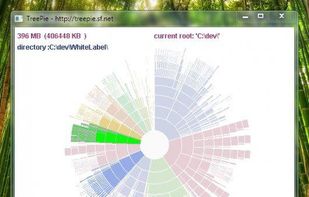
TreePie : a simple way to display disk usage. It shows the distribution of size in a tree of directories by using an interactive multilevel pie (sunburst diagram). Really small and simple.


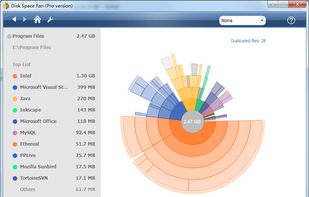
Disk Space Fan Pro is a is not only a duplicate file finder, but also a powerful disk space analysis tool for Windows. It helps you to free up disk space by quickly finding and deleting big, useless files.