


This tool uses a sunburst chart to display the usage of your hard disk or other media. The chart shows all major files and folders from all directory levels at once.
Platforms
- Windows
 Germany
 EU
EU


Apps similar to Baobab Disk Usage Analyzer include WinDirStat, which is free and open source. Other options are WizTree, Filelight, SD Maid SE and TreeSize. Disk Usage Analyzers like Baobab Disk Usage Analyzer are a crowded field, with more than 100 alternatives for Windows, Mac, Linux, Android and the web.
This tool uses a sunburst chart to display the usage of your hard disk or other media. The chart shows all major files and folders from all directory levels at once.
GermanyEU
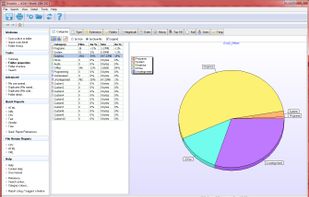
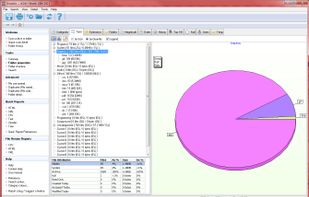
Xinorbis is a completely FREE, powerful Windows-based data storage analyser for single users or network administrators. Provides an instant visual display of the contents of a hard disk, single or multiple directories. Output reports to XML, CSV, HTML or plain ASCII.
 United Kingdom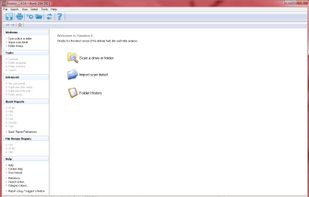



disky can analyze your device and show your data split by directory. Apps are also included, so you get the full picture of what uses your storage.
GermanyEU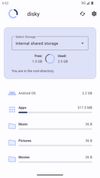
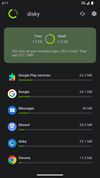
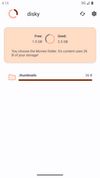


A file manager with a focus on storage side of things: Monitoring, classing, storage, duplicate cleanup, archiving, and moving.
 CyprusEU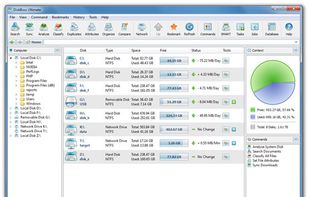
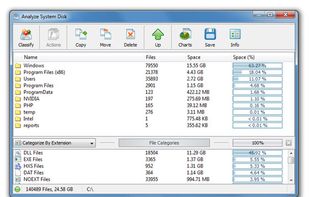
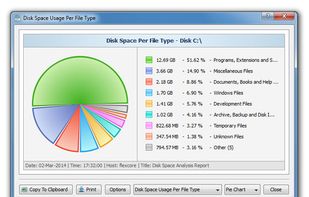
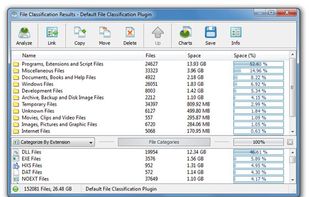

dua (-> Disk Usage Analyzer) is a tool to conveniently learn about the usage of disk space of a given directory. It's parallel by default and will max out your SSD, providing relevant information as fast as possible.
GermanyEU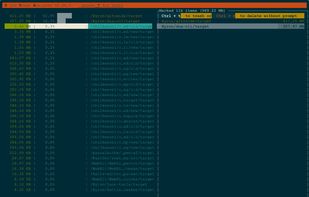

Disko is a small minimalist MacOS application that allows you to see how much disk space individual application are using. It is broadly inspired by the Disk Usage Analyzer application on GNU/Linux.
 United States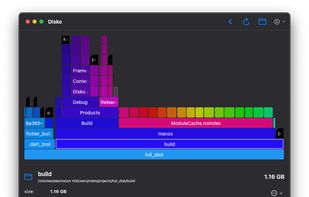


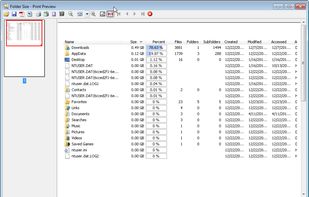
Folder Size analyzes your hard drives and displays file and folder sizes so that you can easily check the distribution of your disk space. The application will display the sizes of the folders and files and also the percentage of the total disk size that they occupy in a bar...
United States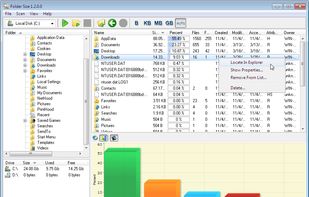



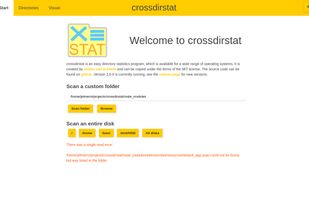
Free open-source cross-platform file & directory statistics as found on Github
 NetherlandsEU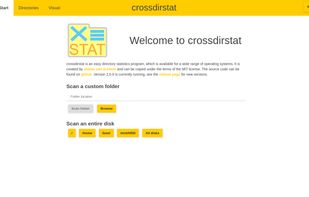




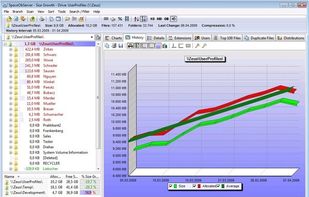
SpaceObServer is a powerful and flexible hard disk space manager for Windows. It scans local and network drives using a background service and stores their structure, sizes and properties in an SQL database. Linux and Unix filesystems can be scanned via SSH (Secure Shell).
GermanyEU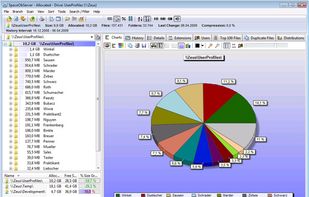



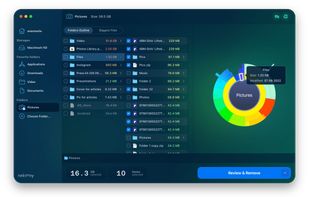
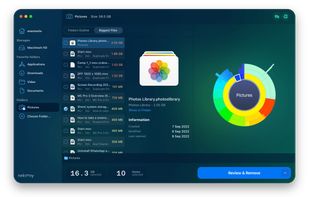
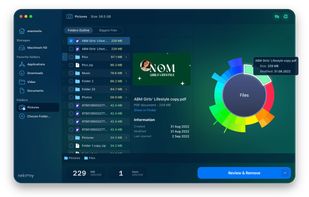
Disk Space Analyzer allows you to easily find and remove the bulkiest content for your Mac or external storage. You can see your Mac disk usage, find folders that take up the most space, and manage hard drive space by moving or removing files.
 Ukraine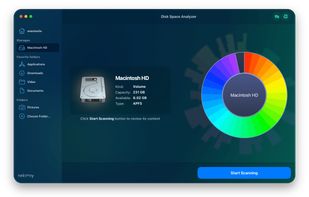


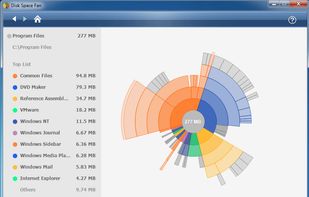
Disk Space Fan is a powerful disk space analysis tool for Windows and it is a freeware. It helps you to free up disk space by quickly finding and deleting big, useless files. It displays disk space usage with a nice chart. You can navigate the folders easily with the chart.


Create a visual representation of the amount of space each file is taking on your hard drive. It creates a "squarified treemap" that makes it easy to see where all your space is going.
NetherlandsEU


