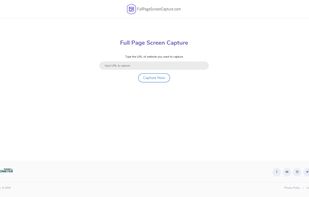
SiteShoter is a small utility that allows you to save a screenshot of any Web page into a file.
Cost / License
- Free
- Proprietary
Application type
 Israel
Platforms
- Windows


Awesome Screenshot Minus is described as 'Less intrusive, open source version of the popular Awesome Screenshot' and is a screenshot capture tool in the photos & graphics category. There are more than 50 alternatives to Awesome Screenshot Minus for a variety of platforms, including Windows, Mac, Web-based, Google Chrome and Mozilla Firefox apps. The best Awesome Screenshot Minus alternative is ShareX, which is both free and Open Source. Other great apps like Awesome Screenshot Minus are Greenshot, PicPick, FastStone Capture and Snagit.
SiteShoter is a small utility that allows you to save a screenshot of any Web page into a file.

EasySnap - MultiOS application to take screenshots or record video. Allows to edit screenshot before upload or save it.


Fii is a completely free online sharing application which brings visualization to your online conversation. You can show your co-worker, friend, teacher, boss, parents or whomever you want a part of your screen with a single mouse click.
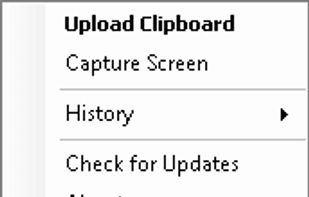


Capture is a quick-and-easy screen capture utility for Windows (and NT), which allows you to capture the entire screen, at any color depth and resolution, and save it into a Bitmap file for editing. If you are interested in only capturing one window, you can select to capture...




Szoter is easy to use, free, online image annotation tool. It makes expressing Your ideas and thoughts easy. It can be used to share Your ideas with friends, highlight important parts of images or even to create readable bug reports.

Zappy is a macOS screen capture tool made for internal use by Zapier and released free for all. It's built for speed and provides the perfect set of features for remote teams to work with screenshots and GIF recordings quickly and effectively.
 United States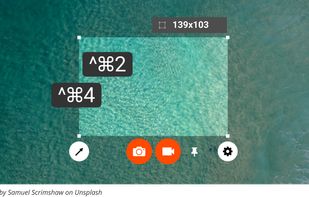
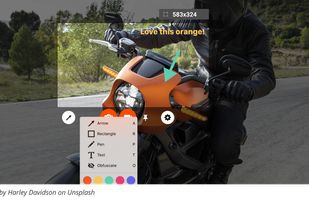



Capture screen and edit screenshot with Annotation Pilot.
This screen capture software allows you to add text and graphics to your screenshot, save your screenshot as a graphic file or send it by email.
With Annotation Pilot you can: Send a photo with annotations to your frie.
United States
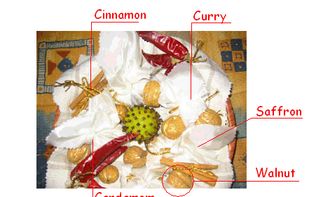


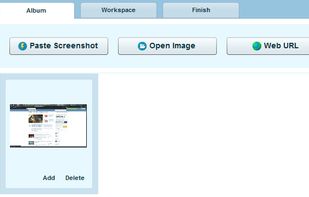
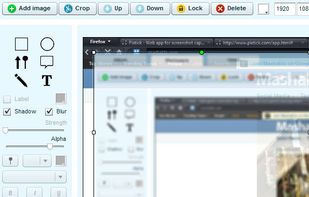
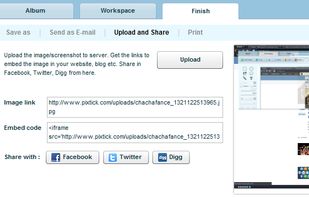
Pixtick, an online application, can capture screenshot from browser. No download or installation required. Its having robust annotation tools to annotate and edit screenshots and images from hard drive or from web.



 United States