Cost / License
- Freemium
- Proprietary
Platforms
- Android


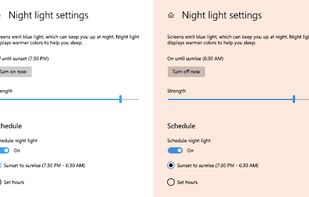
To schedule Night Light so it turns on automatically, select Start > Settings > System > Display > Night light > Night light settings.


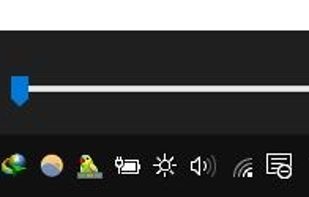
this app puts a Monitor Brightness icon to on Taskbar Tray. So you can access it with 1 click.


Form 1 Hour Software by skrommel, it can dim the screen by applying a transparent gray layer on top of your opened applications
 United States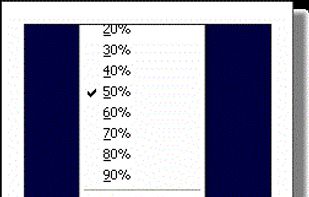


Free software for eye protection and more! It protects your eyes while you are working on the computer. Eye Saver has three main functions: blue light filter; eliminates the invisible flickering of the display backlight; reminds you to take breaks;
 United Kingdom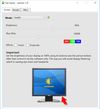
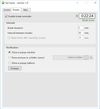


NightTone makes your screen more comfortable, enjoyable and healthier by shifting the colors of your display to a warmer, eye-friendly palette. It makes you sleep and feel better.
 Romania
 EU
EU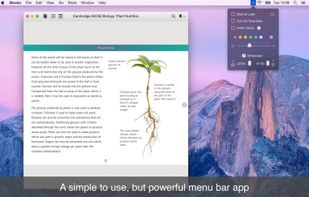


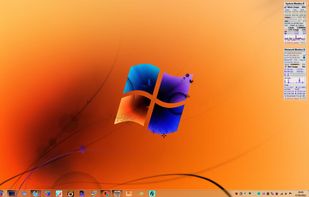

Inspired by Redshift, Blueshift adjusts the colour temperature of your monitor according to brightness outside to reduce eye strain and make it easier to fall asleep when going to bed.

iBrightness Tray is a little bit of a swiss army knife display tool as adjusting the brightness of your screen is just one of three main functions it has. The other two are turning on your screensaver at the click of a button and also the ability to turn off the display...


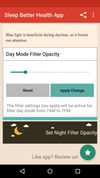
Do you use your mobile phone after sunset? Do you use your phone within three hours of your bed time? If yes, then your device might be taking your sleep away. Bluelight from your mobile screens sends a signal to brain to wake up, and makes it difficult for us to sleep at night.



This add-on allows to apply a filter in the web pages in order to attenuate the blue light.


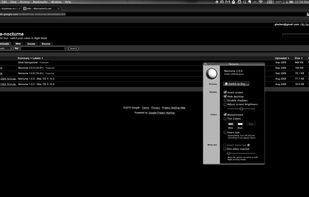
Nocturne is simple app for switching a computer to night vision mode. It has a few tricks up its sleeve: color correction, window shadow toggling, and background removal.
United States