Cost / License
- Paid
- Proprietary
Platforms
- Windows




+2



Apps similar to Ashampoo WinOptimizer include BleachBit, which is free and open source. Other options are CCleaner, Chris Titus Tech's Windows Utility, Glary Utilities and Kudu Cleaner. System Cleaners like Ashampoo WinOptimizer are a crowded field, with more than 100 alternatives for Windows, Mac, iPhone, Android and Linux.


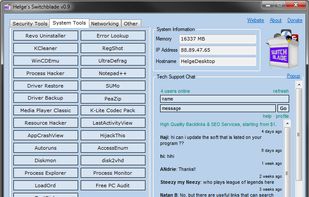
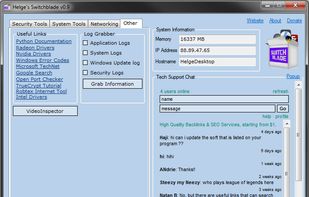
Introducing the swiss-army knife of computer software, you load it up on a USB stick and you're ready to handle almost every troubleshooting task!.


PCMedik will make your PC faster by repairing software and hardware problems and perform common maintenance tasks. Increase the speed of your computer immediately


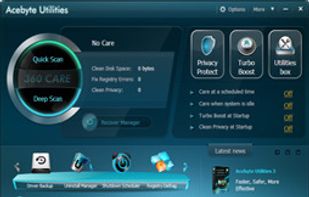
Acebyte mainly specialize in PC optimization software to improve your system performance.


Wondershare 1-Click PC Care, a powerful PC tune up utility to tune up your PC and let your PC run like new again. This PC tuning software is able to auto diagnose and fix PC slowdowns, clean up junk files, optimize computer performance, speed up PC, spare you from the hassle of...
 China
China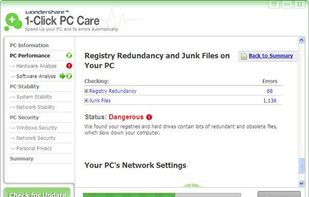


WinZip System Utilities Suite offers a one-stop shop for optimizing, defragging, and generally cleaning out your system--and it does a pretty great job, adding extras that will come in handy whenever you need to perform routine maintenance.
 United States
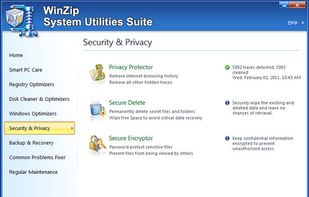


Discover WinZip System Tools Ultimate PC Care
In today's fast-paced digital world, keeping your PC running smoothly and securely is more important than ever. WinZip System Tools Ultimate PC Care offers a comprehensive solution to maintain and enhance your computer's perf.


Application with useful tools to maintain your windows / apps updates, driver updates and more. Completely free, portable and without ads.
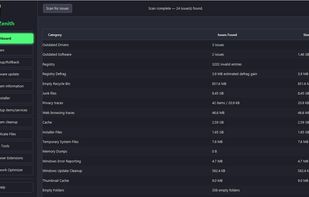
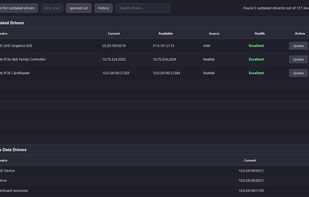
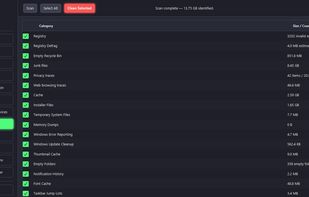


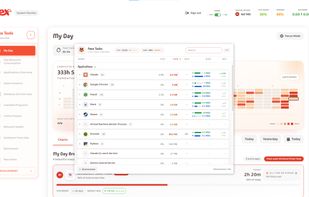
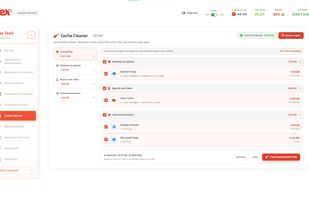
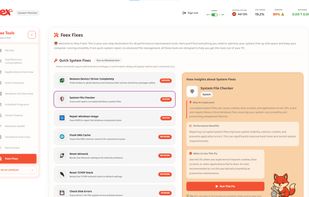
Feex is an AI assistant for your Windows PC that understands its hardware, software, and real-time behavior to answer questions, diagnose problems, and keep everything running at its best.
United States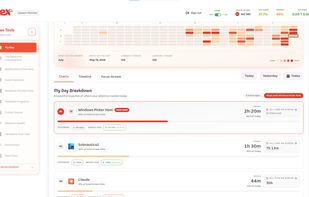


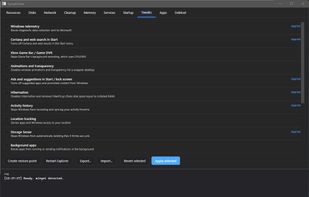
Sysoptimizer is a free, open-source tune-up and debloat tool for Windows 11 and 10 that shows what it changes and can change it back.
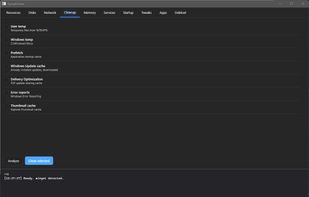
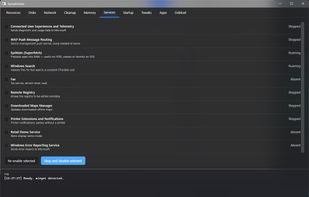


Protect your privacy, optimize system performance, and release considerable disk space
China