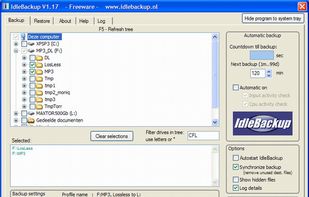
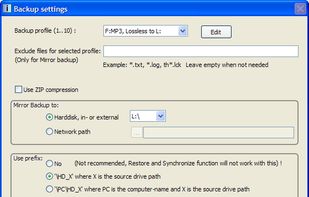
Easy to use backup program that can make an automatic backup during idle time of the computer. Built in restore function.
Cost / License
- Free
- Proprietary
Platforms
- Windows
 Netherlands
 EU
EU



Areca Backup has been discontinued. Similar apps include Rclone, which is free and open source. Other options are Duplicati, rsync, Macrium Reflect and Timeshift. You're spoiled for choice with File Sync Tools like Areca Backup: we list more than 50 alternatives for Windows, Linux, Mac, Android and the web.
Easy to use backup program that can make an automatic backup during idle time of the computer. Built in restore function.
NetherlandsEU
iBackup is a simple to use backup/restore utility. iBackup supports scheduled backups of files, folders and applications. Further, it uses plugins to backup your settings like the dock, desktop picture, time, firewall, bluetooth and other system preferences. It is also able to ba.
 Switzerland


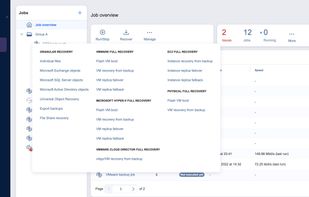
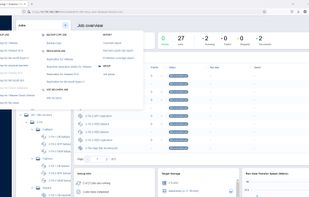
Fast, affordable and top-rated backup and disaster recovery solution for virtual, physical, cloud and SaaS environments.
 United States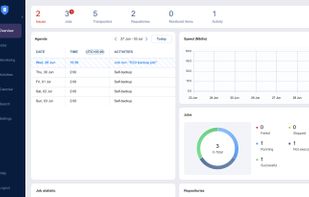

AutoArchive is a simple utility to help create backups more easily. The idea of the program is that all essential information for creating a single backup—such as list of directories that should be archived, the archive name, etc.


BitReplica is a tool for backing up files stored on your Windows PC. It protects your photos, music, documents and any other data from being lost due to a hard drive crash, virus attack or accidental deletion.
 Australia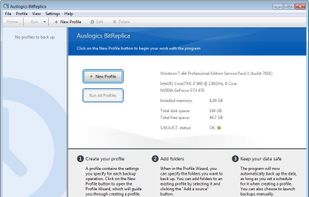


SSuite Office Backup Master is a backup software solution designed to backup your data either on the local computer or onto another system in the network.
 South Africa



Right Backup is a useful application that allows you to store your personal data on the cloud. Its an online backup storage provider working over several platforms to keep your valuable data safe and secure.
 India
India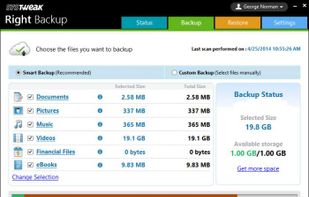


MacDropAny is a simple app that painlessly allows Mac users to sync any folder on their computer through Dropbox. It provides similar functionality to DropboxFolderSync, which is an application for Windows. MacDropAny is compatible with Snow Leopard and Lion (from version 1.
United States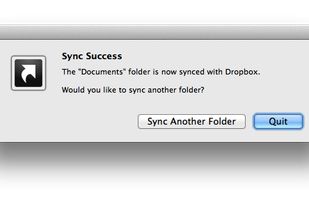


Simplest backup to protect irreplaceable data
 GermanyEU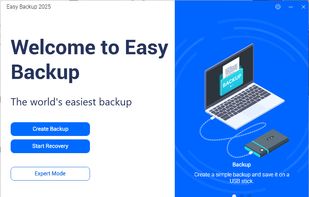
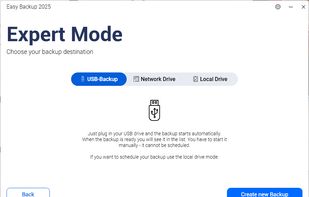
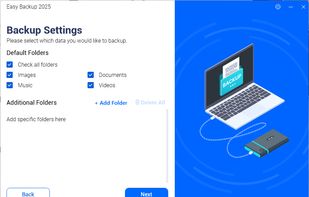
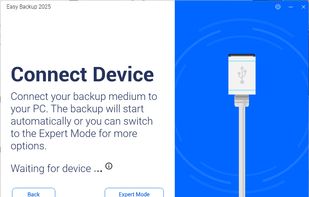

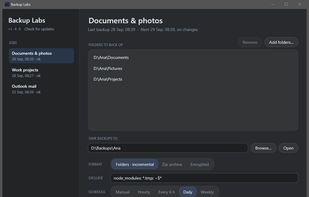
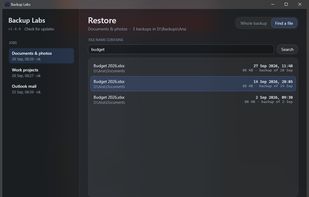
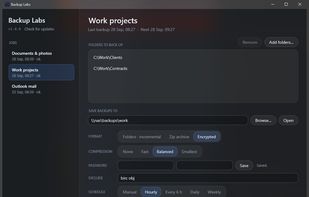
Backup Labs is free, open-source backup software for Windows 11. It backs up files, folders or whole drives to an external hard drive, a USB stick or a network share on a NAS, automatically.


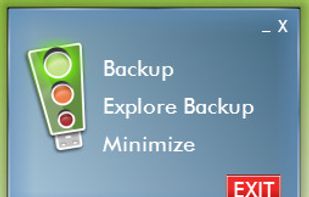
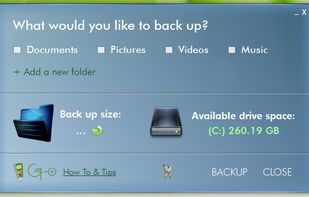
iGoUSB Backup is a portable plug'n use software solution that provides a simple, efficient and uncluttered way to save a copy of your computer files, documents, pictures, music and video files for the non-technical person.
United States