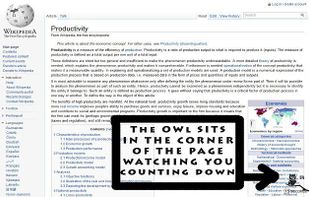
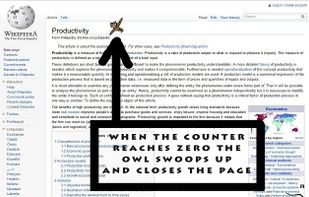
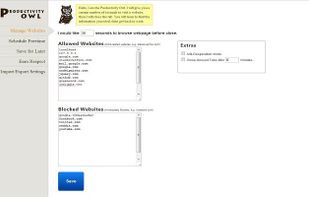
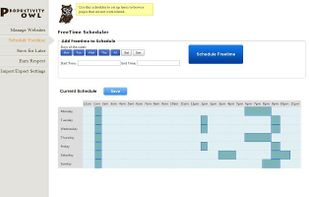
The Productivity Owl is a Google Chrome extension that eliminates your time wasting habits on the internet.
Cost / License
- Free
- Proprietary
Platforms
- Mac
- Windows
- Linux
- Chrome OS
- Google Chrome



+1


A


Apps similar to Application Blocker Pro include Mindful : Focus & Screen Time, which is free and open source. Other options are Cold Turkey, ClearSpace, ReDD Focus and Freedom. Anti Procrastination Tools like Application Blocker Pro are a crowded field, with more than 25 alternatives for Android, Windows, Mac, iPhone and iPad.
The Productivity Owl is a Google Chrome extension that eliminates your time wasting habits on the internet.

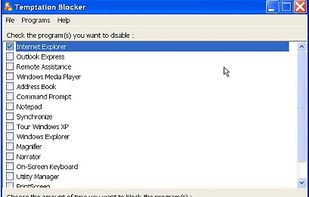
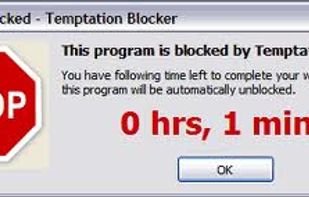
Temptation Blocker is a program that lets you lock yourself out of specific applications for a specified period of time. A window displays how much time remains. In order to unblock a program you must enter a 32 character string as a disincentive.


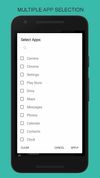
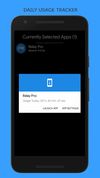
Stay focused helps you focus by restricting the daily usage of selected apps to the selected time. Spending too much of time Social Networking or Messaging Apps? Focus it and it will help you reduce the usage.
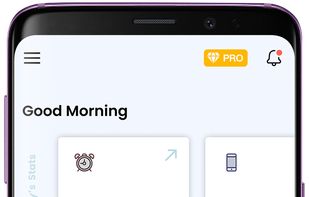

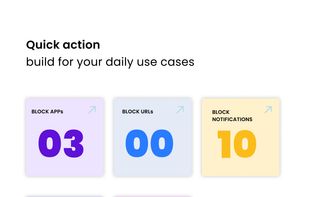


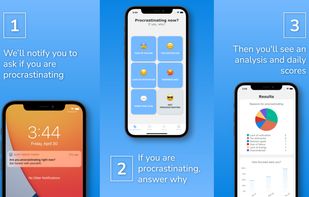
A procrastination tracker that will randomly ask if you're procrastinating or not.
 Australia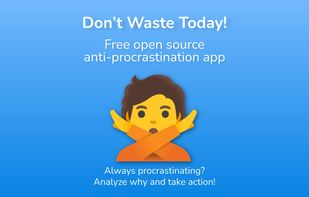
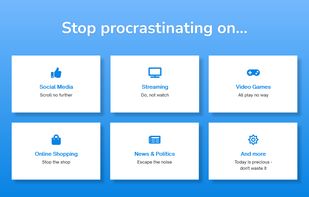


There’s no shortage of productivity tools, but most solve a piece of the problem – blocking websites, or playing concentration music – rather than solving the entire problem.
 United Kingdom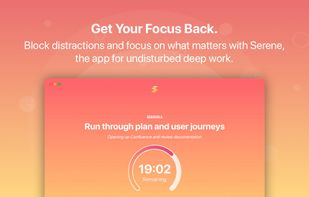
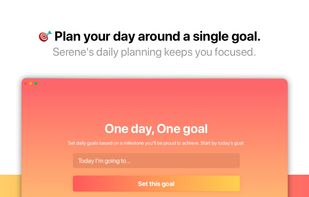


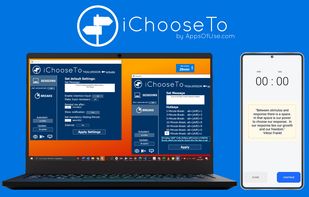
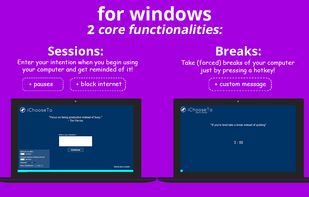
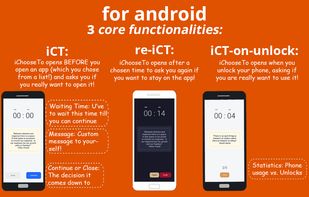
Android: Asks if you really want to use an app (e.g. YouTube) and/or if you really want to use your phone Windows: Press Hotkeys to take (forced) breaks and/or enter an intention each time you use your computer and get reminded of it!


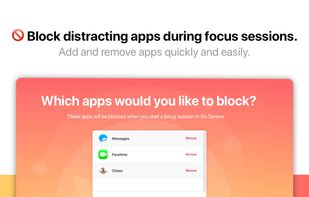
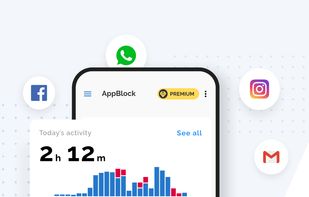
AppBlock is a mobile application that lets you block annoying apps & websites, bringing down your screen time and helping you focus on more important things.

Install-Block allows you to require a password in order for new software to be installed on your PC. You can also prevent users from accessing any programs or windows that you choose. Ideal for employers, parents, or schools.
 United States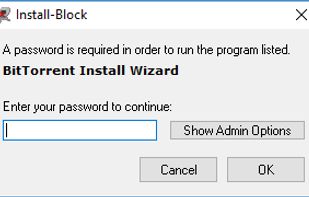
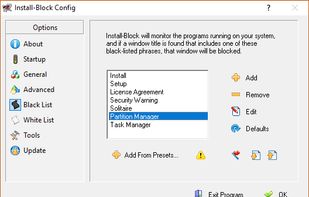
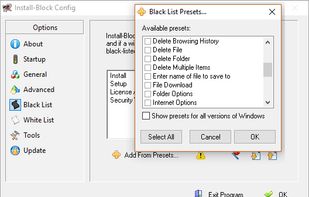

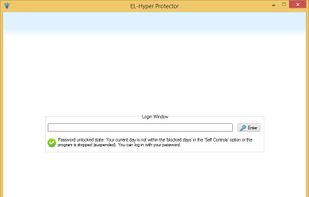
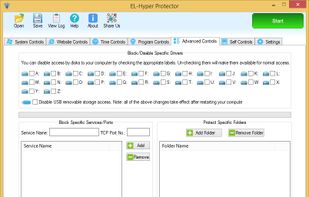
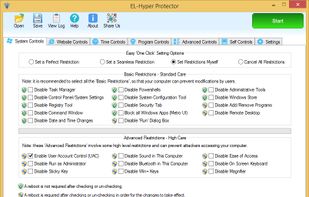
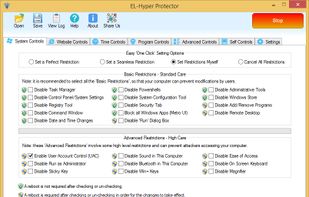
Allows you to control the windows applications, security, Internet, websites and usage time in your computer in a comprehensive way. This software can be used as: Parental Controls, Employee Monitor, Student Helper and Self Monitoring Tools.


Stop Procrastinating allows you to block the internet and cut online distraction. It has the highest quality features for the best price with the highest level of Software Quality Assurance.


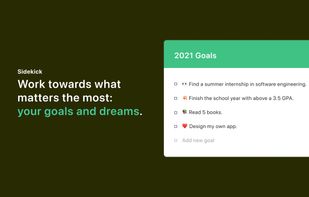
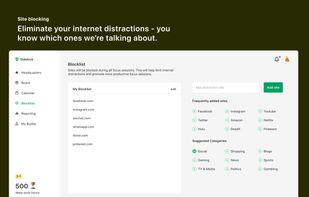
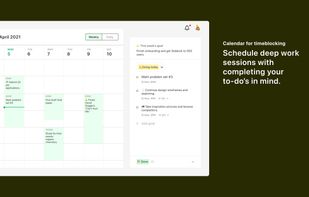
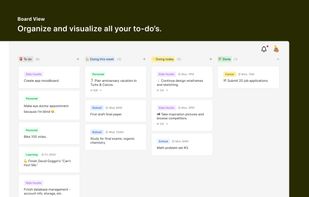
Sidekick is how you take back control of your most valuable resource, time. As the world gets increasingly distracted, we must be intentional with how we spend our time because once it's gone, it's gone forever.


Useful for everyone, anytime & anywhere. End procrastination with this simple app that locks down your selected apps for a specific time!.