


Coffee allows you to keep the display awake without having to change the device settings. It can be toggled at various places:
Cost / License
- Free
- Open Source (Apache-2.0)
Platforms
- Android
- F-Droid
 Germany
 EU
EU


Apps similar to AntiSleep include goguma app, which is free and open source. Other options are Amphetamine, Caffeine for Windows, Caffeine for Linux and Caffeine for Mac. Prevent Sleep Mode Apps like AntiSleep are a crowded field, with more than 50 alternatives for Mac, Windows, Android, Linux and the web.
Coffee allows you to keep the display awake without having to change the device settings. It can be toggled at various places:
GermanyEU
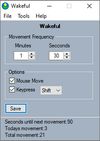
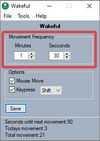
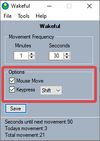
Keeps your computer in an active state. No install required, fully portable and can run from a USB. Completely free for everyone.


NoSleep makes closing of your MacBook lid possible without going to a sleep mode. Now you shouldn't have to plug your mouse and monitor to stay computer awake - just activate it by clicking a menu bar icon or check a tick in the System Preferences and continue downloading...
 Russia


SleepTime is a light-weight app that lives on your menu bar, letting you easily set a timer to put your Mac on sleep automatically after a specified time period you choose.
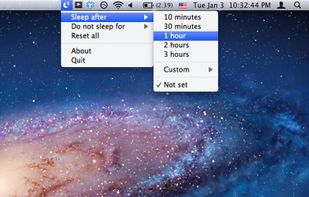
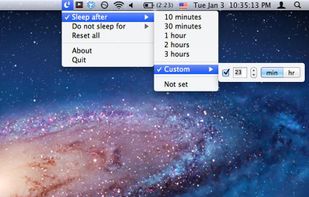
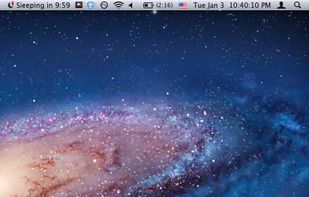

Keep your Mac awake only when needed, with a minimal control surface built for focused workflows.
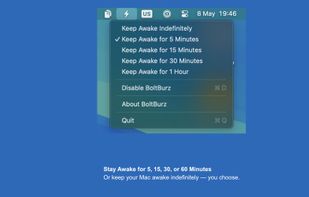
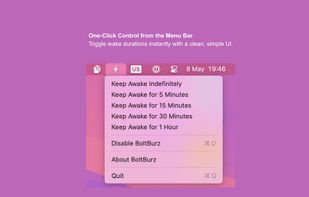
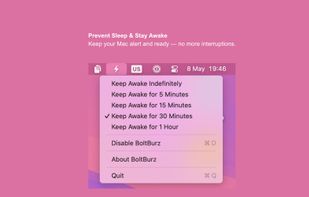
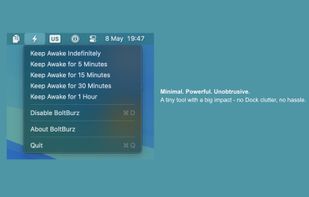


Professional-grade tool that prevents system sleep and idle states with randomized, human-like mouse movements and window rotation.
 India
India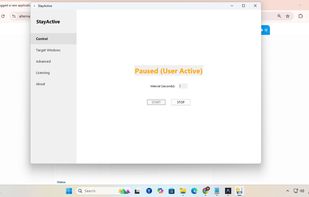


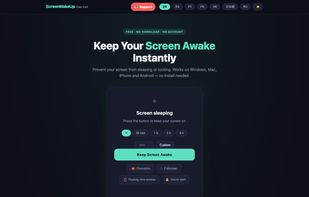
ScreenWakeUp is a free, browser-based tool that keeps your screen from sleeping or locking. It uses the modern Screen Wake Lock API — nothing to install, no admin rights, no account. Open it in any browser on Windows, macOS, Linux, ChromeOS, Android or iPhone and click one...


Close the lid. Keep coding. Hold My Lid keeps your Mac awake while Claude Code, Codex, and your other agents finish the job — lid shut, in your bag.
India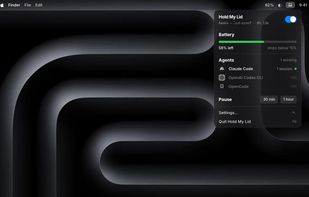


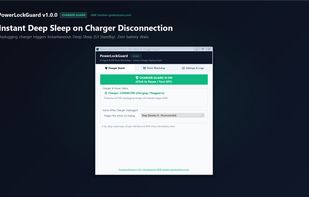
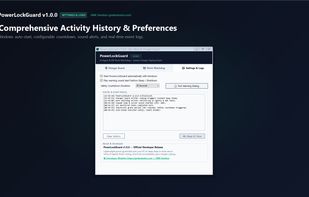
Smart auto-sleep & power management for developers, laptops & AI agents (Claude Code, Cursor, Aider, VS Code). Automatically sleeps or shuts down when coding tasks finish, plus instant deep sleep on charger unplug. Lightweight (~62 KB) & offline. Built by GMK Solution.
 Bangladesh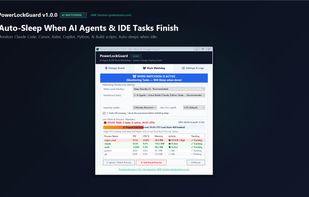



macOS CLI that keeps your Mac awake with the lid closed on battery, so a local Codex, Claude Code, or Cursor session keeps running.
GermanyEU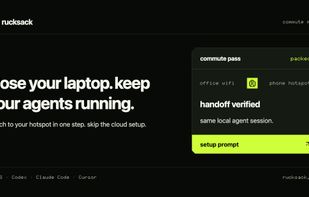


 ItalyEU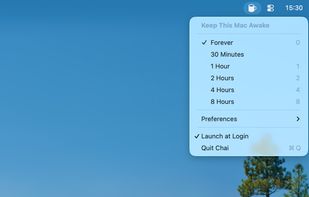


 Canada

