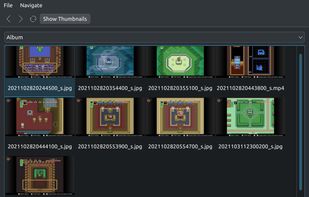
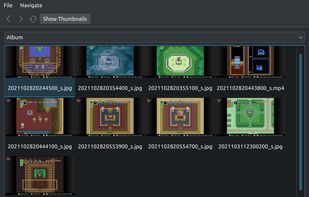
Android File Transfer for Linux — a reliable MTP client with minimalistic UI similar to Android File Transfer.
Cost / License
- Free
- Open Source (LGPL-2.1)
Platforms
- Mac
- Linux
- FreeBSD
- Homebrew
- BSD
 United Kingdom


Android File Transfer has been discontinued. Similar apps include AirDroid, which has a free version. Other options are Feem, iReaShare Android Manager, AirMore and LanXchange. You can choose from more than 10 Phone Managers like Android File Transfer for Mac, Windows, Android, Linux and iPhone.
Android File Transfer for Linux — a reliable MTP client with minimalistic UI similar to Android File Transfer.
United Kingdom
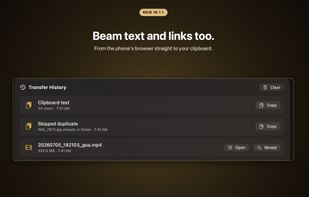
Send files from your phone to a web browser, without uploading to the cloud. Transfer files to your PC, send files to family devices, or share with others with a web link. Full privacy, no limits on file size or type.
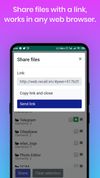
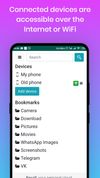
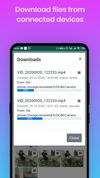

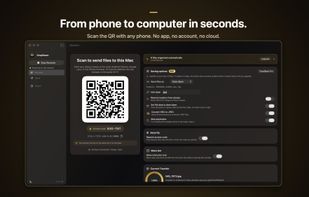
DropBeam runs a small private server on your Mac. Click Start Receiving and it shows a QR code; scanning it with any phone (Android or iPhone) opens an upload page in the phone's browser. Selected files transfer directly over the local network and land in a folder you...
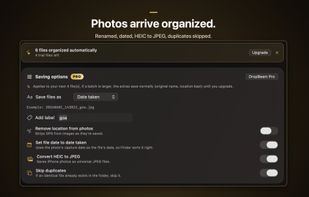
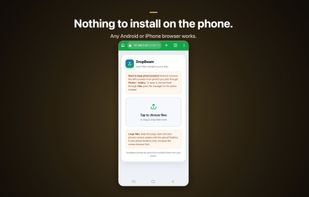



Copy files between a Mac and an Android phone over USB, in the browser. Nothing to install, no files uploaded anywhere. A replacement for Google's discontinued Android File Transfer.
 Switzerland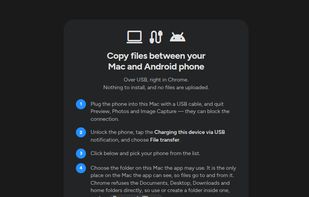

Findroid - Find Android™ files with ease. The native way to manage Android files on Mac.
 China
China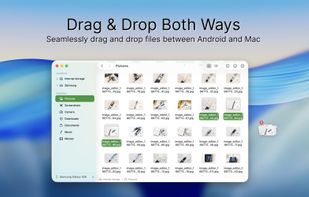
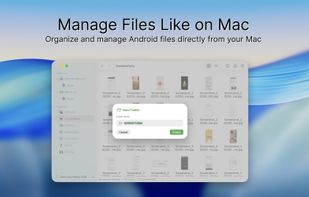
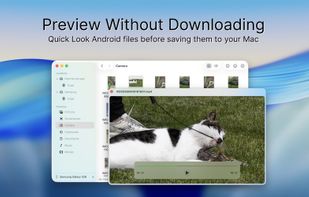
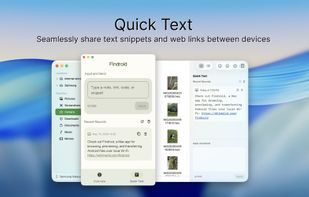

Native macOS app for Android USB/MTP file transfer with built-in conflict detection — no cloud, no account, no Android companion app.
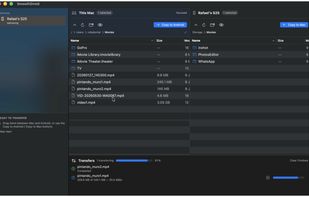
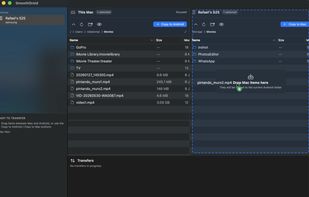
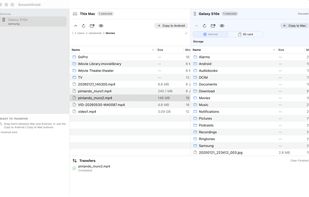


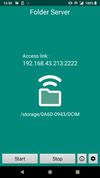
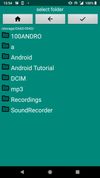
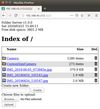


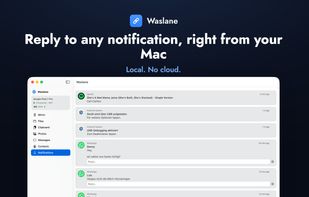
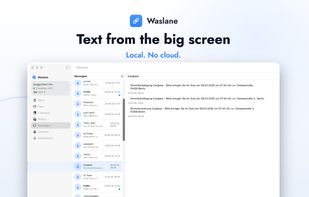
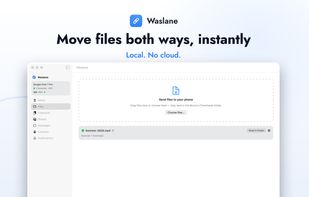
Connects Android phones directly to Macs and iPads over local Wi-Fi, letting users mirror and control the screen, drag files in either direction, read and reply to SMS and app notifications, share a clipboard, and browse photos and contacts without a cloud account.
 Germany
 EU
EU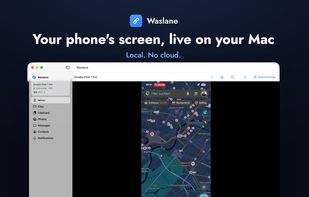


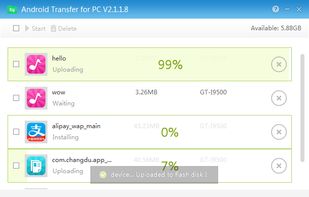
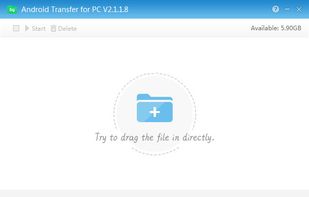
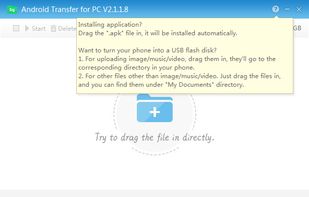
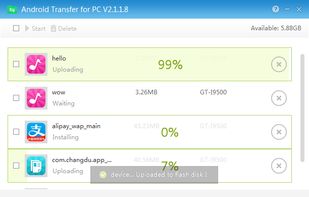
Android Transfer for PC connects your mobile phone to your computer. This utility is quite useful for those who want to keep ther information organized, its use is pretty simple, and the only thing you will need is a USB connection on your PC.